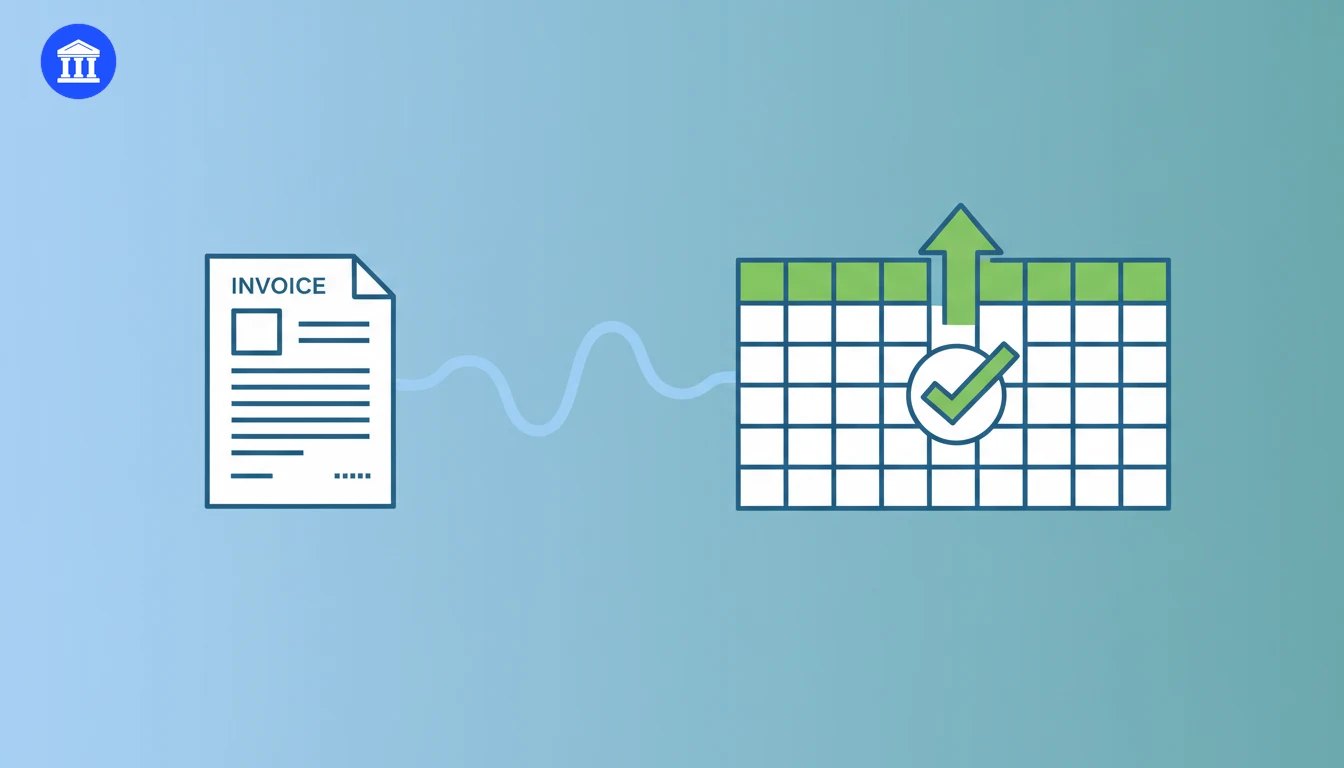
Invoices are the lifeblood of a small business, but they arrive in every format imaginable: paper, PDF, phone photos, email attachments, and supplier portals. The top 5 invoice scanning tools of 2026 solve the same problem in different ways: they read supplier names, dates, line items, tax, and totals automatically so nobody has to retype them into a spreadsheet. In this guide we compare the leading invoice scanning tools across accuracy, integrations, pricing, and ease of use, and we show how a free option like the BankGPT Invoice Scanner fits into a practical bookkeeping workflow. Whether you run a one-person shop or a growing finance team, one of these tools will match the way you work.
Why Invoice Scanning Tools Matter in 2026
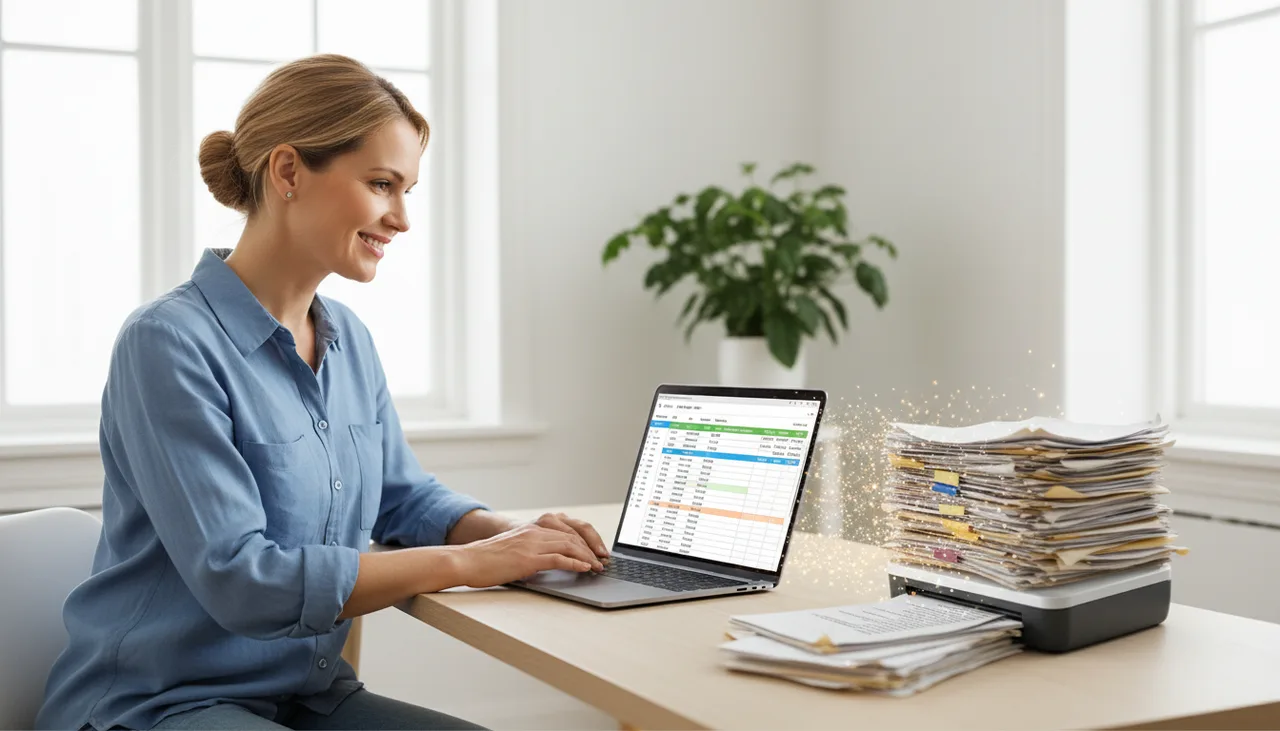
Manual invoice entry looks harmless at one document, but it does not scale. Every invoice requires someone to find the right fields, type them in, fix formatting, and double-check the copy. Repeat that across dozens of vendors and the cost multiplies fast.
Industry research cited by accounts payable software providers estimates that invoice processing errors can cost a business up to 5% of its revenue. Tax time adds more pressure: in a QuickBooks survey, business owners were about twice as likely to worry about underpaying taxes (23%) as overpaying them (12%), a gap that good records help close.
A modern invoice scanning tool changes the economics:
- Faster processing. Structured data is extracted in seconds or minutes instead of hours of typing.
- Fewer errors. AI extraction with a human review step catches mistakes before they reach your books.
- Audit-ready records. Digital copies stay attached to the extracted data for tax time and audits.
- Clean output. Results export to Excel, CSV, JSON, or Xero-ready formats for the next system.
The point is not to replace financial judgment. It is to remove the repetitive, error-prone part of data entry so people can focus on exceptions, approvals, and decisions.

How We Ranked the Top 5 Invoice Scanning Tools
We evaluated the top 5 invoice scanning tools for small business owners, bookkeepers, and finance teams using four criteria borrowed from the best buying guides in the category: OCR accuracy, software integrations, pricing, and ease of use.
- OCR accuracy — how reliably the tool reads clean and messy invoices.
- Integrations — connections to accounting platforms such as QuickBooks, Xero, and Sage.
- Pricing — free tiers, per-document rates, and monthly plans that fit different volumes.
- Ease of use — whether a non-technical owner can go from upload to usable data without help.
We also looked specifically for tools that export to Excel, because that is the format most small businesses actually hand to their accountant.
The Top 5 Invoice Scanning Tools at a Glance
| Tool | Best For | Pricing | Excel Export |
|---|---|---|---|
| BankGPT Invoice Scanner | Free PDF and image scanning with no sign-up | Free | Yes |
| QuickBooks Online | Accounting integration in one platform | From about $30 per month | Yes |
| Dext | Accuracy and accountant collaboration | From about $24 per month | Via accounting software |
| Veryfi | Developers and high-volume OCR | Free tier plus per-document pricing | Yes |
| Docsumo | Scalable document workflows and validation | Free tier, paid from about $299 per month | Yes |
The Top 5 Invoice Scanning Tools for 2026
1. BankGPT Invoice Scanner — Best Free Invoice Scanning Tool
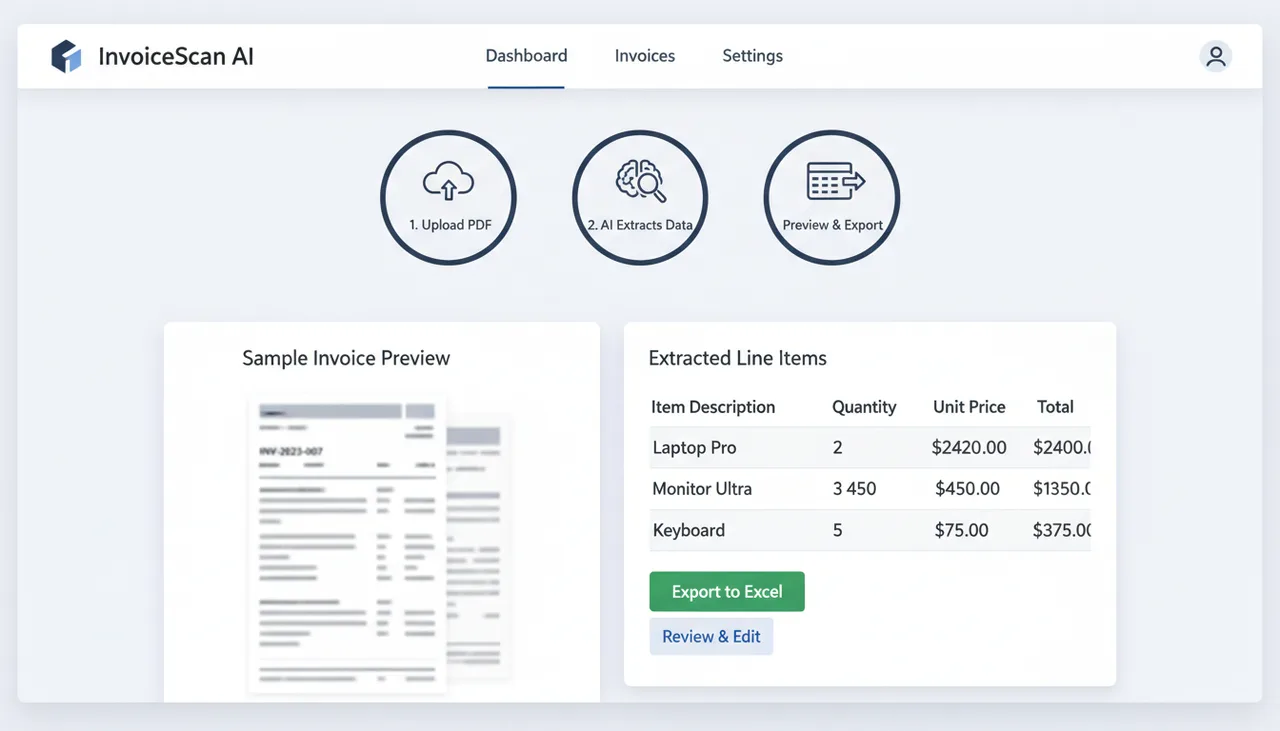
The BankGPT Invoice Scanner is built for the most common small business need: turn an invoice PDF or photo into editable spreadsheet data, free, with no sign-up and no software to install. Upload the file, and the AI extracts line items, totals, dates, and supplier details into an online Excel-style table that you can review and correct before exporting as XLSX, CSV, JSON, or a Xero-ready file.
Best feature: a genuinely free invoice scanner that gets you from PDF to Excel in minutes, with no credit card and no account creation.
If you already use BankGPT for receipts or bank statement conversion, the invoice scanner fits the same workflow, and you can check the receipt scanner guide when your documents are receipts rather than invoices.
2. QuickBooks Online — Best for Accounting Integration
QuickBooks Online is the accounting platform millions of small businesses already use, and its mobile app doubles as a capable invoice scanner. Snap a photo of an invoice or receipt and the app runs OCR, auto-categorizes the expense, and attaches the image to the transaction. Because the scanned data lands directly in your books, there is no export step at all.
Best feature: scanning feeds straight into QuickBooks, so reconciliation and tax preparation start from a single source of truth.
QuickBooks is the obvious pick if you already run your accounting there. Plans start at around $30 per month, and the scanning capability is included rather than sold separately.
3. Dext — Best for Accuracy and Accountant Collaboration
Dext, formerly Receipt Bank, is the invoice scanning tool many accountants and bookkeepers recommend to their clients. Dext claims 99.9% extraction accuracy, captures documents by mobile app, email, or drag-and-drop, and publishes the data straight into Xero, QuickBooks Online, and Sage. Its Direct Fetch feature pulls invoices automatically from more than 11,000 suppliers, so you stop chasing paper bills.
Best feature: Direct Fetch, which brings supplier invoices into your workflow automatically and keeps the audit trail complete.
Dext is priced for serious users, with business plans starting around $24 per month when billed annually. It shines for firms managing multiple clients and businesses processing steady invoice volume, but it pairs with separate accounting software rather than replacing it.
4. Veryfi — Best for Developers and High-Volume OCR
Veryfi is an API-first invoice scanning platform built for developers and teams processing large volumes of documents. Its OCR extracts 150-plus fields in about three to five seconds, and it offers a free tier of 100 documents per month plus per-document pricing, with invoices at about 16 cents each on paid plans. The platform is SOC 2, GDPR, and HIPAA compliant, which matters for regulated industries.
Best feature: speed and flexibility. The free tier is real, and the API lets you embed scanning into your own product or workflow.
Veryfi is overkill for a freelancer scanning five invoices a month, but it is a strong choice for software teams, expense apps, and high-volume operations that want scanning as infrastructure.
5. Docsumo — Best for Scalable Document Workflows
Docsumo offers pre-trained AI models for invoices, receipts, bank statements, and other financial documents, plus validation rules and confidence scoring that flag uncertain values for review. It integrates with QuickBooks, Xero, and SAP through its API, and it has a free tier of about 100 pages per month with paid plans starting near $299 per month.
Best feature: validation and confidence scoring, which gives finance teams a review layer on top of raw OCR output.
Docsumo suits small and mid-size finance teams that process invoices across multiple vendors and want clean data flowing into an ERP or accounting system without building extraction models themselves.
How to Choose the Best Invoice Scanning Tool for Your Business
The right invoice scanning tool depends on volume, budget, and where the data needs to go next. Work through this checklist before you buy:
- Count your documents. Under a few dozen invoices a month, a free scanner is usually enough. High volume justifies a paid tool.
- Decide the output. If you hand data to an accountant, Excel, CSV, or Xero export matters more than any other feature.
- Check integrations. Accounting software connections save hours, but only if you already use that platform.
- Set a budget. Free tiers, per-document pricing, and monthly plans suit different cash flows.
- Review accuracy needs. Critical financial data deserves a tool with a human review step and confidence scoring.
- Ask about privacy. Confirm where documents are stored and whether the vendor handles sensitive financial data securely.
How to Use an Invoice Scanner: A Step-by-Step Guide
Getting Started with the BankGPT Invoice Scanner
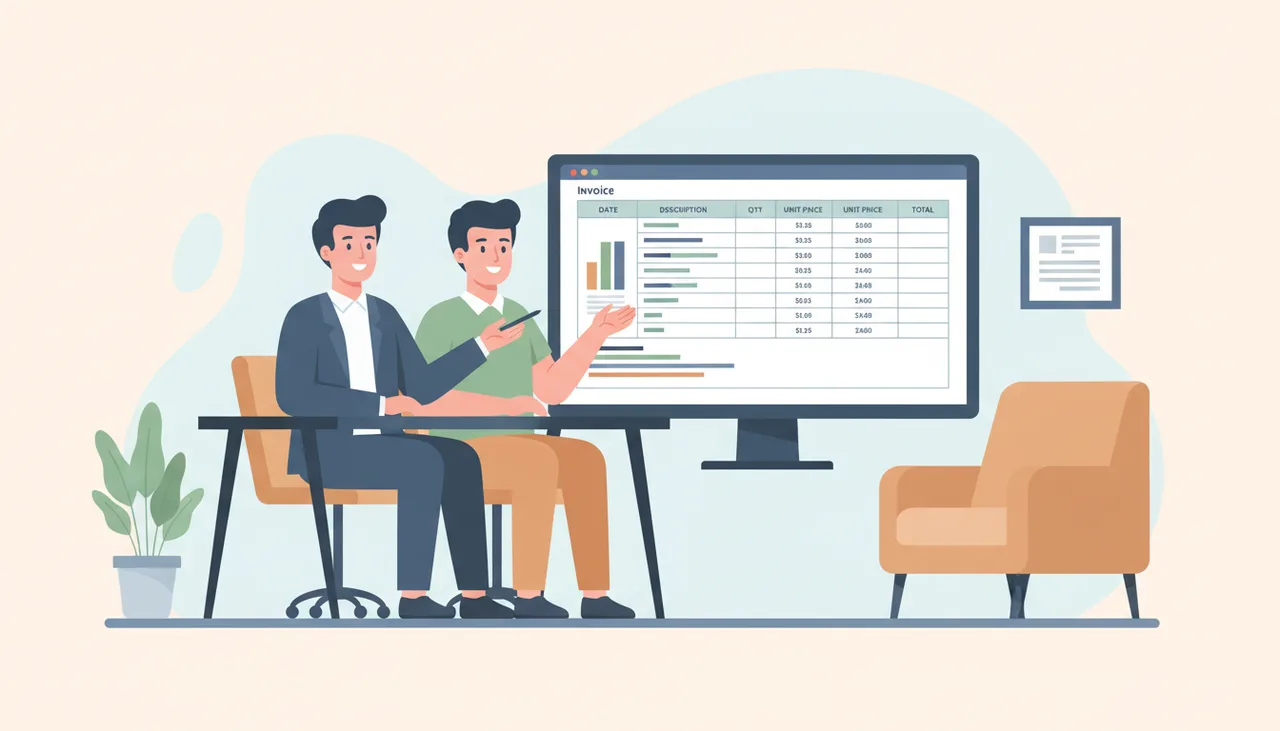
The fastest way to test any invoice scanning tool is to run it on a real invoice. With the BankGPT Invoice Scanner, the workflow takes about a minute:
- Open the tool in your browser. There is no sign-up step.
- Upload an invoice PDF or a clear photo of the paper invoice.
- Review the extracted table. Check supplier, date, line items, tax, and total against the original.
- Correct any fields that need editing, then export to XLSX, CSV, JSON, or a Xero-ready file.
The same pattern applies to most tools in this list: upload, review, and export. The difference is how much review the tool builds in and where the output goes.
Best Practices for Accurate Invoice Scanning
Extraction quality starts with the source document. A few habits keep accuracy high:
- Scan or photograph in good light with the full invoice in frame, no shadows or folds across the text.
- Use clear files. Blurred scans and cut-off tables produce missing fields no AI can recover.
- Verify totals before they reach your books. Compare the extracted total and tax against the original invoice.
- Keep the original. Store the PDF or photo alongside the extracted data for audits and disputes.
- Capture promptly. Processing invoices as they arrive beats a month-end pile-up of faded receipts.
Frequently Asked Questions
Are invoice scanning tools accurate?
Modern AI-powered invoice scanning tools are highly accurate on clean, well-formatted documents, with providers such as Dext and Veryfi claiming 99% or higher extraction accuracy. Accuracy still depends on the quality of the source, so a good tool includes a review step where you can correct fields before the data reaches your accounting software.
Is there a free invoice scanning tool?
Yes. The BankGPT Invoice Scanner is free and requires no sign-up: upload an invoice, review the extracted data, and export it to Excel or another format. Veryfi and Docsumo also offer free tiers with monthly document limits.
What is the best invoice scanning tool for small business?
For most small businesses, the best invoice scanning tool is one that matches their volume and their accounting stack. A free tool like the BankGPT Invoice Scanner is the right starting point for light volume and Excel-based bookkeeping, while QuickBooks Online suits businesses already on QuickBooks and Dext suits those working with an accountant.
Can invoice scanning tools export to Excel?
Yes, most can. The BankGPT Invoice Scanner exports to XLSX, CSV, JSON, and Xero-ready formats. Veryfi and Docsumo provide structured data through their APIs and dashboards that can be exported or pushed to spreadsheets and accounting systems.
Are invoice scanning tools safe to use?
Reputable tools treat financial documents as sensitive data. Veryfi is SOC 2, GDPR, and HIPAA compliant, and Docsumo holds similar certifications. When evaluating any invoice scanner, check its privacy policy, data retention, and whether you are comfortable with a cloud-based or on-premises option.
Pick the Right Invoice Scanner and Move On
Manual invoice entry is one of the quietest productivity leaks in a small business, and it is entirely avoidable. The top 5 invoice scanning tools reviewed here all eliminate the typing, but they differ in price, integrations, and the amount of review they build in. For most owners, the smartest first move is a free test on a real invoice: upload a file to the BankGPT Invoice Scanner, confirm the extracted line items match the original, and export the result to Excel. If the workflow saves you an hour a week, the right tool pays for itself.
For deeper context on how automated extraction works and how to turn scanned documents into line-item data, see our guides on extracting data from invoices and the AI invoice scanner process.
Jordan Lee is a small business owner and independent reviewer of banking and FinTech tools. He writes practical, no-jargon guides to help founders spend less time on paperwork and more time growing their ventures.