
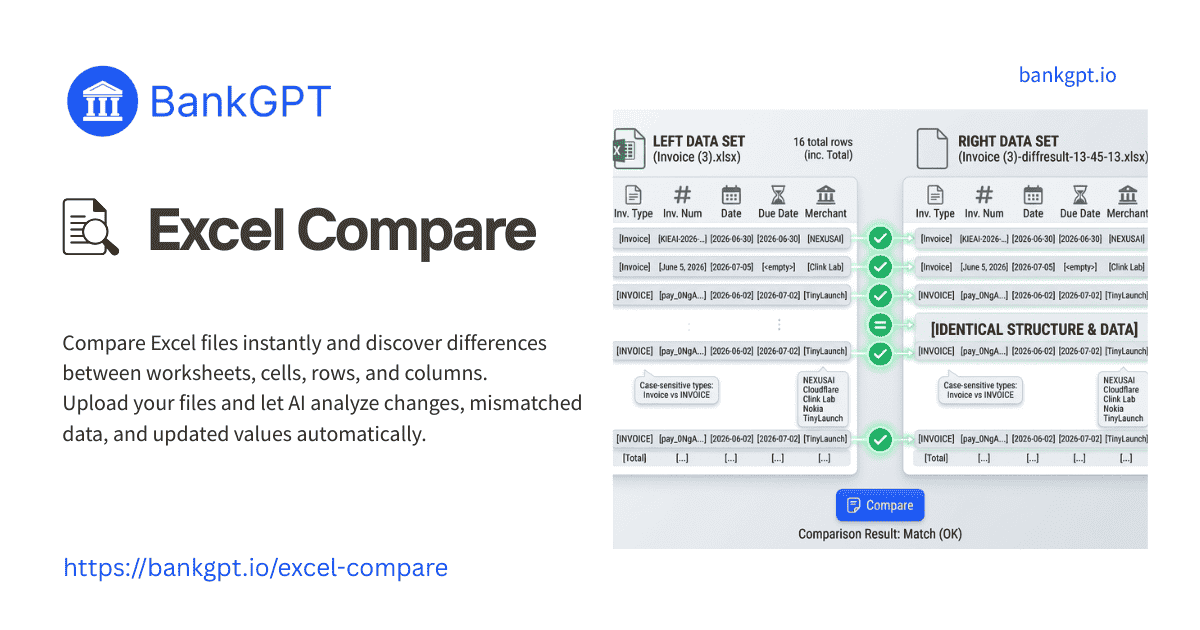
Compare Excel files in seconds and discover differences between worksheets, cells, rows, and columns. Upload your files and let AI analyze changes, mismatched data, and updated values automatically.
 99.9% Accuracy
 200+ Languages
 Unlimited Count
 Multi Files
 Private and Secure
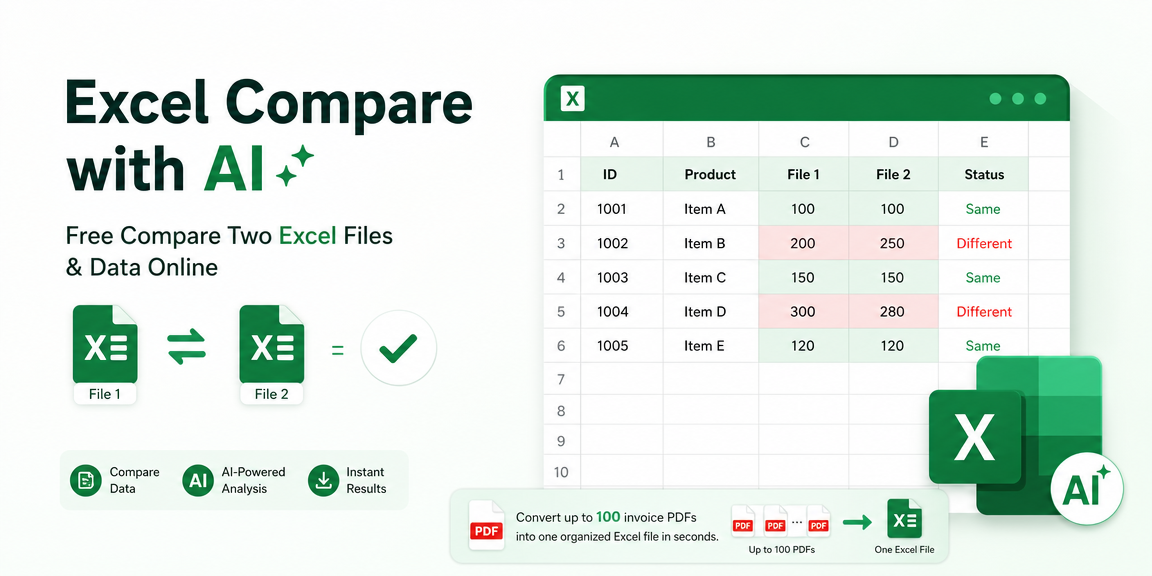
Excel Compare with AI: Free Compare Two Excel Files & Data Online
Compare two Excel files or other spreadsheets online and find differences in seconds. Detect changed cells, rows, columns, and formulas with AI-powered Excel comparison. No installation required.
What is Excel Compare?
Excel Compare is a free web tool that helps you spot exact matches and differences between two .xlsx or .xls files. It simplifies sheet checking, highlighting merged cells and changed rows in seconds.
Why Choose BankGPT's Excel Compare?
BankGPT's Excel Compare combines privacy, speed, and precision in one browser-based workflow. It helps teams compare spreadsheets locally, filter repeated mismatches, process large workbooks, map custom columns, and export clean results without paying for desktop software or sharing sensitive data.
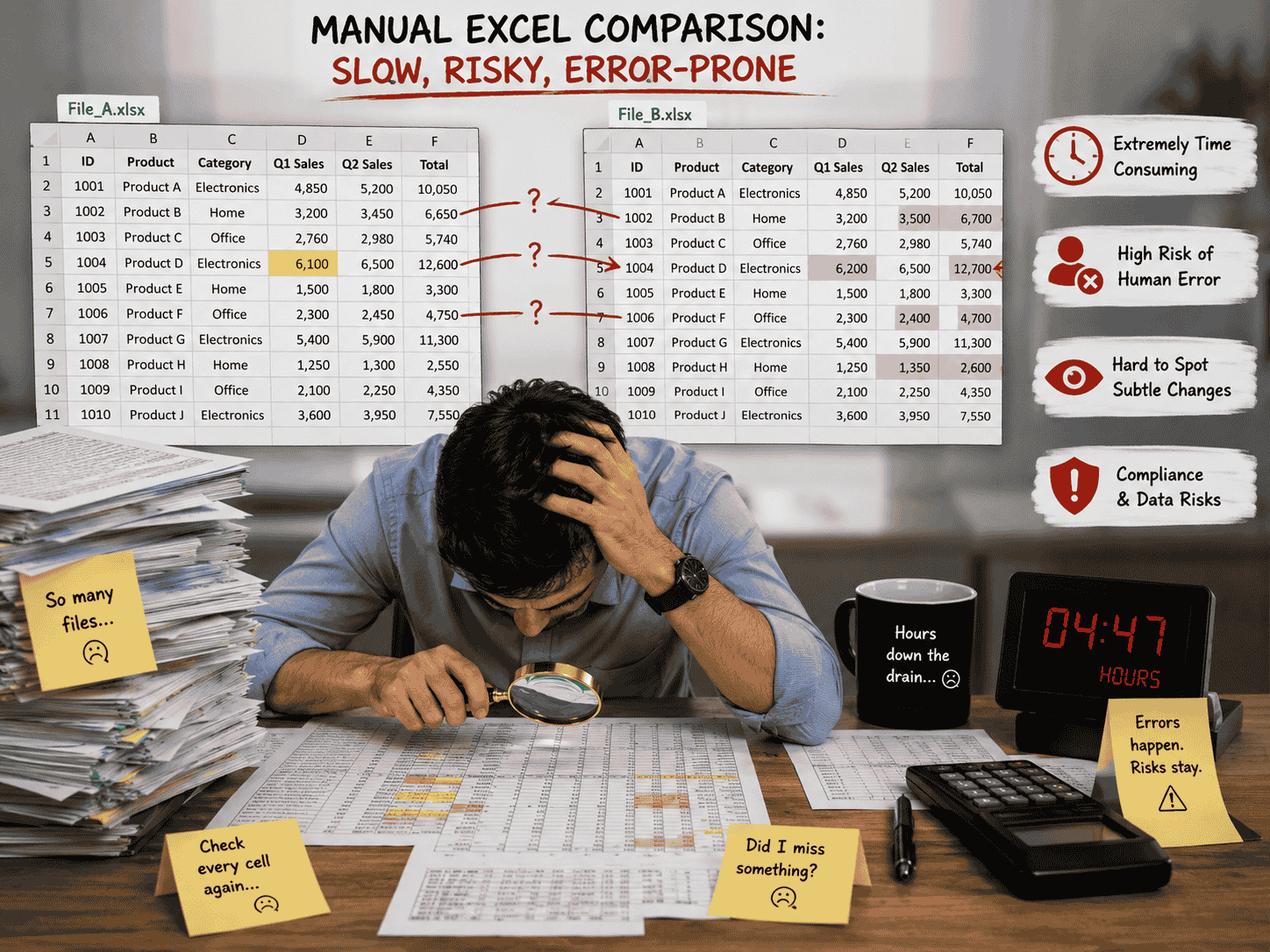
Tired of Comparing Excel Data by Hand?
Checking large .xlsx documents cell by cell takes hours and leads to human error. Manual cross-referencing often misses subtle value edits, creating compliance risks and slowing down your daily work.
What Makes BankGPT Excel Compare Stand Out?
These features make Excel comparison faster, safer, and easier for daily spreadsheet review and data cleanup.
Local Browser Analysis
Your file data stays entirely inside your web browser. No .xlsx or .xls sheets are ever uploaded to cloud servers, ensuring total privacy for confidential business reports.
Repeatable Filtering
Eliminate mistakes in seconds. Run multiple rounds of comparisons to match identical rows, filter out differences, and clean up complex datasets without losing precision.
High-Speed Processing for Large Files
Handle big spreadsheets with less manual work. Engine optimizations let you process massive .xlsx files quickly, saving hours of visual double-checking during daily auditing.
Batch Processing for Massive Datasets
Process large workbooks and multiple sheets simultaneously. The automated engine handles high volumes of records rapidly, helping you organize bulk data without lagging.
Flexible Parameter Mapping Controls
Customize your comparison settings with less manual work. Map key primary columns across different layouts to find identical rows or isolate updated cell values accurately.
Free Online Solution
Access professional spreadsheet comparison features online at zero cost. No subscriptions, software installations, or account registration needed.
How to Use BankGPT's Excel Compare?

Step 1: Upload Your Excel Spreadsheets
Drag and drop your target .xlsx or .xls files into the left and right dropzones on the tool interface.

Step 2: Configure Comparison Rules
Click the "Compare" button to map key columns, select match criteria, and choose to highlight or remove differences.

Step 3: Review Results and Export
View side-by-side matches in seconds and download your cleaned, fully updated Excel file with a single click.
The Kinds of Problems BankGPT Excel Compare Solves
Financial Reconciliation
Compare vendor exports, audit workbooks, and monthly close spreadsheets to catch changed values quickly before they affect reports.
Data Quality Cleanup
Find mismatched rows, missing entries, and updated cells across large datasets so analysts can clean records faster and with more confidence.
Spreadsheet Version Review
Check two versions of the same worksheet side by side to confirm which rows, columns, and values changed before sharing the final file.
Start Using BankGPT's Excel Compare Free
Compare two Excel spreadsheets locally in seconds with complete privacy and zero cost. Boost your workflow precision today!
Start NowWhat Users Say About BankGPT's Excel Compare

"I use this tool daily to compare two Excel files from different finance vendors. The ability to run local analysis directly inside my browser keeps all corporate numbers secure while pinpointing mismatched row items in seconds. It saves me hours of visual scanning."

"Finding a free Excel Compare solution that works on large .xlsx sheets without uploading them to an unknown cloud was difficult. BankGPT solves this issue completely with quick, accurate cell mapping every time."

"The option to execute repeated comparison steps on the same dataset helps me clean up missing entries with less manual work. This online Excel Compare platform is reliable, fast, and remarkably simple to master."

"Accuracy is paramount in corporate accounting. Using this online Excel Compare utility ensures consistent calculations when finding updated values across complex multi-tab sheets. Highly recommended for busy teams."

"Processing large spreadsheets used to freeze my browser, but this Excel Compare page handles dense .xlsx files smoothly. It isolates differences quickly so I can export cleaned files right away."

"I appreciate that this Excel Compare utility is totally free and respects user privacy. I can check critical .xls files without creating an account or paying for heavy desktop programs."
BankGPT's Excel Compare FAQs
Everything you need to know about comparing two Excel files online.