
Turn any document into an editable spreadsheet in seconds. Drop your file, let the engine read the tables, and download a clean XLSX—free and online.




Files processed and Auto-delete
Intelligent extraction powered by AI
Convert statements with minimal waiting
Trusted by financial professionals worldwide
Precise extraction of transaction details
AI PDF to Excel Converter – Free Online, No Sign-Up
Convert PDF files into editable Excel spreadsheets with AI. Extract tables, invoices, receipts, and bank statements accurately using advanced OCR. Free online, fast, secure, and no sign-up required.
What is AI PDF to Excel Converter?
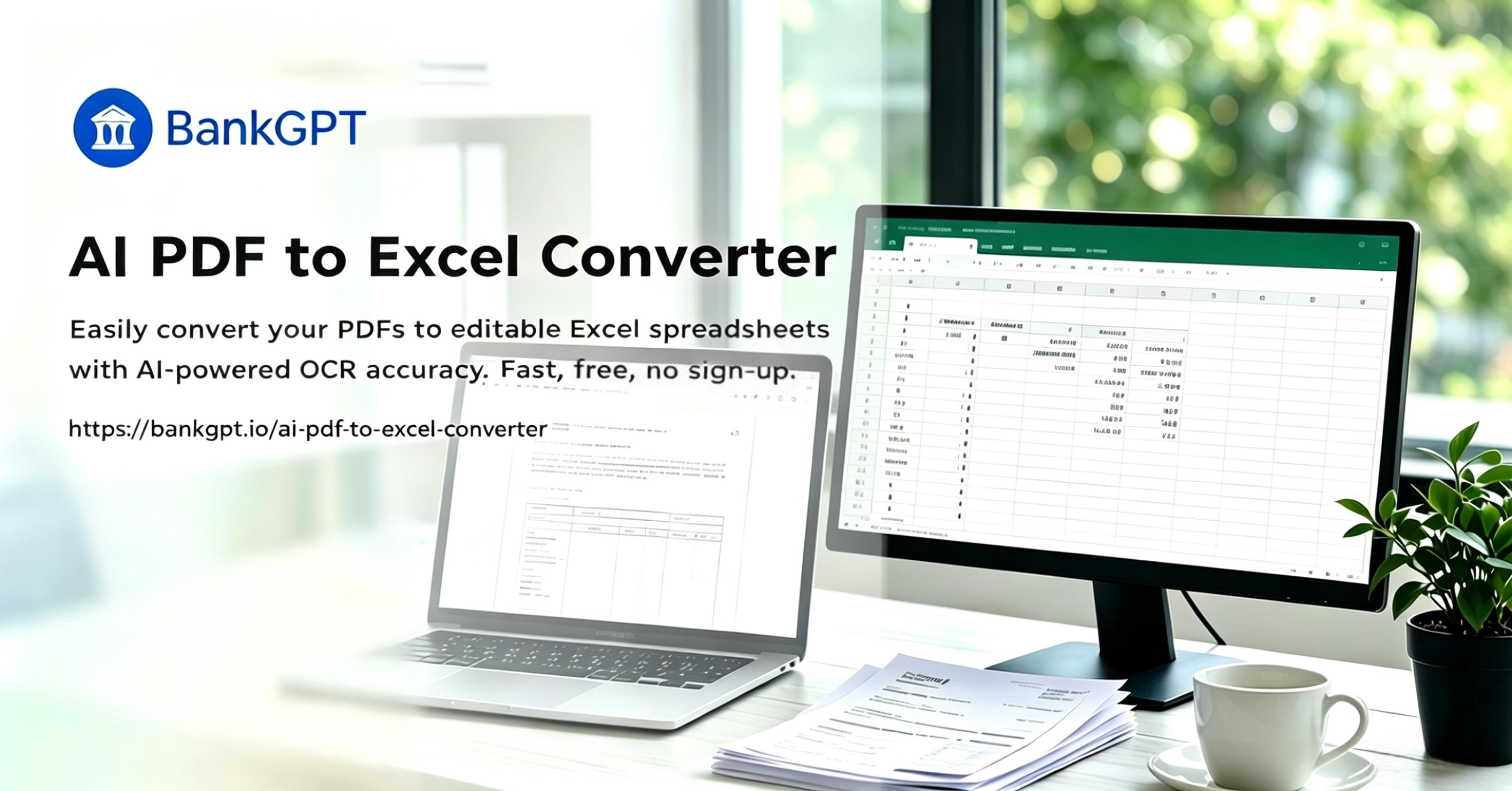
AI PDF to Excel Converter is the process of turning a fixed document into an editable spreadsheet using smart recognition. Our converter reads tables, rows, and numbers, then exports a clean XLSX you can edit. Instead of retyping data by hand, you get a working file in one click and reuse the information in seconds in any calculation or dashboard without losing structure.
Why Choose BankGPT's AI PDF to Excel Converter?
This tool saves hours you would waste copying figures. The AI engine keeps your original layout, so columns stay aligned after the change. It works online with no install, handles batch files, and uses smart detection plus OCR to place each value in the right cell. Free, fast, and accurate—our AI PDF to Excel Converter alternative makes the task simple for everyday data work.

Tired of Retyping PDF Tables by Hand?
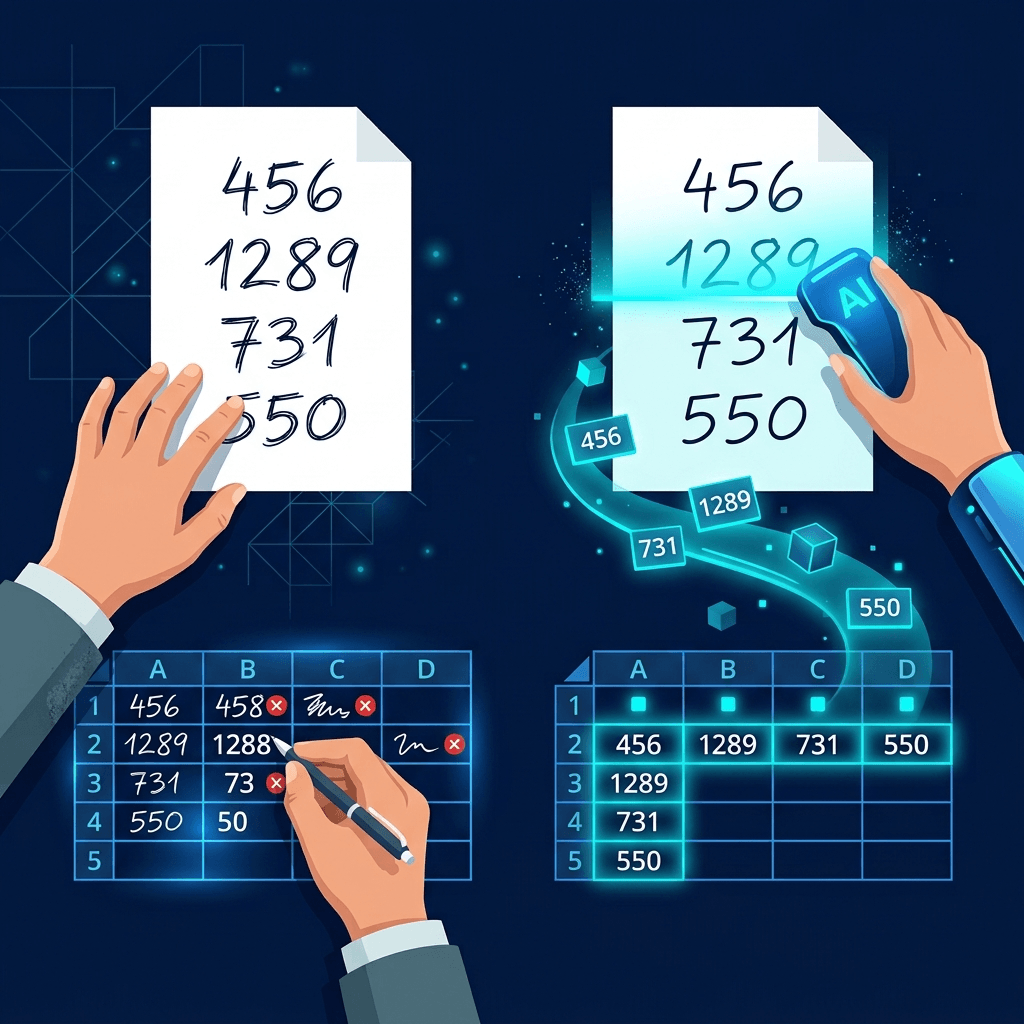
Manually moving numbers from a document into a spreadsheet is slow and error-prone. One misplaced digit breaks your totals. Many users struggle because bank statements, invoices, and reports arrive as locked files—or scans with no text at all. Rebuilding those tables wastes entire afternoons. Our AI converter ends that struggle—it applies OCR to scans and extracts every row, so you spend time analyzing data instead of retyping it.
What Makes Our AI PDF to Excel Converter Stand Out?
Four reasons users pick this converter over manual work or weaker tools that mangle your layout.
AI Table Detection
The engine scans your document and finds rows, columns, and merged cells automatically. You finish the job without mapping fields yourself.
OCR for Scanned Files
Photos of receipts or printed reports become editable grids. The built-in recognition reads scanned pages into tidy tables.
Formatting Preserved
Numbers, dates, and currency keep their format. After the change, formulas and layouts remain intact for reuse in your model.
Batch Conversion
Drop several files together. The tool processes them in bulk, saving hours on large document sets and month-end reporting.
No Sign-Up Required
The converter runs entirely online. You can use it from any device without creating an account or installing software.
Free and Fast
Convert PDF to Excel in seconds. The free tier covers everyday single-file jobs, while heavier batch and recognition volume is available through an optional plan.
How to Use AI PDF to Excel Converter?
Upload Your File
Drag your document into the box or browse. The tool accepts native and scanned files up to 50MB.
Let It Convert
Our engine detects tables and reads text. Watch the live preview as the tool prepares your spreadsheet.

Download XLSX
Save the finished file. Open it in Excel or Google Sheets and start editing your freshly built data.
Start Converting PDF to Excel with AI Free
Join thousands who skip manual data entry. Upload a file and see your document become an editable sheet in seconds—no sign-up required.
Convert NowThe Kinds of Problems AI PDF to Excel Converter Solves
Bank & Card Reconciliation
Turn locked statements into sortable rows to match transactions and build pivot tables fast.
Invoice & Expense Extraction
Pull line items from supplier invoices into your accounting sheet without retyping each field.
Survey & Research Data
Move scanned results into a grid for filtering, charts, and statistical analysis in minutes.
Inventory & Price Lists
Rebuild supplier catalogs from documents into a file ready for Shopify or ERP bulk import.
Financial & Tax Reports
Convert quarterly PDFs into editable sheets for modeling, forecasting, and tax prep.
Academic & Government Forms
Extract tables from research papers, census data, and public records for analysis or citation.
What Users Say About Our AI PDF to Excel Converter

"I used to spend hours fixing columns manually. This AI converter is automation. It recognized my weirdly spaced invoice data immediately and turned a 40-page file into a clean sheet I could sort the same afternoon."

"Most free tools mangle tables. This one kept every number exactly where it belonged. I batch processed a whole quarter of bank statements and the totals matched reliably—a huge time saver for month-end close."

"I am not tech-savvy, but I needed to build a dataset for my thesis. The interface was self-explanatory, and the recognition even read my scanned survey pages into a tidy spreadsheet without any help. A real win for PDF to Excel work."

"Copy-pasting was a nightmare until I found this. The live preview lets me fix alignment before downloading, so I no longer rebuild tables from scratch. It simply works on messy supplier price lists."

"As a marketer I get weekly report files. Using this PDF to Excel tool, I extract the tables into a sheet and build charts in minutes. No install means it runs on my locked work laptop through the browser."
"Our team processes hundreds of scanned invoices. The batch feature with recognition handled them overnight. Formatting stayed intact, which saved my analysts from painful cleanup the next morning."
AI PDF to Excel Converter FAQs
Everything you need to know about converting PDF to Excel spreadsheets.