
Transform JPG, PNG, and JPEG images into editable Excel sheets and Markdown tables in seconds




Files processed and Auto-delete
Intelligent extraction powered by AI
Convert statements with minimal waiting
Trusted by financial professionals worldwide
Precise extraction of transaction details
AI Image to Excel Converter: Free Edit & Download online
Free AI Image to Excel Converter. Turn JPG/PNG into editable Excel or Markdown with formatting. Preview, edit & compare data online before downloading.
What is AI Image to Excel Converter ?
The AI Image to Excel Converter is a next-generation optical character recognition (OCR) tool powered by machine learning algorithms. Unlike traditional OCR tools that simply extract raw text, this solution understands document structure. It analyzes rows, columns, and headers in your images to reconstruct them reliably into digital spreadsheets. Whether you need to digitize financial invoices, convert academic tables, or turn UI screenshots into Markdown for documentation, our AI Image to Excel Converter bridges the gap between static images and dynamic, actionable data.
Key Features of AI Image to Excel Converter
Precision Formatting Retention
Don't lose your layout. Our AI Image to Excel Converter is trained to recognize complex table structures, merged cells, and borders. It ensures that the Excel file you download looks exactly like the original image.
Online Data Editor & Comparison
Accuracy matters. We provide a unique split-screen interface where you can view your original image alongside the extracted data to edit text and adjust rows directly.
Dual Output: Excel & Markdown
Catering to both business and technical users. While it excels as a standard Excel converter, it also offers one-click conversion to Markdown tables for developers.
Batch Processing Capabilities
Have a folder full of invoices? The AI Image to Excel Converter supports high-speed processing, allowing you to convert multiple images quickly and efficiently.
Multi-Format Image Support
Our engine accepts JPG, JPEG, PNG, and BMP formats, ensuring that the converter works with whatever assets you have on hand, from scans to screenshots.
Secure & Private Processing
Your data security is our priority. All files are processed via encrypted connections and are automatically deleted from our servers after a short period.
Why Choose AI Image to Excel Converter ?
Eliminate Manual Data Entry
Manual typing is slow and error-prone. Automate the most tedious part of data management and focus on analysis.
Superior AI Accuracy
Our specialized models are specifically trained on tabular data, delivering significantly higher accuracy for numbers and special characters.
No Software Installation Required
Access automated conversion tools from any browser on Windows, Mac, or Linux without downloading heavy software.
Edit Before You Download
We offer an interactive preview mode, giving you total control over the output quality before you save the file.
AI-Ready Markdown Output
Easily feed structured data into LLMs like ChatGPT or Claude by generating clean Markdown tables.
Free for Repeated Use
We offer a generous free tier allowing for multiple conversions, ideal for students, freelancers, and small businesses.
How to Use AI Image to Excel Converter

Step 1: Upload Your Image
Drag and drop your JPG, PNG, or screenshot directly into the upload area. The AI will immediately begin analyzing the visual structure.
Step 2: Preview and Edit Online
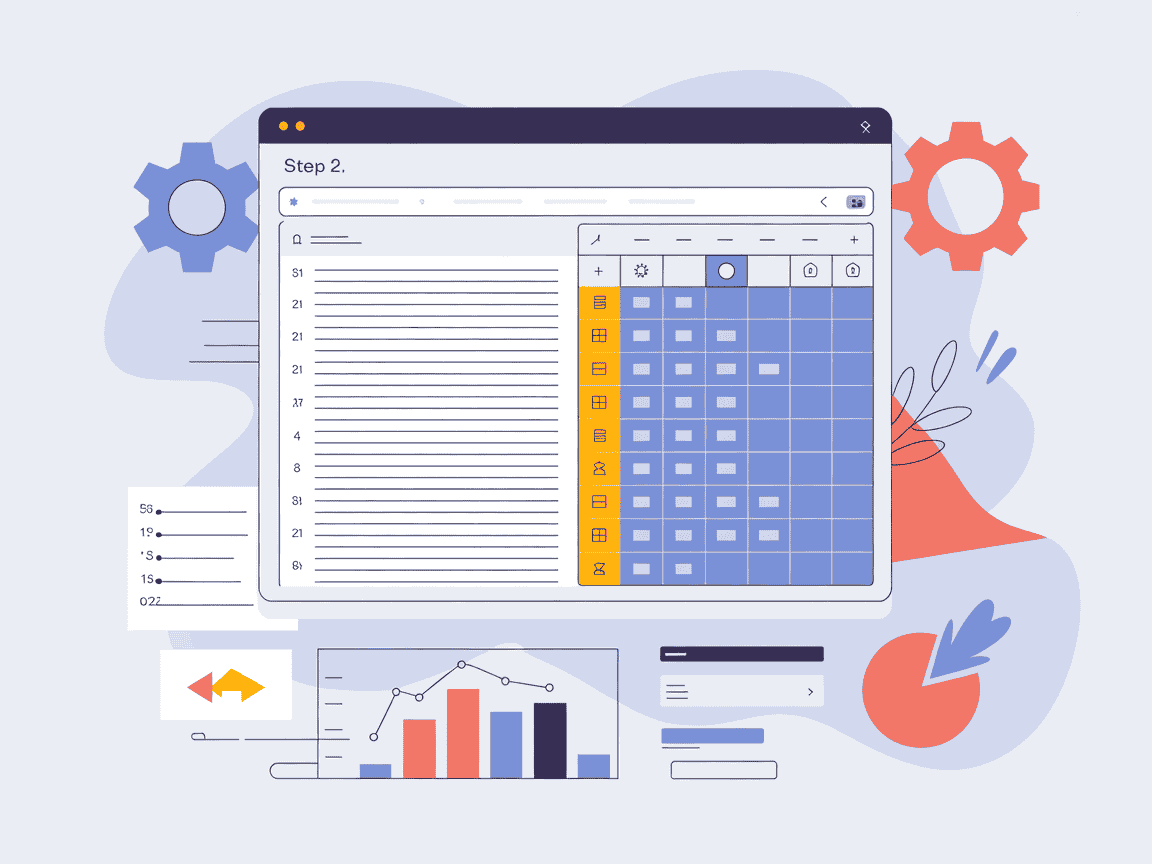
Once processed, your data appears in our interactive editor. Compare the extracted text against the original and correct any typos directly.
Step 3: Export to Excel or Markdown
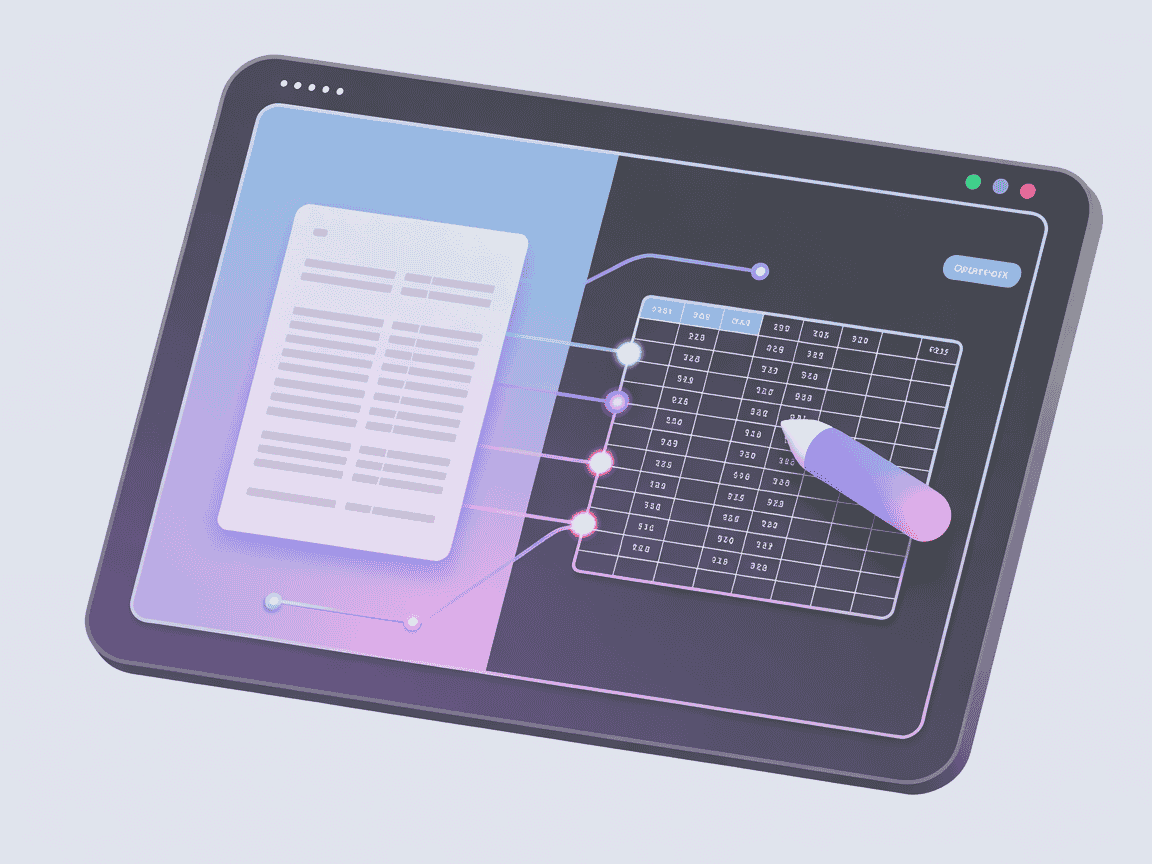
Satisfied with the result? Click the download button to save as an editable .xlsx file or copy the Markdown code for immediate use.
Use Cases of AI Image to Excel Converter
Financial Audits & Accounting
Accountants can quickly digitize paper receipts, bank statements, and tax forms into spreadsheets for easier calculation.
E-commerce Inventory Management
Import product data from supplier screenshots directly into inventory systems without manual typing.
Academic Data Scraping
Researchers can extract data tables from PDF papers or historical scans to facilitate transition to data analysis tools.
Developer Documentation
Turn UI table mockups into Markdown code that can be pasted directly into README files or Notion.
LLM Prompt Engineering
Turn an image into a clean Markdown table that ChatGPT or Claude can easily read and analyze.
Legacy Data Migration
Accelerate digital transformation by converting physical printed archives into searchable, structural databases.
User Reviews of AI Image to Excel Converter

"I deal with dozens of financial screenshots daily. This is the only tool I found that actually keeps the column alignment correct."

"As a developer, I hated typing out tables for documentation. This exports to Markdown reliably. Essential part of my dev workflow."

"I had to analyze data from 50 scanned book pages for my thesis. This did in minutes what would have taken me weeks!"

"We receive supplier price lists as photos. This helps us update our POS system in seconds. Incredibly easy to use."

"I've used paid tools before, but this free converter is surprisingly more accurate with complex tables. Game changer."

"I use this to snap pictures of meeting handouts and turn them into neat tables in my Notion notebook. Love it!"
Welcome to AI Image to Excel Converter
Our AI Image to Excel Converter is designed to simplify your workflow by transforming static images into dynamic, editable spreadsheets and Markdown. Experience the power of AI-driven accuracy today.
Start AI Image to Excel ConverterFAQs about AI Image to Excel Converter
Frequently asked questions about our image to data conversion technology.