
Convert up to 100 invoice PDFs into one organized Excel file in seconds. Extract invoice data with AI, batch process multiple files, and export clean, editable spreadsheets—free and no sign-up required.
- 1Upload statements
- 2Review data
- 3Merge & export
Supports pdf, doc, docx, xls, xlsx, csv, txt, png, jpg, jpeg, webp, or one zip package.
documents up to 20 files (20MB each) · one ZIP up to 50MB
Upload scans, images, and digital statements
Switch between Markdown, JSON, and Table
Align fields and export a single Excel file
Invoice to Excel Converter with AI: Free Online, No Sign-up
Convert up to 100 invoice PDFs into a single Excel spreadsheet in one click. AI accurately extracts tables, line items, totals, taxes, and vendor details. Free Invoice to Excel Converter with batch processing, fast OCR, and no sign-up required.
What is AI Invoice to Excel Converter?
Accounting teams download PDF invoices from vendor portals daily. Our converter reads each file, spots the tables, and maps descriptions, quantities, and tax into the right columns of a fresh XLSX. No retyping, no copy-paste, no reconciling a pile of scans against the ledger line by line.
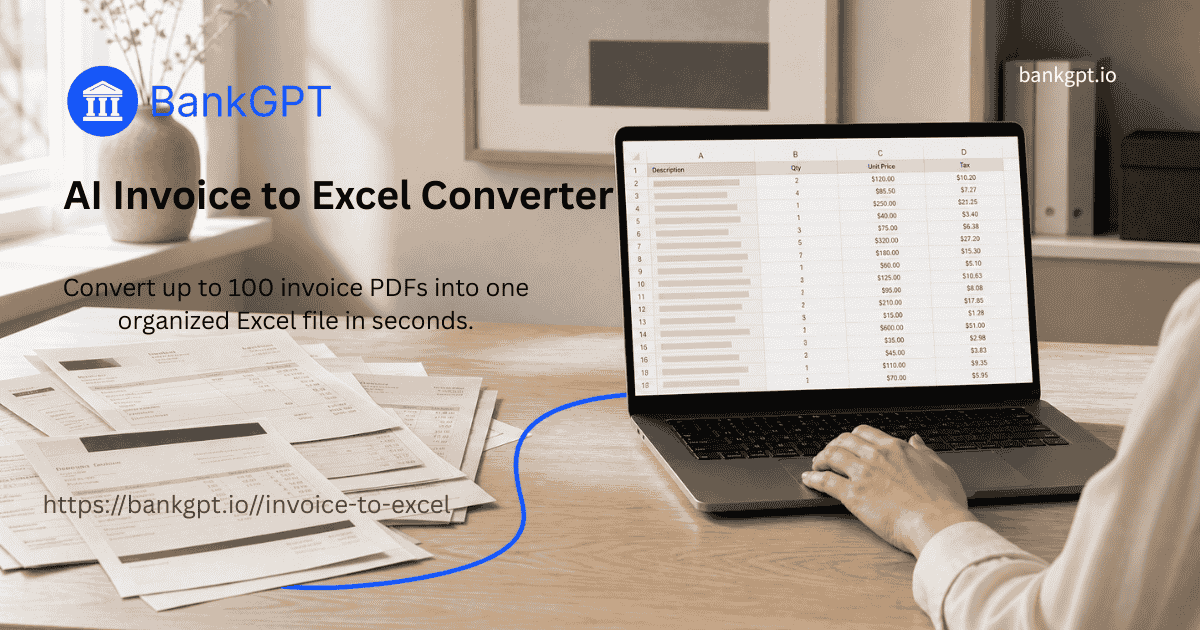
Why Choose BankGPT's AI Invoice to Excel Converter?
General PDF tools miss what an invoice to excel task demands. This engine scans for line-item tables, picks up tax IDs, and carries vendor names into separate fields. Feed it up to 100 files for one workbook. No account, and output opens cleanly in Excel, Sheets, or your ERP.
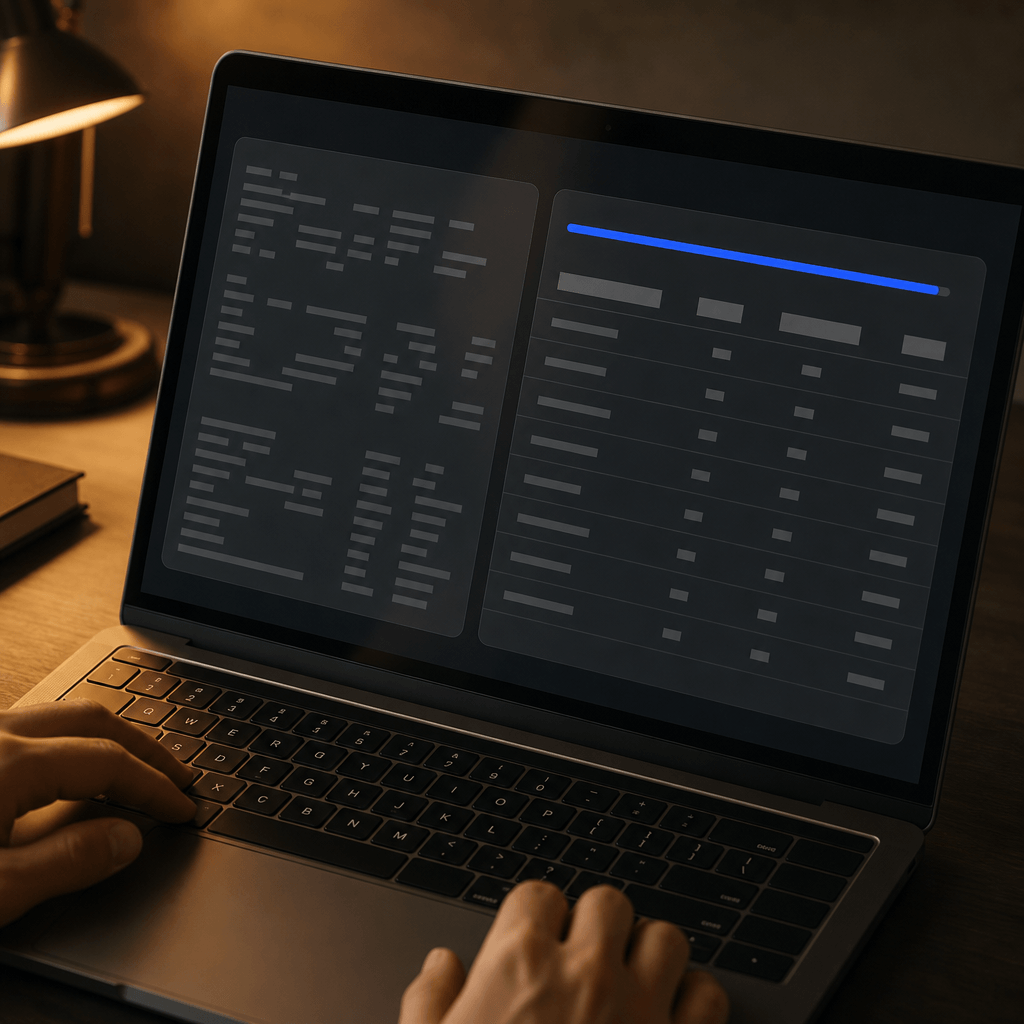
Tired of Retyping Invoice Data by Hand?
Monday morning: an AP clerk types invoice rows into Excel. Decimal slips—totals break. With 40 vendors, the close runs late. Scanned bills lock text inside an image. Our invoice to excel converter reads every file, pulls the figures, and lines them in columns you can filter and sum.

What Makes Our AI Invoice to Excel Converter Stand Out?
Batch size, line-item accuracy, format flexibility, and not having to create an account. Here is how each one plays out for invoice to excel work.
100 Files, One Spreadsheet
Drag every supplier statement into the upload area. The invoice to excel converter reads each file, merges the tables, and hands you a workbook with rows sorted by vendor—ready for reconciliation.
Line Items Go to the Right Columns
For invoice to excel accuracy, descriptions land in column A, quantities in B, unit prices in C, tax in D. The engine reads ruling lines so a discount stays bound to its row.
PDFs, Photos, Scans—Does Not Matter
Whether the billing department sent a crisp PDF or the field team snapped a picture of a paper receipt, the invoice to excel OCR reads it. Output goes to XLSX or CSV, whichever your ERP prefers.
No Sign-Up, No Free-Trial Clock
Open the page, drop your files, download the sheet. No email, no credit card, no upgrade pop-up mid-work. The invoice to excel converter runs in your browser; files leave our server when you do.
Live Preview — Fix It Before You Download
After the engine reads each invoice, a preview grid shows what lands in each column. Drag a cell boundary if a header spills, delete a footer row, then download. No restarting batch to fix one file.
our Data, Your Session — Files auto-Purge after Use
Every uploaded invoice stays inside an encrypted session. Close the page or let the session expire, and all files are wiped. No archives, no training logs, no way to reconstruct your vendor pricing.
How to Use AI Invoice to Excel Converter?

Drop Your Invoice Stack
Pull the whole month’s billing folder into the browser. The tool accepts any mix of PDFs, PNGs, and JPEGs—up to 100 files per invoice to excel batch.
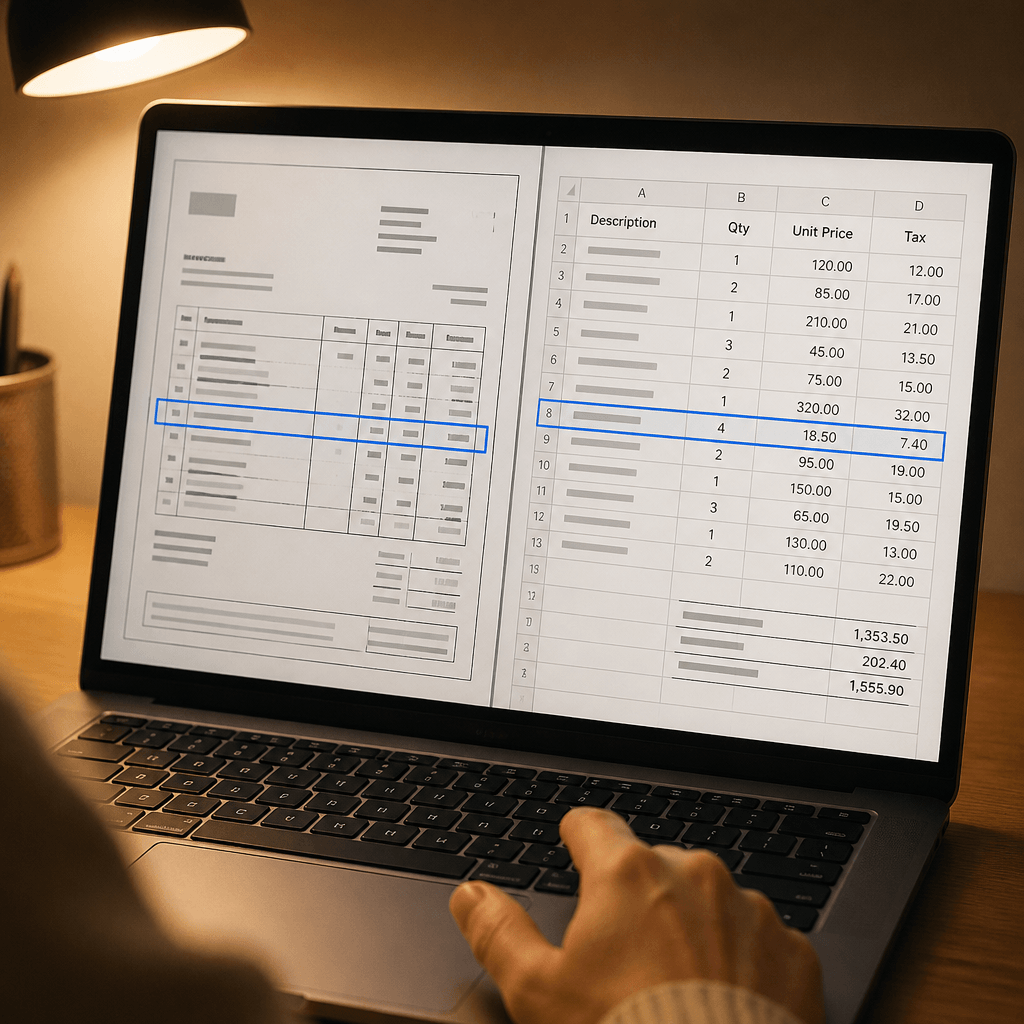
Watch the Engine Read Each Bill
Tables light up as the model maps rows and columns. A live preview shows what lands where, so you can spot a misaligned cell before the invoice to excel export.

Download and Reconcile
Save as XLSX for Excel or CSV for flat import. The file opens straight into your reconciliation worksheet or ERP upload screen.
The Kinds of Problems AI Invoice to Excel Converter Solves
Month-End Vendor Reconciliation
Each supplier sends statements in their own format. An invoice to excel batch run reads them all and returns one workbook with rows tagged by vendor, so matching payments to the ledger takes minutes, not a full day.
Expense Report Consolidation
Receipt photos, digital invoices, and emailed attachments from the team all land in one folder. The invoice to excel converter normalizes every source into a clean sheet for the expense system.
ERP Import Prep
Before you upload hundreds of purchase invoices to your ERP, you need one formatted file. The invoice to excel merge delivers a file the import screen accepts without rejecting rows over spacing or missing headers.
Start Converting Invoices to Excel Free
Your billing folder is already on the desktop. Drop the files, let the engine do the copying, and get back to the close while the numbers still match.
Start NowWhat Users Say About Our AI Invoice to Excel Converter

"Monday mornings used to mean 50 supplier invoices, each in a separate PDF tab. I would type every line into Excel while cross-referencing the ERP. With this invoice to excel converter I batch the whole folder, and by 10 AM I have one workbook with every row sorted. The line-item extraction is what sold me—a $2,400 invoice with six line items landed with descriptions, quantities, and tax all in separate columns. That alone shaved hours off my weekly close routine. I have not touched a manual reconciliation sheet in three months."

"I run a three-person operation. There is no dedicated AP person, so month-end falls on me. Before, I chased PDFs across four vendor portals and keyed the figures into a spreadsheet at night. Now I download the whole batch, drop it into the converter, and have a finished file in under a minute. The free tier covers my volume completely, and the CSV export talks directly to my accountant’s software. For a small shop, this invoice to excel tool replaces a part-time data entry role."

"I maintain books for a dozen retail clients, and every one sends invoices differently—some scan, some email, some mail a printout that I photograph. Other OCR tools gave me gibberish on crooked scans. This one reads the same image I would squint at and produces a grid I can trust. I dropped 80 mixed-format invoice files on a Tuesday and had the client’s entire monthly purchases in one sheet before lunch. The batch merge alone makes this my most-used invoice to excel converter."

"I do not touch data entry—that is AP’s job. But my team needed raw invoice data for a spend analysis, and AP had no bandwidth to extract it. I fed three months of statements through the converter on a Friday afternoon and walked out with a clean dataset I could pivot and chart. The live preview caught a couple of merged cells before export, so the numbers were analyst-ready. For invoice data extraction at scale, this tool is now my first stop before any reporting cycle."

"Six regional offices, six sets of monthly invoices, all in different languages and layouts. The converter did not care. It read the numeric columns and produced one workbook I could filter by region. No install meant I ran it from a locked-down corporate laptop through the browser—no IT ticket needed. The fact that it handles PNG and JPEG alongside PDF means my field team can snap a vendor bill on their phone and I can merge it with the digital statements the same afternoon."

"I bill maybe 15 clients a month, but I also need to track their incoming purchase orders and receipts for my own books. Collecting those documents used to mean a folder of PDFs I never quite got around to processing. The converter changed that. I batch everything on Sunday night, export to XLSX, and have a running ledger by Monday morning. The free tier handles my volume, and the output is clean enough that I stopped building my own formatting macros. As a solo consultant, that time reclaimed is billable hours."
AI Invoice to Excel Converter FAQs
Everything you need to know about converting invoices to Excel spreadsheets.