
- 1Upload statements
- 2Review data
- 3Merge & export
Supports pdf, doc, docx, xls, xlsx, csv, txt, png, jpg, jpeg, webp, or one zip package.
documents up to 20 files (20MB each) · one ZIP up to 50MB
Upload scans, images, and digital statements
Switch between Markdown, JSON, and Table
Align fields and export a single Excel file
Bank Statement Converter with AI - Free Online, Unlimited, No Sign-up.
Convert PDF bank statements for free into structured financial data. Extract transactions in seconds and export to CSV, QBO, OFX, JSON, and other accounting-ready formats.
What Is a Bank Statement Converter Good For?
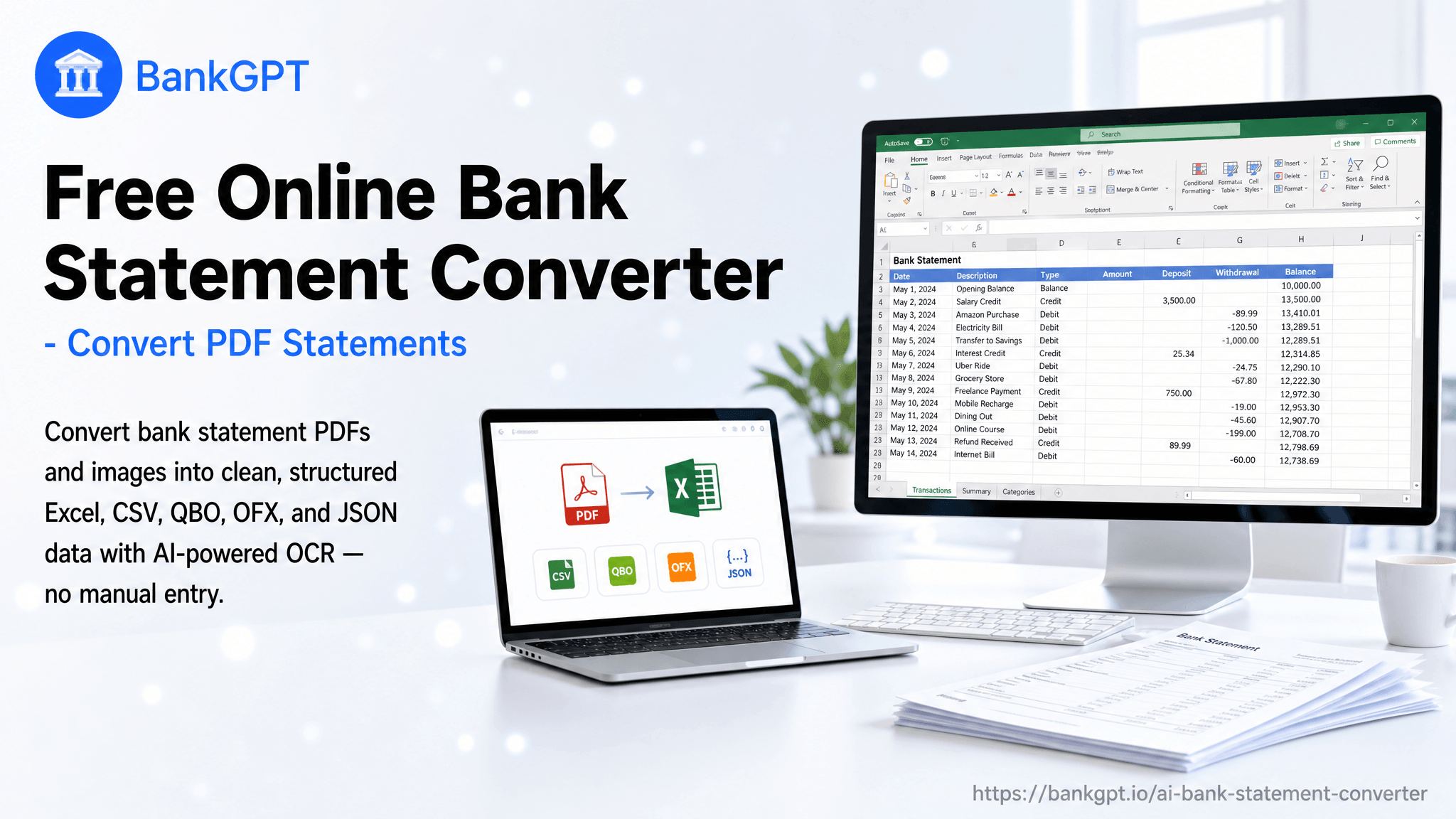
BankGPT's Bank Statement Converter turns PDFs, scans, images, and spreadsheets into structured transactions for bookkeeping and reconciliation. Upload files in batches, query the results online, and compare them with the original documents. Use the Bank Statement Converter with AI to view Excel tables, merge data online, and download Excel, CSV, QBO, OFX, or JSON.
Why Choose BankGPT's Bank Statement Converter?
BankGPT's Bank Statement Converter combines batch processing and 99.99% accuracy with online source and result previews. The Bank Statement Converter with AI lets you query data, view Excel tables, and merge files in your browser. Choose this Bank Statement Converter with AI for multiple input formats and Excel, CSV, QBO, OFX, or JSON downloads.

BankGPT's Bank Statement Converter helps you skip manual data entry.
Stop copying statement rows into spreadsheets one by one. BankGPT's Bank Statement Converter handles batches of PDFs, scans, and other supported files, turning repetitive entry into an online review workflow. Use the Bank Statement Converter with AI to compare sources and results, query transactions, and merge data before downloading it for your accounting tasks.

Why BankGPT Processes Statements Better
BankGPT's Bank Statement Converter with AI brings batch processing, 99.99% accuracy, online previews, Excel tables, merging, and multi-format downloads into one workflow.
Built for statement grids
BankGPT's Bank Statement Converter with AI delivers 99.99% accuracy for statement extraction. Review dates, debits, credits, and balances in online Excel tables, with the source document available for comparison.
Switch output without re-uploading
Choose Excel, CSV, QBO, OFX, or JSON from BankGPT's Bank Statement Converter with AI. Download the format your spreadsheet, accounting software, or data workflow needs without re-uploading the original statement.
Numbers that survive scrutiny
Use BankGPT's Bank Statement Converter with AI to preview original documents and processed results online. Query transaction data and check amounts, descriptions, and balances before exporting.
Scanned statements still read clean
Process PDFs, scans, images, and spreadsheets with the Bank Statement Converter with AI. Batch upload supported formats together instead of preparing a separate conversion workflow for each file type.
Multi-page statements in one pass
The Bank Statement Converter processes multi-page PDFs and batches of statements. Merge extracted tables online and review the combined Excel display before downloading a consolidated spreadsheet.
Private by design
Use the Bank Statement Converter for documents you are authorized to process. Review the privacy policy before uploading; signed-in results can be managed and revisited in My Assets.
How to Use the Bank Statement Converter in 3 Steps
Upload your statement
Select Upload Files or drag documents into BankGPT's Bank Statement Converter, then keep Bank Statement selected. Add up to 20 files, each up to 20MB, with a total below 100MB, or choose one ZIP up to 50MB.
Let the AI read it
Select Start Convert to run the Bank Statement Converter with AI. Preview source documents and results online, query extracted transactions, and inspect Excel tables; structured JSON extraction requires sign-in.

Export clean data
Merge results online in the Bank Statement Converter, review the combined Excel table, then download Excel, CSV, QBO, OFX, or JSON. Check account separation and field alignment before importing.
What the Bank Statement Converter Creates from a Single PDF
Reconcile in minutes, not an afternoon
Use the Bank Statement Converter to compare extracted transactions with your ledger. Check deposits, withdrawals, fees, and balances, then investigate unmatched entries.
Hand your accountant a clean file
Export a spreadsheet or CSV from the Bank Statement Converter with AI so your accountant can review transaction history. Verify the figures first; expense classification and tax treatment still require professional review.
Give the lender data they can ingest
Prepare readable transaction records with the Bank Statement Converter. Confirm the lender’s accepted export format, then check account details and the statement period before sending.
Start Converting Statements Now
Open BankGPT's Bank Statement Converter with AI and upload a statement. Use free credits, review the data, and choose an export.
Convert Bank Statement NowWhat Users Say About the Bank Statement Converter

"The Bank Statement Converter cut my data-entry time from roughly 11 hours to under 2, and the Excel it returns already matches the ledger columns I use."

"Our loan team used to wait days for borrowers to reformat statements. Now we send them the Bank Statement Converter link and get a QBO file back the same afternoon. Approval cycles feel noticeably shorter."

"The Bank Statement Converter lets me drag in a PDF and export a categorized CSV for my accountant in one minute."

"The Bank Statement Converter gave me a clean CSV in under a minute, and now my bookkeeper gets the file without me ever touching a cell."

"The Bank Statement Converter normalizes them into one consistent Excel layout, so my junior staff stop re-mapping columns and start reviewing."

"The Bank Statement Converter chewed through 36 monthly PDFs overnight and returned QBO files my software imported without a hiccup."
Frequently Asked Questions
Practical answers about the Bank Statement Converter: free credits, upload limits, data review, export formats, and combining statements.