
Copy and paste invoice information in one click, generate an accurate invoice PDF in 10s, preview, print and download online
 Trusted by Institutions
 Fast & Professional
 Unlimited Count
 Multi Templates
 Private and Secure
AI Assistant
Invoice
Bill to
| Description | Qty | Unit Price | Amount |
|---|---|---|---|
| 1 | $100.00 | $100.00 |
AI Assistant
Logo
From
Bill to
| Description | Unit Price | Qty | Amount | |
|---|---|---|---|---|
| $100.00 |
Upload Signature
AI Invoice Generator – Create and Export Invoices Online
Create professional invoices faster with an AI Invoice Generator. Paste billing details, complete invoice fields, customize templates, preview results, and download or print invoices online.
What Is an AI Invoice Generator?
An AI Invoice Generator is an online invoice maker that turns plain billing information into a structured invoice. Paste details about your customer, products, services, prices, taxes, and payment terms, then let AI organize the content into a professional template. You can create invoices online, preview the result, edit missing fields, choose a currency or language, and export a printable PDF without building every line manually.
Why Choose BankGPT's AI Invoice Generator?
BankGPT's AI Invoice Generator combines fast data entry with flexible invoice customization. It helps freelancers, small businesses, agencies, and finance teams turn copied information into a consistent billing document. Use an AI invoice maker to reduce repetitive typing, review the invoice before export, apply your preferred template, add custom fields, and keep commonly used invoice formats ready for future work. The workflow supports online creation, printing, downloading, and recurring billing tasks.
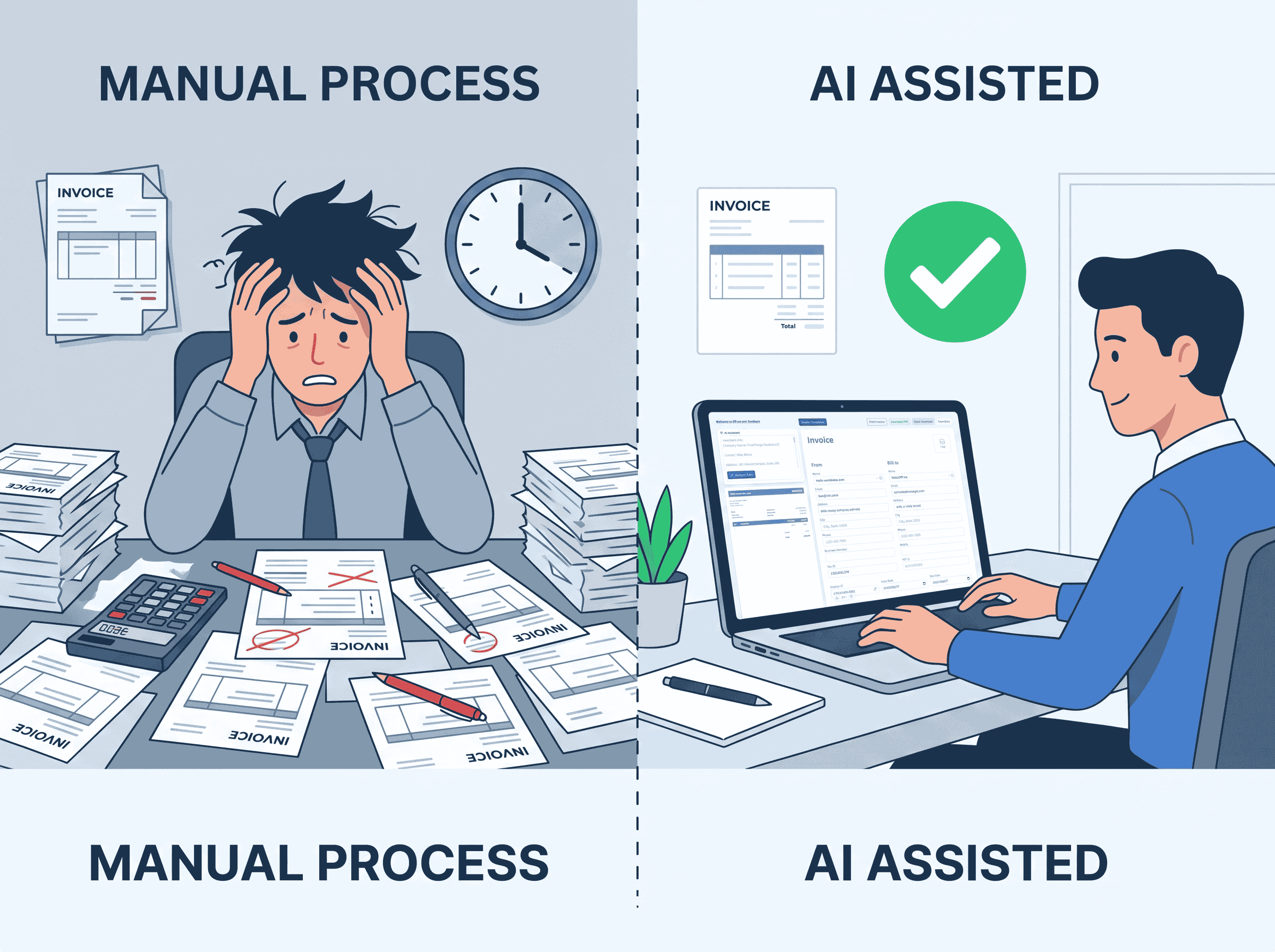
Create Professional Invoices Without Repetitive Manual Work
Creating each invoice from a blank document takes time and can lead to missing customer details, incorrect totals, inconsistent tax fields, or unclear payment instructions. Reusing old files may also expose outdated information or create formatting problems. An AI Invoice Generator gives you a repeatable workflow: paste the available details, review the generated fields, correct anything necessary, and export a polished invoice. It is especially useful when you need an invoice generator for small business work, client projects, service billing, or recurring payments.
Powerful Features for Faster Invoice Creation
Turn Pasted Billing Details Into an Invoice
Copy customer, item, service, quantity, price, tax, and payment information into the tool. The AI Invoice Generator analyzes the text and places relevant details into the appropriate invoice fields, reducing repetitive manual entry.
Generate a Complete Invoice in Seconds
Create an invoice quickly after submitting your information. The generated document can include business details, client information, line items, subtotals, discounts, taxes, totals, due dates, and payment notes.
Preview and Edit Before Export
Review the invoice in real time before downloading or printing it. You can check names, amounts, dates, tax values, and notes, then edit the fields that need clarification or correction.
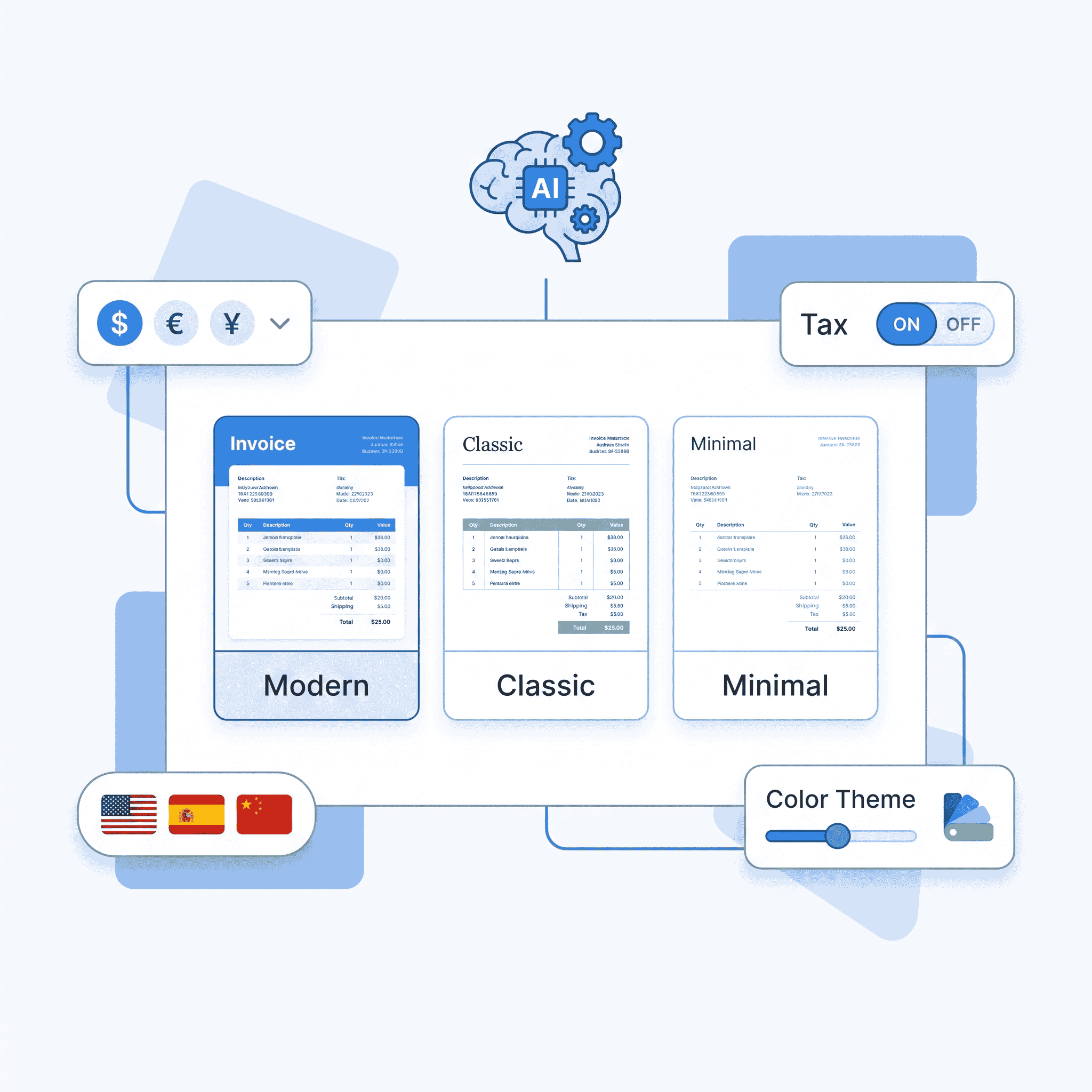
Customize Templates, Fonts, and Colors
Choose an invoice template that fits your business style. Adjust fonts, colors, spacing, logos, signatures, stamps, notes, and additional fields to create a document that looks consistent with your brand.
Support Multiple Currencies and Languages
Prepare invoices for local and international customers with flexible currency and language settings. This makes the AI Invoice Generator useful for cross-border services, remote teams, exporters, and global freelancers.
Save, Reuse, and Manage Invoice Templates
Keep frequently used templates and invoice formats available for later projects. You can reuse saved layouts, manage invoice history, and remove old records when they are no longer needed.
How to Use the AI Invoice Generator
Paste Your Invoice Information
Copy and paste the available billing information into the input area. Include the seller, customer, service or product details, quantity, price, tax, due date, payment terms, and any extra notes.
Click AI Analysis
Select AI Analysis to organize the submitted content. The system identifies useful details and fills the corresponding invoice fields, helping you create invoices online with less manual typing.

Review, Preview, and Download
Check the completed invoice and make any required edits. Preview the final layout, then download the invoice as a PDF or print it directly when all information is correct.
Who Can Use This Online Invoice Generator?
Freelancers and Independent Professionals
Freelancers can use the AI Invoice Generator to bill clients for consulting, design, writing, development, marketing, coaching, and other services. Paste project details, add payment terms, and create a clear invoice without starting from a blank file.
Small Businesses and Service Providers
Small businesses can prepare invoices for orders, subscriptions, repairs, installations, and recurring services. Reusable templates and custom fields help keep customer-facing documents consistent as billing volume grows.
Agencies and International Teams
Agencies and distributed teams can create invoices for clients in different regions. Multi-currency and multilingual options help support cross-border projects while templates, notes, and signatures keep the final documents professional.
Start AI Invoice Generator
Create a professional invoice without rebuilding the same document every time. Paste your billing information, let AI complete the invoice, adjust the template, and download a ready-to-send document online. Start with a free online invoice generator workflow and finish your next invoice in minutes.
Start AI Invoice GeneratorWhat Users Say About Our AI Invoice Generator

"The AI Invoice Generator helps me turn project notes into a clear invoice quickly. I can review the fields, adjust the layout, and send a professional PDF without rebuilding my template."

"I use this AI Invoice Generator for monthly consulting invoices. The saved template keeps my business details ready, while the preview makes it easy to check totals and payment terms."

"As a small business owner, I wanted an invoice maker that was easy to use. This AI Invoice Generator lets me paste order details, edit the result, and download a clean invoice in a short time."

"The AI Invoice Generator is convenient for my international projects. I can select the right currency, customize the invoice language, and create a document that is easier for overseas clients to understand."

"I often create several service invoices each week. This AI Invoice Generator organizes copied billing information and reduces repetitive entry, so I have more time to focus on customer work."

"Our team uses the AI Invoice Generator to prepare invoices for different client projects. Custom fields, reusable templates, and PDF export help us maintain a consistent billing process."