Unlock the potential of your documents with our free, high-precision tool: PDF to Markdown Converter .


Files processed and Auto-delete
Intelligent extraction powered by AI
Convert statements with minimal waiting
Trusted by financial professionals worldwide
Precise extraction of transaction details
PDF to Markdown Converter: Free AI Online Tool
Convert PDF to Markdown online for free. reliable for RAG, AI & Obsidian. Edit, compare, and download clean Markdown in seconds. Best AI PDF to Markdown tool.
What is PDF to Markdown Converter ?
The PDF to Markdown Converter is a specialized digital utility designed to extract text, tables, images, and mathematical formulas from Portable Document Format (PDF) files and restructure them into the lightweight Markdown syntax. Unlike traditional converters that output messy text, our advanced PDF to Markdown Converter preserves the logical structure of your document—identifying headers, lists, and code blocks—making it the essential bridge between read-only files and modern content management systems or AI Large Language Models (LLMs).
Key Features of PDF to Markdown Converter
Smart Layout Analysis
Our PDF to Markdown Converter utilizes advanced layout analysis algorithms. It accurately distinguishes between main columns, sidebars, page headers, and footers, ensuring the generated Markdown follows the logical reading order.
Real-Time Side-by-Side Editing
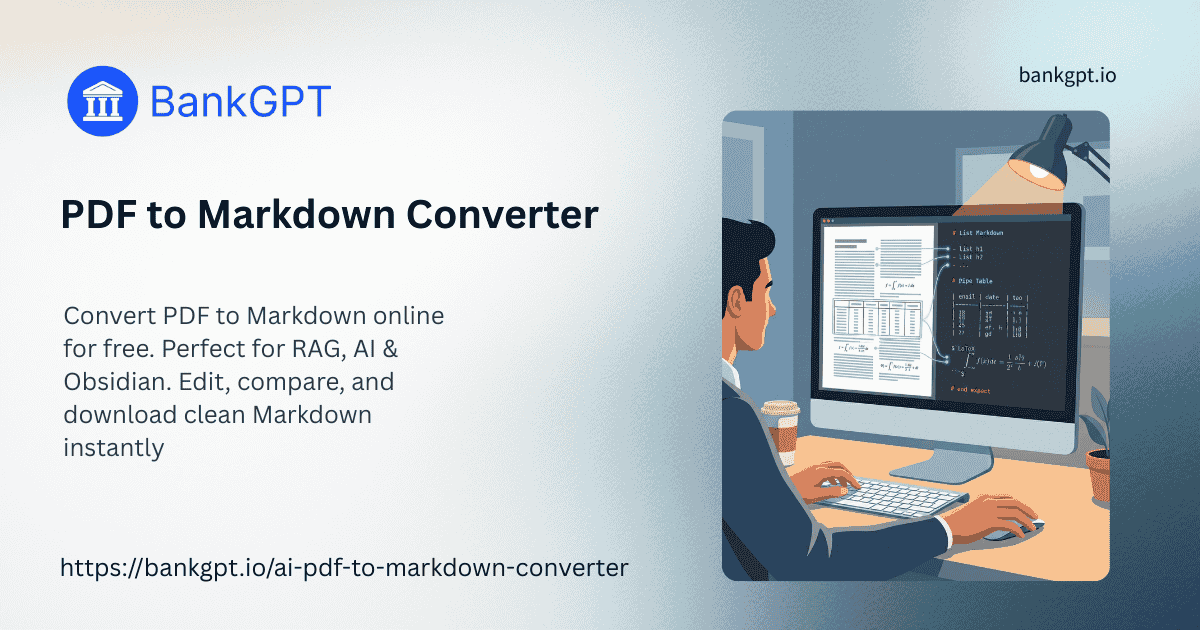
On the left, you see your original PDF; on the right, the generated Markdown. You can edit the code in real-time and verify the accuracy immediately before downloading.
Complex Table & Formula Support
It intelligently parses grid tables into Markdown pipe tables and converts mathematical expressions into standard LaTeX format, ideal for academic papers and technical reports.
Code Block Detection
Our tool specifically detects programming syntax. It wraps code snippets in triple backticks and attempts to identify the programming language for readability.
Privacy-First Processing
Security is our top priority. We ensure that your files are processed securely and not stored permanently. Once the session ends, the cache is cleared.
Free for Multiple Uses
We offer a generous free tier that allows for multiple conversions per day. We want to support your workflow, whether for a single memo or batches of research papers.
Why Choose PDF to Markdown Converter ?
Optimized for RAG and LLMs
Creates structured, semantic text reliable for pre-processing Retrieval-Augmented Generation (RAG) pipelines or training custom GPTs.
Seamless Obsidian & Notion Integration
Produces standard CommonMark syntax that pastes reliably into your digital garden, preserving structural hierarchy without manual cleanup.
Fast Visual Verification
Visually verify the output in seconds with our integrated preview window. Fix errors right in the browser before downloading.
No Installation Required
A fully web-based PDF to Markdown Converter. It works on Windows, Mac, Linux, and tablets directly in your browser.
High-Fidelity OCR Capability
Integrates optical character recognition (OCR) to handle scanned images of text, making old books and archives editable and searchable.
Developer-Centric Output
Prioritizes standard markdown syntax compatible with Hugo, Jekyll, VitePress, and Docusaurus straight out of the box.
How to Use PDF to Markdown Converter
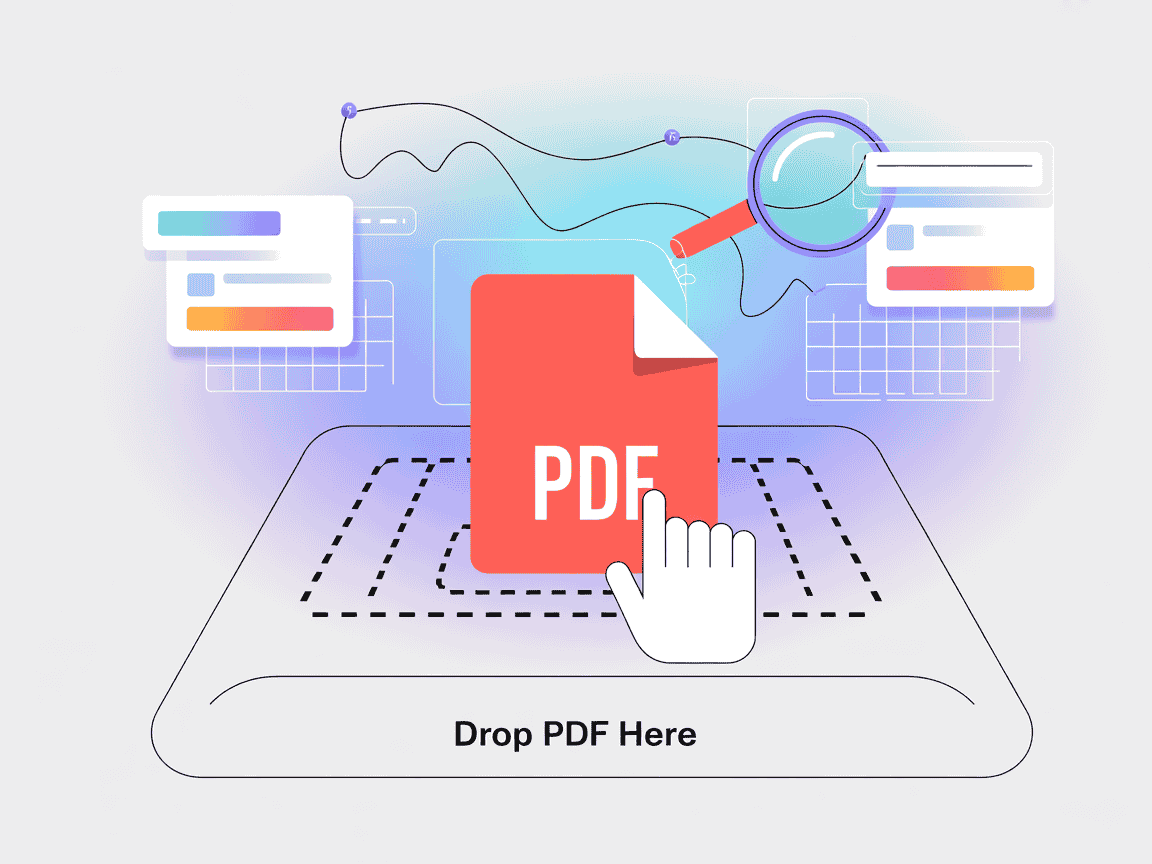
Step 1 — Upload Your Document
Simply drag and drop your file into the designated area. The parsing engine will immediately begin analyzing the document structure, identifying text blocks and tables.
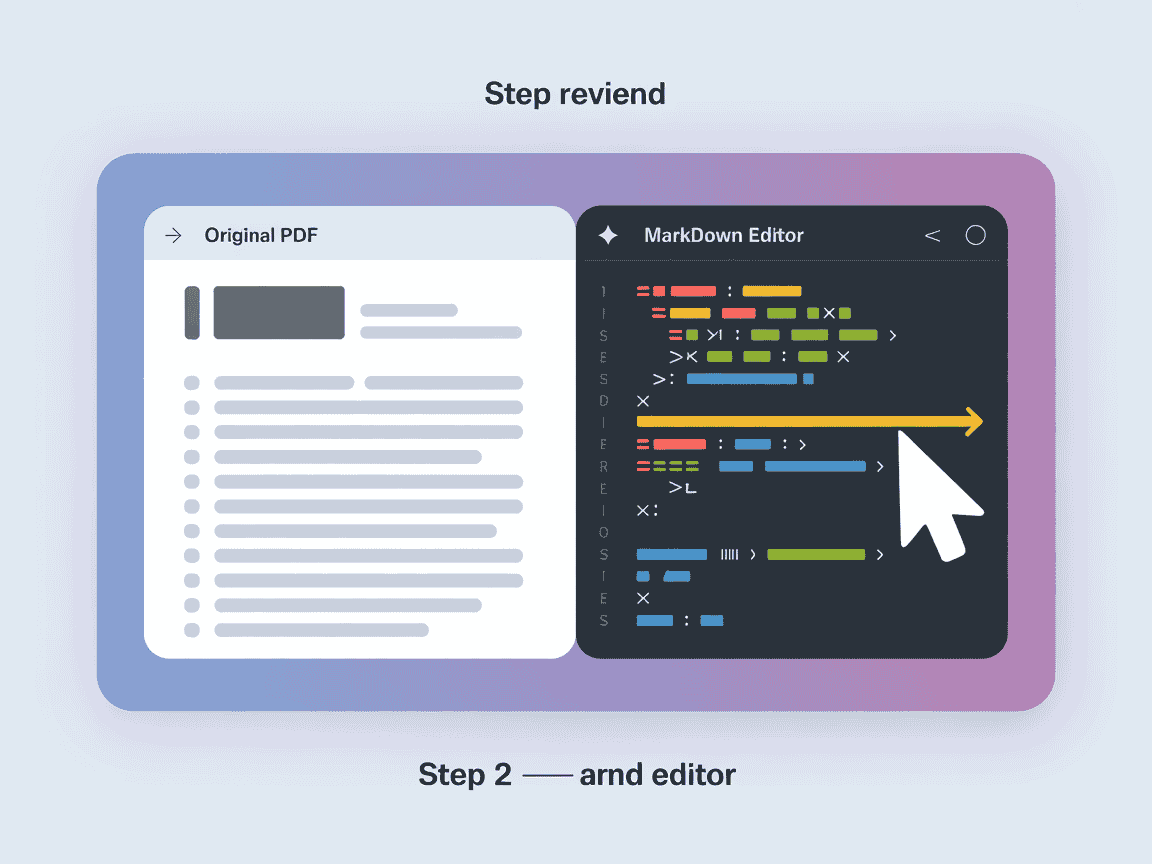
Step 2 — Review and Edit
The interface will split showing your PDF on the left and raw Markdown on the right. Tweak headers, fix table alignments, or adjust links in real-time.
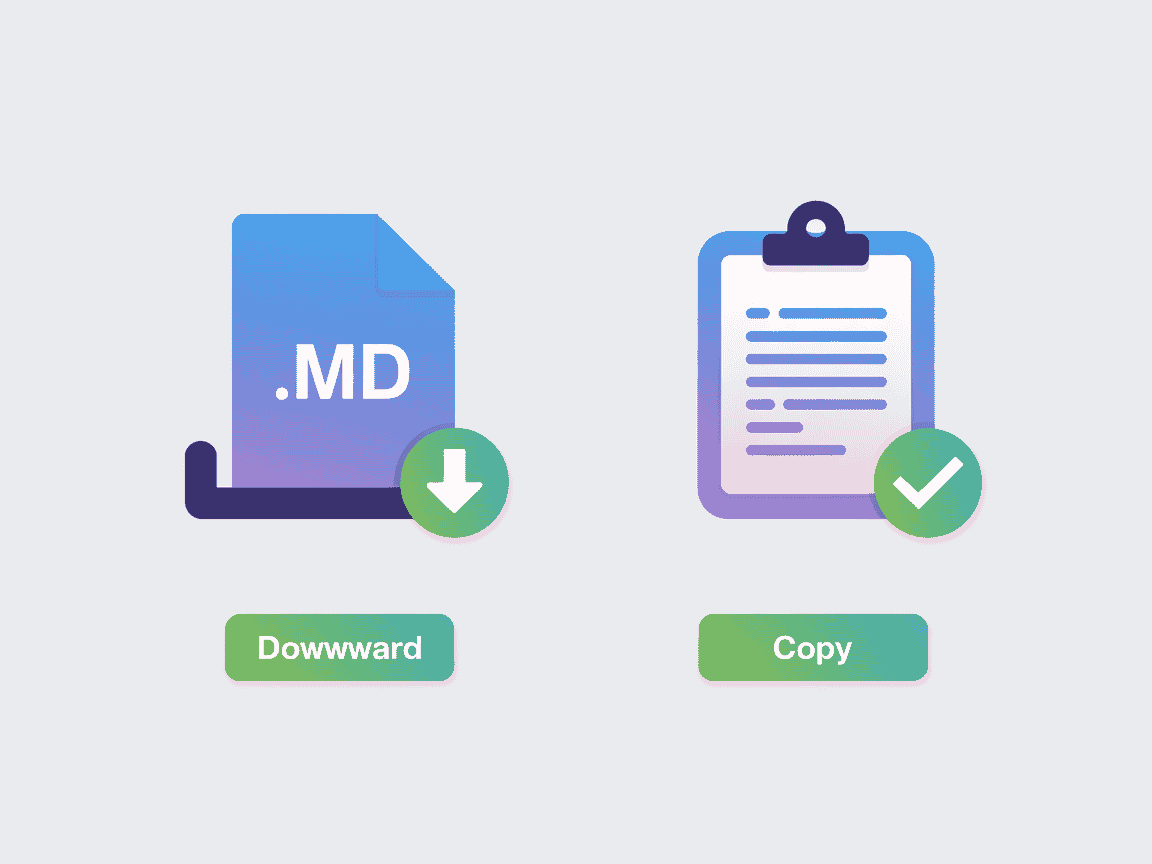
Step 3 — Download or Copy
Satisfied with the result? Click the "Download" button to save the .md file, or use "Copy to Clipboard" to paste the content into your app.
Use Cases of PDF to Markdown Converter
Preparing Data for AI Knowledge Bases
AI Engineers clean corporate whitepapers to chunk data effectively into vector databases, improving chatbot accuracy.
Migrating Documentation Sites
Technical writers rapidly migrate legacy documentation trapped in PDF format to modern static site generators.
Academic Research Management
PhD students import literature into Obsidian or Roam Research to link concepts across different papers.
Content Repurposing for Blogs
Marketing teams extract text from formal case studies to quickly reformat for blog posts on Medium or WordPress.
Legal Contract Review
Convert scanned contracts into editable text for quick searching and difference comparison between versions.
E-book Translation and Localization
Extract text from e-books to translate using CAT tools while preserving the original chapter structure.
User Reviews of PDF to Markdown Converter

"I needed to feed 500 pages of technical specs into a vector DB for a RAG app. This handled the code blocks reliably."

"This is the only PDF to Markdown Converter that didn't mess up the mathematical formulas. Highly recommended for students."

"I was surprised that this tool actually kept the row and column structure intact. It saved me hours of reformatting financial reports."

"It is quick and does not force me to sign up for an account just to convert one file. It is now bookmarked on my toolbar."

"Helped us migrate 3 years of documentation in an afternoon. The side-by-side editor is a brilliant feature."

"I was skeptical about the 'AI' claim, but the layout recognition is superior to the Python scripts I was writing myself."
Welcome to PDF to Markdown Converter
Welcome to the most efficient way to handle document conversion. our PDF to Markdown Converter is here to make the process seamless, accurate, and free. Start converting today and experience the difference true structural recognition makes.
Start PDF to Markdown ConverterFAQs about PDF to Markdown Converter
Common questions about converting documents to Markdown.