
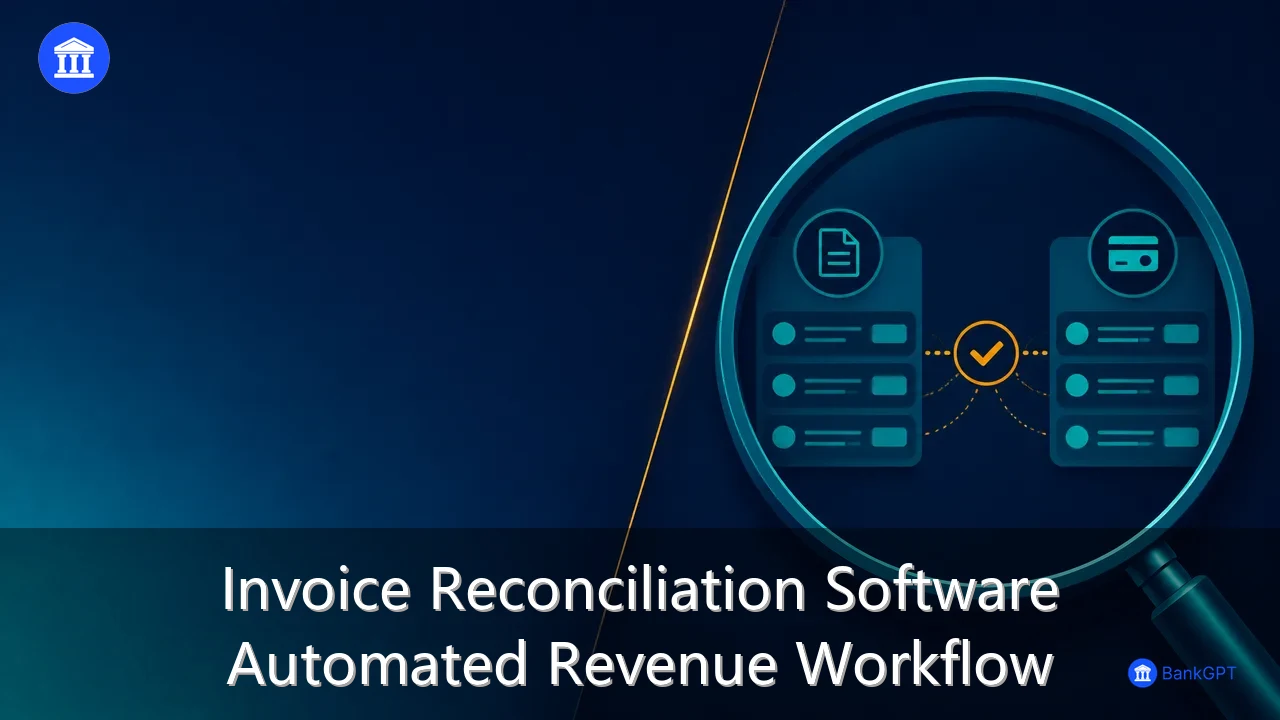
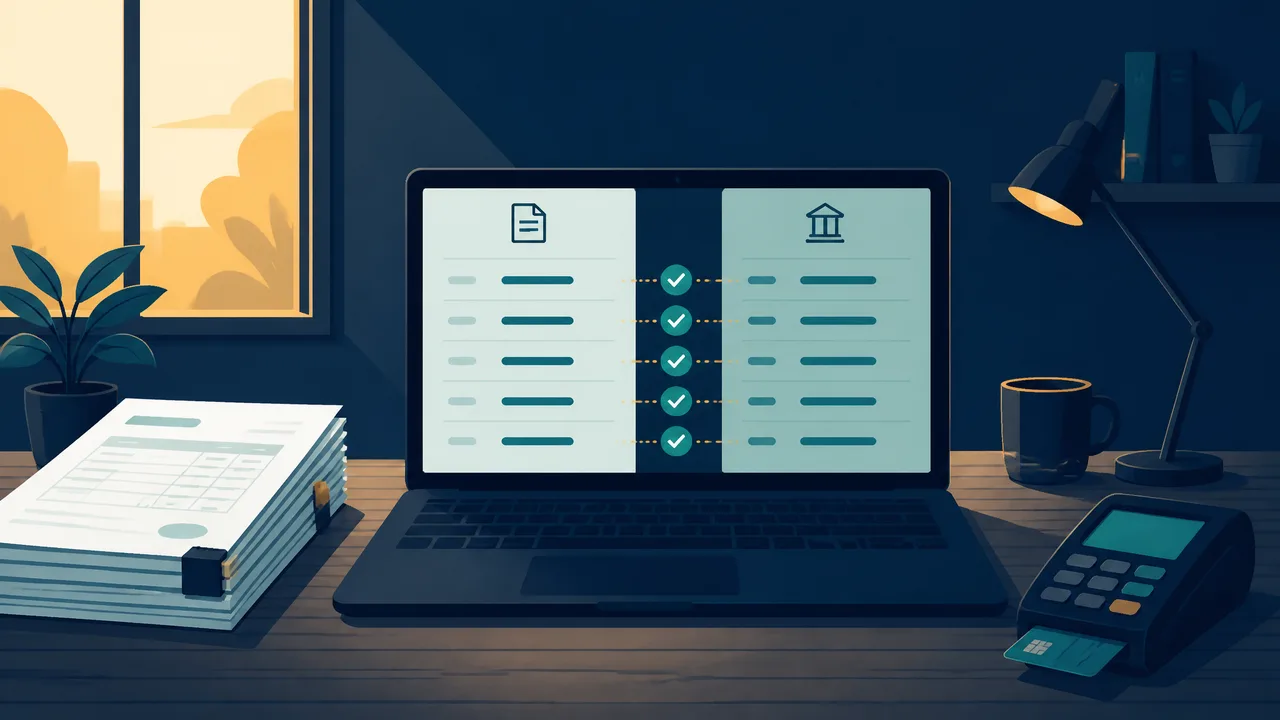
Revenue leaks rarely announce themselves. A customer pays two invoices in one transfer, a deposit arrives with no reference number, and a partial payment sits unmatched in the ledger for weeks. Multiply that by a few hundred transactions a month and the finance team spends its best hours retyping numbers instead of reading them. Invoice reconciliation software closes that loop by matching billing records to the money actually received. This guide shows how to use BankGPT invoice reconciliation software to turn document capture, matching, and exception review into one repeatable revenue workflow.
Why Invoice Reconciliation Software Matters in 2026 and Beyond
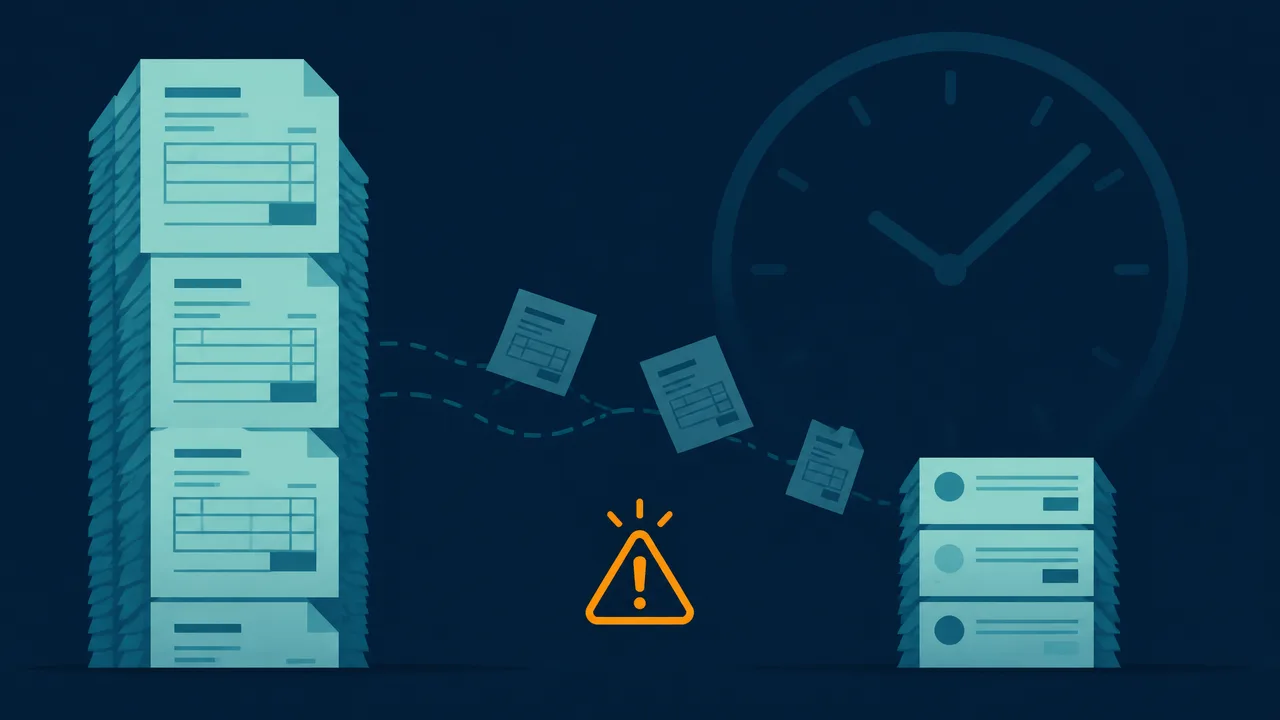
Picture the last week of the month in a growing services business. The bank statement shows 340 incoming payments. The billing system shows 312 invoices. Somewhere in that gap sit double payments, short payments, refunds, and one customer who settled an invoice from two quarters ago. A bookkeeper opens both files, sorts them by amount, and starts matching rows by eye.
That process is slow, and it fails quietly. The recurring costs look like this:
- Delayed close. Every unmatched line postpones the month-end close and the reporting that depends on it.
- Invisible leakage. A partial payment that nobody flags becomes a write-off six months later.
- Audit exposure. Manual spreadsheets rarely preserve a clean trail from payment to invoice to ledger entry.
- Team burnout. Skilled finance staff spend their week on data entry instead of collections and forecasting.
Three shifts make automation urgent rather than optional. Money now arrives through more rails than ever, from card payouts and processor settlements to direct transfers, so a single bank deposit often represents dozens of customer payments. Remote finance teams need shared, real-time status instead of a spreadsheet that lives on one laptop. And founders now expect cash visibility daily, not at the end of the quarter. Invoice reconciliation software answers all three by keeping the match continuous instead of seasonal.
What Invoice Reconciliation Software Actually Automates
Automated reconciliation is not one feature. It is a chain of small, reliable steps, and each step removes a place where a human hand used to introduce delay.
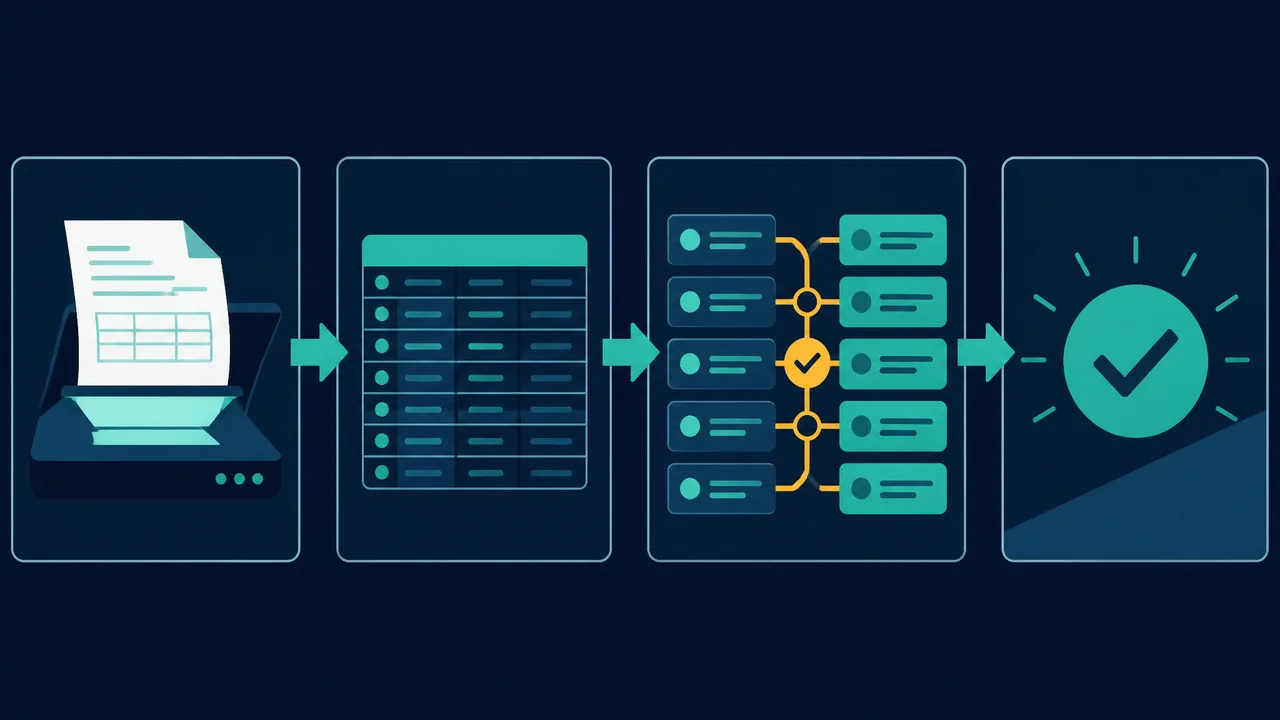
- Structured invoice capture. Instead of typing totals by hand, the platform reads invoice PDFs and images and extracts invoice numbers, dates, customer names, line items, and totals into a table. The Invoice Scanner does this in batch mode, so a month of supplier documents becomes a clean sheet in one pass.
- Clean bank data. Deposits and settlements enter the workflow as rows, not as a PDF to scroll through. When the source is a statement rather than a live feed, the AI bank statement converter turns pages into structured columns that a matching engine can read.
- Rule-based matching. Amounts, dates, reference numbers, and customer identifiers become scoring signals. Strong signals close automatically, and weak signals are queued for a person.
- Partial and split payments. One deposit covering several invoices, or one invoice paid in three installments, is normal in trade and services. Good software models both cases instead of forcing a one-to-one match.
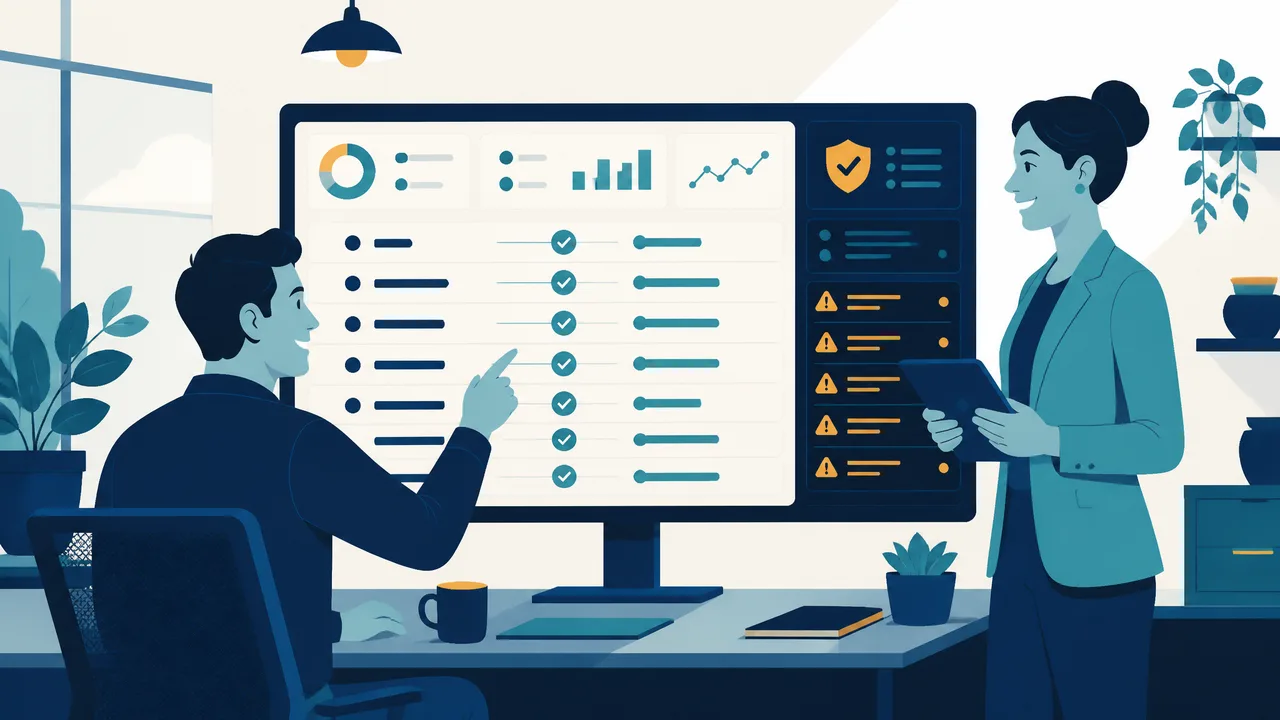
- Exception queues with reasons. Anything below the confidence threshold lands in a review list with a plain-language reason, such as amount mismatch or missing reference, so review time goes to judgment rather than searching.
- Audit trail and export. Each match keeps its source documents and its decision history, then exports to the accounting system as a clean batch.
The workflow is only as good as the data going in, which is why the source of truth starts earlier than reconciliation. Invoices created with a free online invoice generator carry sequential numbering, consistent field structure, and a payment reference on every document. That consistency is what lets invoice matching software pair a deposit to the right invoice on the first attempt instead of the third.
How to Use Invoice Reconciliation Software: A Step-by-Step Guide
The sequence below works for a five person studio and for a finance team handling thousands of rows. Start narrow, prove the match rate, then widen the scope.
Getting Started with Invoice Reconciliation Software
- Standardize the intake. Route every incoming invoice PDF or photo through the Invoice Scanner and export one structured sheet per batch. Use a date-and-batch naming convention so files remain traceable months later.
- Issue clean, numbered invoices. Create outbound bills with the invoice generator so numbering stays sequential and every document includes a payment reference. Ask customers to quote that reference when they pay.
- Load the money side. Import bank statement rows or processor payout reports for the same period. Keep the period identical on both sides, because a week of drift creates phantom exceptions.
- Set matching rules before the first run. Begin strict on amount and reference, then relax one field at a time while watching the exception rate. Rules that are too loose hide real problems behind confident matches.
- Run, review, and approve. Work the exception queue first, then approve the auto-matched batch. Record why each exception was resolved so the next month is faster.
- Export and close. Post the approved batch to your accounting software and archive the exception log with the period. The close is now a review of decisions, not a reconstruction of events.
Best Practices for Accurate Invoice Matching
- Match on more than one field. Amount alone produces collisions when clients pay round numbers on the same day.
- Set a documented tolerance. Payment processor fees and currency rounding create small differences. Define the threshold, apply it consistently, and review it quarterly.
- Give refunds and credits their own rules. Mixing them into the standard payment flow is the fastest way to create false matches.
- Review exception reasons monthly. A rising count of missing references usually means the invoice template or the customer communication needs a fix, not more manual work.
- Name one owner. Shared ownership of the queue is how items age quietly for weeks.
- Reconcile weekly, not monthly. Small batches keep the queue short and the feedback loop fast, which is the entire point of automation.
Who Benefits from an Automated Revenue Reconciliation Workflow
Any business that sends invoices and receives bank payments has a reconciliation job. The size of the benefit depends on volume and on how many payment rails are involved.
- Founders and small teams. A solo operator can close the month in an afternoon instead of a weekend, and can see which invoices are genuinely unpaid before making a payroll decision.
- Bookkeeping and accounting firms. Client work arrives in consistent formats, so a junior can run the matching and a senior reviews only exceptions.
- Accounts receivable and collections teams. A live list of short payments and unmatched deposits is also a call list, which shortens the collection cycle.
- Subscription and ecommerce businesses. Payout reports bundle many customer charges into one settlement. Invoice reconciliation software expands that settlement into individual matches without manual splitting.
- Professional services and agencies. Retainers, milestone billing, and expense recharges all land on the same bank account, and the matching rules can separate them by reference prefix.
Frequently Asked Questions
What is invoice reconciliation software?
It is software that compares billing records with money received and decides which invoices each payment settles. It ingests invoices and bank data, applies matching rules, flags what it cannot resolve, and keeps an auditable record of every decision.
How does invoice reconciliation software match payments to invoices?
Most engines score candidate pairs on amount, date proximity, invoice number, and customer name or reference. A pair above the confidence threshold is matched automatically, and a pair below it is sent to a reviewer with the reason it failed. Better tools let you weight those signals and tune the threshold per customer.
Can invoice reconciliation software handle partial payments and one deposit covering several invoices?
Yes, and this is where manual work usually breaks down. A proper engine supports many-to-one and one-to-many matching, keeps a running balance on each invoice, and closes the invoice only when the balance reaches zero.
Do I still need accounting software if I use invoice reconciliation software?
Yes, for statutory bookkeeping and reporting. The two play different roles. Reconciliation software decides which payment belongs to which invoice and produces an approved batch, and the accounting system records that batch in the general ledger.
How long does it take to set up an automated revenue reconciliation workflow?
A small business with a clean invoice template and one bank account can usually complete a first reconciliation in a single afternoon. The first month is mostly rule tuning, and the workflow tends to stabilize by the second or third cycle.
Final Verdict
Manual reconciliation is not difficult work, which is exactly why it consumes so much time. It is repetitive, detail-heavy, and easy to postpone until the close is already late. An automated revenue reconciliation workflow replaces that repetition with a short review of exceptions, and it gives the business something more valuable than saved hours: a trustworthy answer to the question of who has actually paid.
Start with one month of data this week. Capture the invoices, import the deposits, and run the match. The exception list alone will show you where cash is quietly leaking.
Explore BankGPT invoice reconciliation software to capture documents with the Invoice Scanner, issue consistent bills with the invoice generator, and close each period with a clean, auditable match.
Written by Jordan Lee, an independent reviewer of small business finance and FinTech tools.