

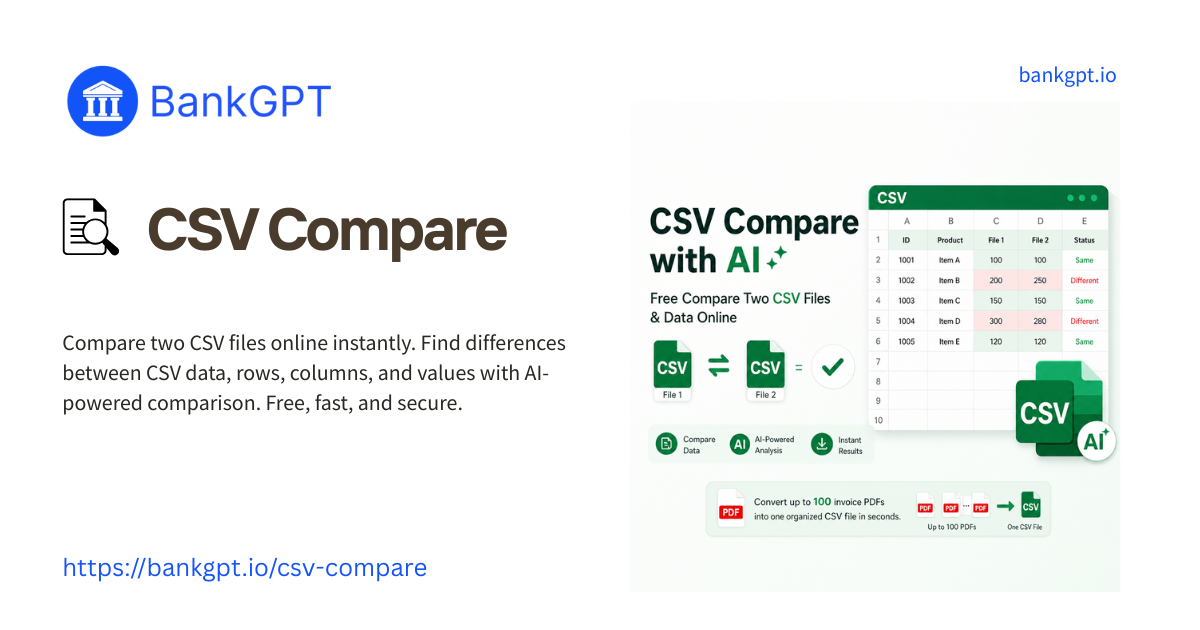
Data reconciliation sounds simple until you need to compare large exports under time pressure, with real privacy constraints and no room for mistakes. Finance teams, operations managers, analysts, and data specialists often need to validate thousands of rows across CSV and Excel files without introducing compliance risk.

That is where a modern browser-based diff tool makes a real difference. This guide explains why teams choose BankGPT for online file comparison, what problems traditional tools create, and how CSV Compare and Excel Compare help users work faster while keeping sensitive files local.
Why Traditional File Comparison Still Slows Teams Down
Comparing two datasets should be routine, but in practice it is often slowed down by legacy software, risky upload flows, and manual workarounds.
Desktop diff tools add friction
Traditional comparison software can still be useful, but it often introduces barriers that are unnecessary for simple business workflows:
- Installation overhead: Many teams cannot freely install software on managed devices and must wait for IT approval.
- License cost: Paying for desktop seats just to run occasional spreadsheet comparisons is inefficient.
- Cross-platform issues: Some tools are much better on one operating system than another, which creates inconsistent workflows.
Online tools often create security concerns
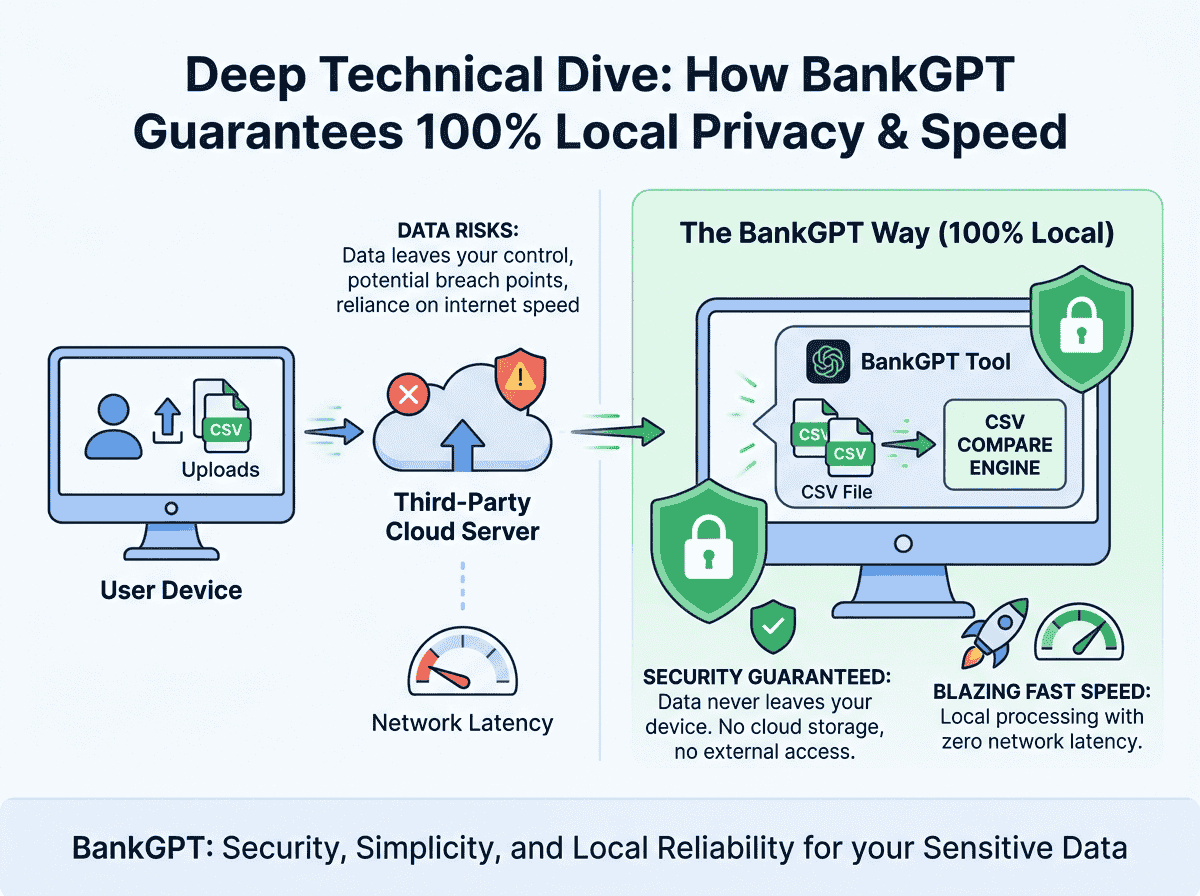
Many generic web-based diff tools process files on remote servers. That model may be convenient, but it is a poor fit for files that contain sensitive operational or financial data.
- Compliance risk: Uploading customer, payroll, banking, or invoice data to third-party servers may conflict with internal policy or external requirements.
- Data retention uncertainty: Users cannot always verify how long uploaded content is cached, logged, or stored.
- Trust gap: Even when a tool claims to be secure, many teams prefer avoiding file transfer altogether.
Large datasets expose performance limits
When files get large, basic comparison utilities often struggle. Timeouts, browser freezes, memory bottlenecks, and poor matching logic can turn a simple audit into a frustrating cleanup task.
Manual spreadsheet formulas are not a reliable substitute
Using VLOOKUP, XLOOKUP, EXACT, filters, and conditional formatting can help in small cases, but it does not scale well for repeated reconciliation work. Formula-based methods are easy to misconfigure and can miss subtle differences or create noisy output.
Why BankGPT's Diff Tool Online Stands Out
BankGPT is designed around a simpler idea: file comparison should be fast, accurate, and private without forcing users into software installs or risky upload flows.
100% client-side processing
One of the main reasons users choose BankGPT is privacy. Files are processed locally in the browser rather than being uploaded to a remote server for comparison.
- No server upload required for file contents.
- No external storage of workbook data during comparison.
- Better alignment with privacy-conscious workflows in finance, operations, and data teams.
For organizations working with account statements, transaction logs, supplier reports, or internal exports, this local-first model is a major advantage.
Fast results with large CSV and Excel files
BankGPT is built for structured business files rather than plain-text-only diffing. That matters when you are comparing spreadsheet exports with many rows, repeated identifiers, or reordered columns.
- Large files can be processed without the same upload bottlenecks found in server-based tools.
- Matching is designed for structured tabular data rather than simple line-by-line text comparison.
- Results are easier to review because the tool focuses on meaningful row and cell changes.
No installation, no setup burden
The workflow is lightweight: open the tool, add your files, review the mapping, and inspect the differences. This is especially useful for distributed teams and occasional users who do not want to learn complex desktop software.
CSV Compare: A Better Way To Reconcile Flat Data Exports
CSV remains the default export format for reports, data pipelines, payment systems, and operational dashboards. CSV Compare is built specifically for that reality.
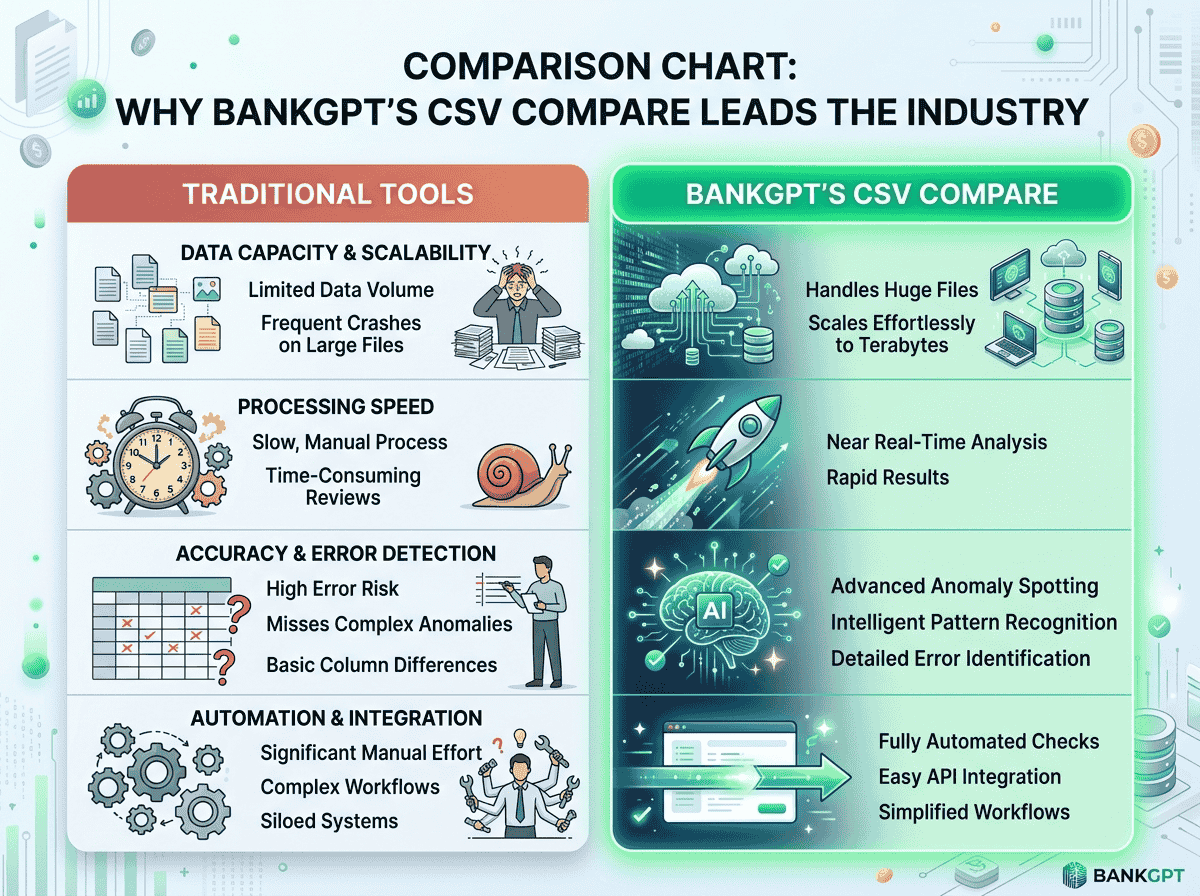
| Feature | Typical Online CSV Tool | BankGPT CSV Compare |
| Processing model | Server-side upload | Client-side processing |
| Privacy | Requires trust in third-party storage and logs | Files stay on your machine |
| Large-file handling | Often limited by upload caps or browser instability | Designed for fast structured comparison |
| Ease of use | May require sign-up or extra configuration | Simple browser workflow |
Key strengths of CSV Compare
- Local analysis for privacy-first workflows: Sensitive rows remain in browser memory during processing.
- Fast start: No software installation or account creation is required for the comparison workflow.
- Large dataset support: Better suited for operational exports and recurring reporting tasks.
- Clear comparison output: Users can identify added, removed, and changed records without digging through noisy manual formulas.
- Useful for repeated audits: Especially helpful for transaction exports, billing reports, reconciliation logs, and migration checks.
Excel Compare: Better Visibility for Workbook-Level Differences
CSV files are only part of the picture. Many business teams work primarily in Excel, where files may include multiple sheets, reordered columns, repeated headers, and structured business logic. Excel Compare is built for those scenarios.
What Excel Compare helps with
- Cell-level difference detection: Identify additions, deletions, and modified values more clearly.
- Workbook-aware review: Better suited for spreadsheet files than plain text diff tools.
- Column matching support: Helps align records even when columns have moved.
- Exportable results: Makes it easier to share findings with stakeholders after review.
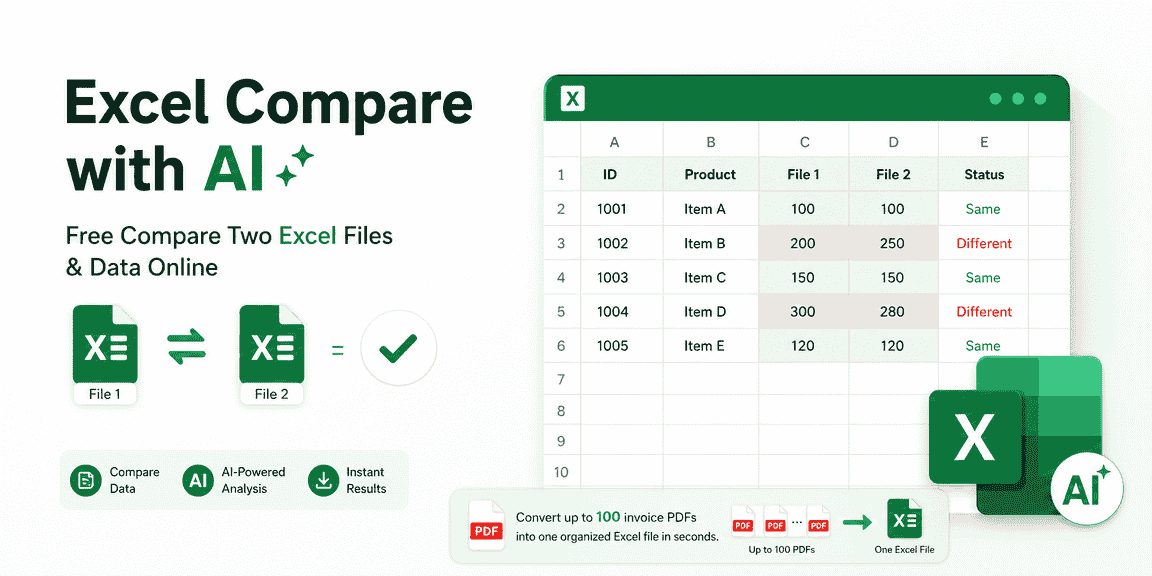
This is especially useful when teams are reconciling finance workbooks, pricing sheets, inventory exports, or pre- and post-migration spreadsheet versions.
How BankGPT Protects Privacy Without Sacrificing Speed
Privacy and performance are often treated as tradeoffs, but modern browser-based architecture makes it possible to deliver both.
Local execution reduces exposure
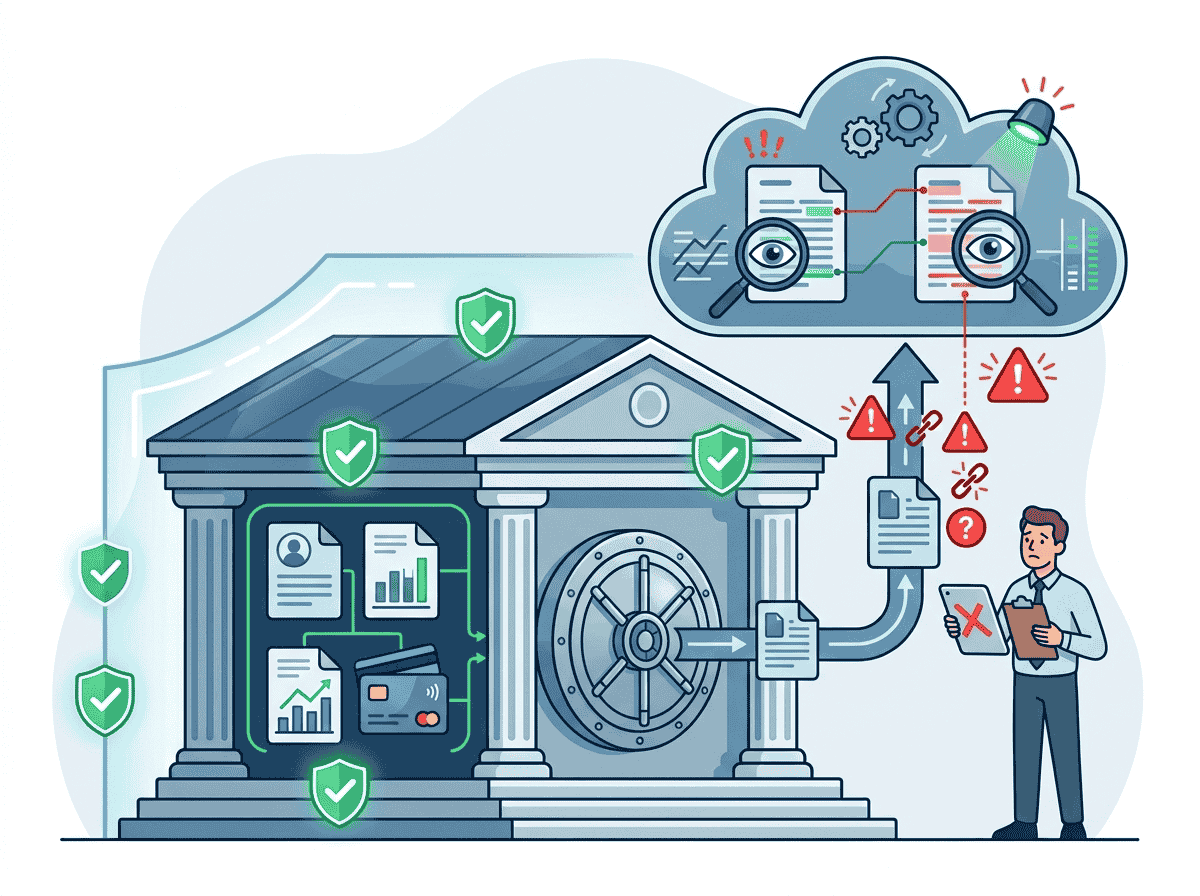
The safest sensitive file transfer is the one that never happens. By keeping the comparison flow inside the user's browser, BankGPT reduces the exposure that comes with remote parsing pipelines.
- File contents are not sent to external comparison servers.
- Users keep direct control over local business data.
- Teams can work with more confidence on private operational files.
Structured comparison improves practical accuracy
Business users usually care about row and cell changes, not just raw text diffs. BankGPT focuses on structured data comparison so that results are more useful in real review workflows.
That means less time spent interpreting false positives and more time resolving actual discrepancies.
How To Compare Files Online in 3 Simple Steps
The workflow is intentionally simple so users can move from upload to insight quickly.
Step 1: Open the right comparison tool
Go to Excel Compare for spreadsheets or CSV Compare for flat-file exports. Then add your base file and target file.
Step 2: Review column mapping and matching logic
The tool reads headers and helps align comparable columns. Select key fields such as transaction IDs, invoice numbers, or account references so rows can be matched logically.
Step 3: Inspect differences and export results
Review the visual output to see added, missing, or modified values. Once the comparison looks correct, export the results for audit, reporting, or downstream correction work.
Common Use Cases for BankGPT Diff Tools
BankGPT's comparison tools are especially useful in scenarios where speed and data privacy both matter.
- Financial reconciliation: Compare transaction exports, ledger versions, and settlement reports.
- Operations review: Validate vendor records, fulfillment logs, or internal reporting files.
- Data migration QA: Confirm that source and destination exports match after system changes.
- Inventory and pricing checks: Compare product lists, cost updates, or catalog revisions.
- Audit preparation: Identify exceptions before formal review cycles.
Final Verdict: Why Teams Choose BankGPT's Diff Tool Online
The strongest reasons to choose BankGPT come down to three things: privacy, speed, and practical accuracy. Many traditional tools either slow teams down with installation and licensing friction or introduce risk by uploading sensitive files to remote servers.
By contrast, BankGPT offers a cleaner browser-based workflow built around client-side processing and structured data comparison. Whether you need to compare spreadsheet workbooks with Excel Compare or reconcile flat exports with CSV Compare, BankGPT gives modern teams a faster and more privacy-conscious way to identify differences online.