
Rent Invoice Template for Small Landlords: Create Clear Bills and Track Payments

BankGPT gives small landlords a simple way to create a professional rent invoice template for every tenant, property, and billing period. Whether you manage one apartment, a few long-term rentals, or a small mixed-use property, a consistent rent invoice helps tenants understand what they owe and helps you keep reliable payment records.
A rent invoice template is more useful than a basic payment request. It creates a recurring record of base rent, utilities, parking, late fees, credits, deposits, and prior payments. Instead of rebuilding a document every month or searching old email threads, landlords can reuse the same property and tenant details while changing only the dates, charges, and balance.
Why small landlords need a rent invoice template
Many independent landlords begin with text messages, paper receipts, or an informal spreadsheet. That can be enough when every tenant pays the same amount on time. It becomes difficult when there are partial payments, several tenants, utility adjustments, late charges, renewal increases, or a request for proof of payment.
A clear rent invoice template helps avoid common questions:
- Which month does this payment cover?
- Is the security deposit included in the current balance?
- Was the parking fee already paid?
- Is there a late fee, and why was it added?
- What is the remaining balance after a partial payment?
- Can the tenant use this document for reimbursement or housing records?
Using a consistent document also makes month-end bookkeeping easier. You can quickly see open balances and compare invoices with rent received, without relying on a stack of paper receipts.
What to include on a rent invoice
A good rent invoice template should be detailed, but it should not be confusing. Each line item should tell the tenant exactly what it represents.
| Invoice field | What to show |
|---|---|
| Landlord or property business details | Name, mailing address, phone number, and email |
| Tenant details | Tenant name, unit number, and rental-property address |
| Invoice number | A unique ID for tracking and future reference |
| Billing period | For example, "Rent for September 1–30, 2026" |
| Due date | The date payment is expected under the lease |
| Rent charge | Base rent for the stated period |
| Additional charges or credits | Utilities, parking, pet rent, repair charges, concessions, or late fees |
| Prior payments | Deposits or partial payments already applied |
| Balance due | The total amount the tenant still needs to pay |
| Payment instructions | Available payment methods, account details, and payment reference |
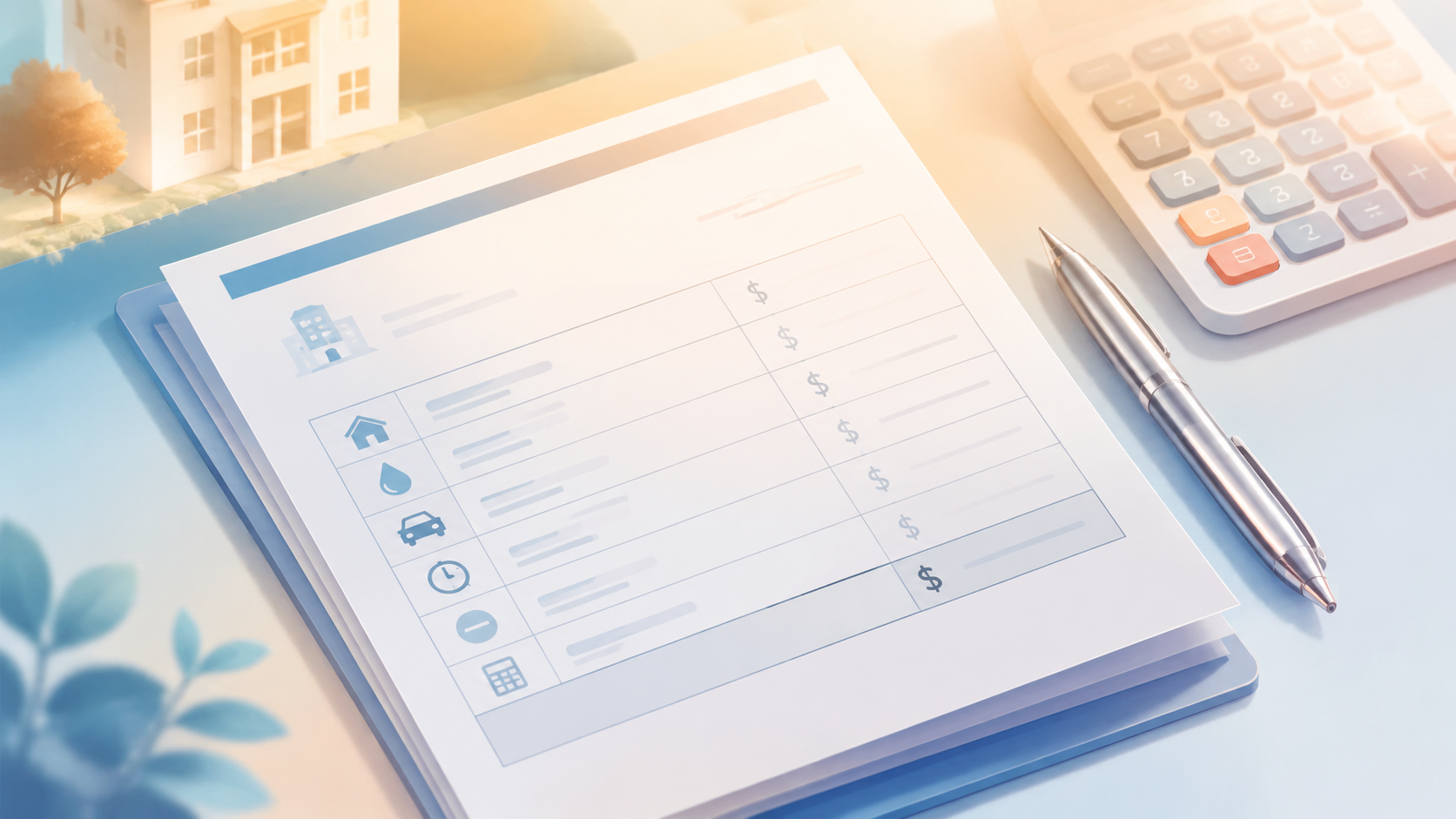
Create the first version with an AI Invoice Generator, then save it as your default rent invoice template. This reduces repeated data entry and gives every tenant a consistent, professional format.
Rent invoice, rent receipt, and security deposit
These three documents serve different purposes. Confusing them causes disputes and poor records.
A rent invoice template is a request for payment. It states the amount due and the due date. A rent receipt confirms that payment was received. A security-deposit record tracks money held as a deposit, deductions, and eventual return or settlement according to the lease and applicable law.
For example, assume rent is $1,800 per month and the tenant has already paid $500. The invoice should show:
| Item | Amount |
|---|---|
| Monthly rent | $1,800.00 |
| Payment received | -$500.00 |
| Balance due | $1,300.00 |
After the tenant pays the $1,300 balance, issue a receipt showing the date, amount, payment method, and invoice number. Do not label a security deposit as rent unless the lease and applicable rules specifically allow it to be applied that way.
Make recurring billing easier
For long-term rentals, the main advantage of an online rent invoice template is repeatability. The charges may be similar every month, but records still need to remain accurate. Set up a recurring process that creates the invoice before the due date, sends it through the tenant's preferred channel, and tracks whether payment arrives.
A practical monthly workflow is:
- Create or schedule the next rent invoice template a few days before the billing period begins.
- Confirm the tenant, property, rental period, base rent, and any variable charges.
- Send the invoice by email or text and include clear payment instructions.
- Record full or partial payment against the same invoice.
- Send a receipt once payment is received.
- Send a polite reminder only when the due date passes and a balance remains.
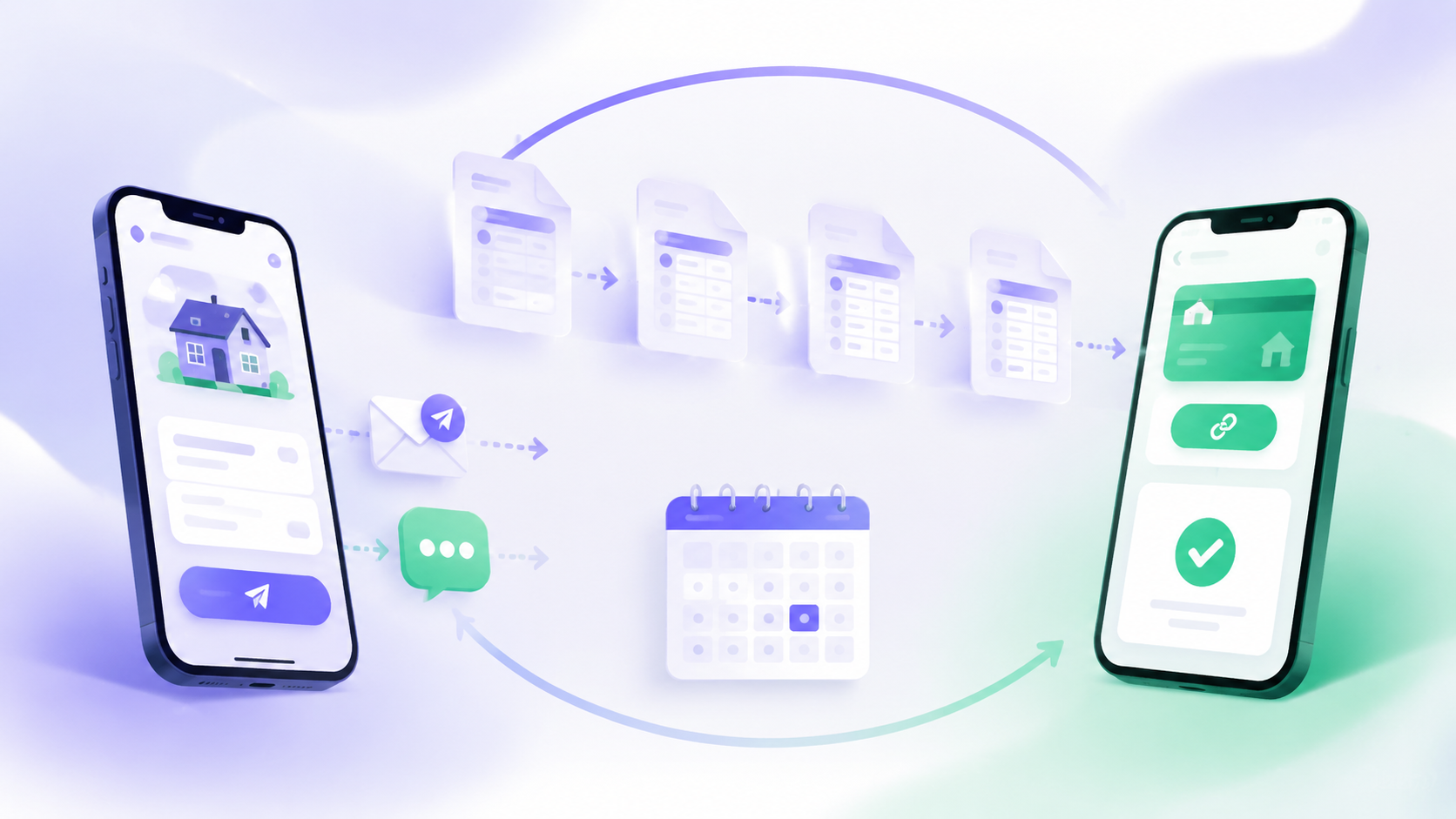
An AI Invoice Generator can help you generate a clean document for a new lease, an adjusted rental amount, or a one-time charge without editing last month's PDF manually.
Short-term rentals need different line items
Short-term rental hosts often need a rent invoice template for situations outside a booking platform: corporate stays, direct bookings, extended stays, damage charges, cleaning services, local taxes, or reimbursement requests. These invoices should make the stay period and each extra charge easy to verify.
Useful short-term rental line items include:
- Accommodation charge by night, week, or month
- Cleaning fee
- Local lodging or occupancy tax
- Pet fee or additional-guest fee
- Damage charge with supporting notes
- Deposit received and deposit refund or deduction
- Early check-in, late checkout, or extension charges
Keep platform payouts separate from the guest-facing invoice. A booking platform may deduct its service fees before remitting a net payout, while the invoice should normally show the guest's agreed gross charges and any applicable taxes. That separation makes revenue, fees, refunds, and deposits easier to reconcile.
Print when needed, keep a digital record
A digital rent invoice template does not force a landlord or tenant into a paperless-only process. Some tenants will want a printed notice, while others prefer a PDF by email or a payment link by text. The best approach is to enter the information once and deliver it in the format that works for the tenant.
You can use the same invoice record to:
- Print an A4 copy for in-person delivery
- Email a PDF for tenant records
- Send a payment link for online collection
- Record cash, check, bank transfer, or card payments
- Save the receipt and payment status with the property record
The document should remain easy to retrieve at tax time, during lease renewal, or if either party needs to confirm what was billed and paid.
Avoid common rental billing mistakes
A rent invoice template should never create uncertainty about the tenant's obligation. Before sending, check the billing period, unit address, due date, rental amount, and prior payments. If you add a late fee or other charge, describe it clearly and make sure it is consistent with the lease and local requirements.
Avoid these common errors:
- Billing the wrong rental period
- Applying a security deposit as rent without a documented basis
- Omitting a partial payment from the balance
- Reusing an invoice number
- Combining separate properties or tenants on one unclear invoice
- Sending a "paid" receipt before funds have actually cleared
- Treating the invoice as legal advice or as a substitute for a compliant lease
A clear rent invoice template supports better communication, but local landlord-tenant, tax, deposit, and notice rules vary. Use it as an operational document and obtain qualified local advice when you need legal or tax guidance.
Frequently Asked Questions
What should a rent invoice template include?
A rent invoice template should show the landlord and tenant details, invoice number, billing period, due date, base rent, additional charges or credits, prior payments, balance due, and clear payment instructions. Each line item should explain exactly what the tenant is being asked to pay.
What is the difference between a rent invoice and a rent receipt?
A rent invoice is a request for payment that states the amount due and the due date. A rent receipt confirms that payment was received, showing the date, amount, payment method, and invoice number. A security-deposit record is a separate document that tracks deposits, deductions, and their eventual return.
Can I use the same rent invoice template every month?
Yes. A reusable rent invoice template lets you keep the tenant, property, and standard charges the same while changing only the billing period, variable charges, and balance. This reduces data entry and keeps payment records consistent month after month.
How should I handle partial rent payments?
Show the partial payment as a credit line on the invoice, then calculate the remaining balance due. When the tenant pays the balance, issue a receipt for the payment received so the payment history stays clear and auditable.
Can an AI invoice generator create a rent invoice for me?
Yes. An AI Invoice Generator helps you create a clean rent invoice template for a new lease, an adjusted rental amount, or a one-time charge, and reuse the same document structure for recurring billing.
Build a repeatable rent collection process
The goal is not to make rental billing look complicated. It is to make the amount due, the payment date, and the payment record easy for both parties to understand. A reusable rent invoice template reduces manual work, gives tenants a better payment experience, and makes it easier for a small landlord to monitor unpaid balances.
Use BankGPT to build repeatable rental invoices, issue clear receipts, and keep each property's billing history organized. When rent invoices, payment reminders, and records follow one consistent process, landlords can spend less time chasing details and more time managing their properties.
Jordan Lee is a small business owner and independent reviewer of banking and FinTech tools. He writes practical, no-jargon guides to help founders spend less time on paperwork and more time growing their ventures.