Every business owner, accountant, and busy professional knows the silent stress of expense administration. At the end of every week, month, or quarter, tiny slips of thermal paper begin to stack up on desks, cluster inside wallet pockets, or get buried deep within overflowing email inboxes. The traditional method of processing these vouchers—manually reading each purchase date, deciphering vendor names, entering total amounts into spreadsheets, and tagging tax categories—is one of the single greatest operational bottlenecks in modern workflow management. Fortunately, modern financial automation through BankGPT offers a seamless escape from this administrative burden.
Adopting an advanced electronic tool designed to convert paper chaos into structured digital data changes the entire paradigm of administrative overhead. When you transition from manual bookkeeping to automated workflows, you do not simply digitize receipts; you reclaim dozens of hours every month, eliminate human error, and gain instant visibility into your operational expenditures. In this practical guide, we will explore how leveraging an Online Receipt Scanner can transform your daily productivity, streamline accounting workflows, and give you back control over your valuable time.
The True Cost of Manual Receipt Handling
Before examining automated solutions, it is worth calculating the actual burden that manual receipt handling places on professionals. On average, a small business manager or independent consultant spends anywhere between 3 to 7 hours every month collecting, checking, typing, and reconciling paper receipts. For accounting teams managing dozens of corporate expense accounts, this manual workload scales exponentially.
Consider the core vulnerabilities inherent in traditional paper management:
- Time Loss: Entering individual lines of transaction data into spreadsheets line by line consumes vast amounts of focus and time that could otherwise be spent on revenue-generating business development.
- Physical Degradation: Thermal receipt paper fades rapidly over time. Exposure to sunlight, heat, or mere friction inside a drawer can render critical tax evidence unreadable within weeks.
- Typographical Errors: Fatigue during late-night data entry frequently leads to transposed digits, inaccurate expense totals, or miscategorized accounts, causing headaches during audits.
- Disorganized Workflows: Searching through physical filing cabinets or unstructured desktop folders for a specific proof of purchase from months ago creates friction and delays during quarterly reporting.
By shifting to an automated digital workflow, you instantly bypass these pain points and upgrade your personal and organizational throughput.
What is an Online Receipt Scanner and How Does It Work?
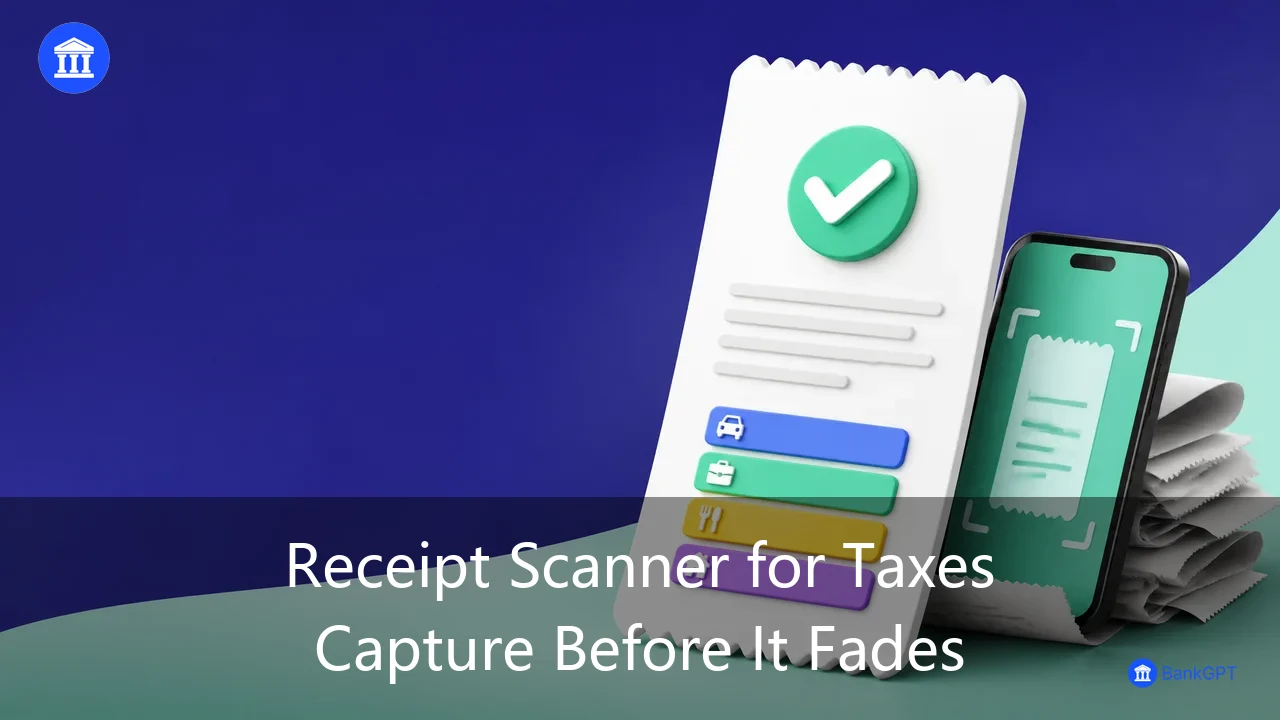
An web-based expense extraction utility is a web-driven financial processing application engineered to ingest images or documents of proof-of-purchase vouchers and automatically extract structural transaction metadata. Rather than forcing users to manually read and transcribe details, the engine instantly identifies core financial fields, converting unstructured pixel data into highly organized table formats ready for export or integration.
Using a web-based workflow eliminates software installation barriers entirely. Whether operating from a desktop terminal or a mobile browser in the field, professionals can process vouchers in real time. The core underlying engine reads both standard printed machine text and clear handwritten notations, instantly identifying parameters such as:
- Transaction Date and Time
- Merchant Name and Location
- Line-Item Breakdown and Subtotals
- Applicable Sales Taxes or Freight Fees
- Final Transaction Total and Payment Instrument
By deploying a reliable receipt scanner directly within your browser, your financial workflows become agile, accessible, and virtually frictionless.
5 Ways an Online Receipt Scanner Dramatically Increases Productivity
Integrating web-based receipt digitization into your regular routines produces immediate productivity gains across multiple dimensions of business operations.
1. Rapid Elimination of Manual Data Entry
The most immediate advantage is pure speed. Manual transcription of a single purchase receipt takes roughly 60 to 90 seconds when double-checking accuracy. An online processing tool parses the exact same document in seconds. Multiplying this speed difference across dozens or hundreds of monthly transactions translates directly into entire workdays saved over the course of a business year.
2. Instant Expense Tracking and Categorization
Waiting until the end of the month to review spending leads to unpleasant financial surprises. A dedicated Receipt Tracker habit enables real-time budget management. By processing vouchers immediately upon purchase, spending is categorized instantly into appropriate ledgers (such as client entertainment, travel, office supplies, or software subscriptions), giving management immediate visibility into cash outflows.
3. Seamless Tax Preparation and Compliance Readiness
Tax season is historically notorious for generating operational panic. When tax accountants demand clear documentation for every deduction, tracking down missing invoices creates massive stress. Using a reliable Digital Receipt Scanner systematically creates an organized, searchable digital repository throughout the year. When tax filing deadlines arrive, all backup documentation is indexed, reconciled, and immediately available for submission.
4. Accelerated Reimbursement Cycles
For employees and traveling executives, submitting expense claims manually often results in long delays before receiving reimbursement. By utilizing a web-accessible Free Receipt Scanner, staff can upload receipts directly from hotel rooms or airports immediately after incurring expenses. Approvers receive standardized, legible financial data instantly, dramatically shortening reimbursement cycles and improving employee satisfaction.
5. Paperless Space Optimization
Physical storage holds real financial and cognitive costs. Storing boxes of archived paper vouchers consumes valuable office real estate and introduces clutter. Web-based scanning shifts your administrative infrastructure to a clean, paperless framework where every historical record is accessible via simple search queries rather than physical manual searches.
Step-by-Step Guide: How to Process Your Vouchers Efficiently
Implementing an efficient expense workflow does not require complex training or software overhaul. Follow this simple 3-step system to maintain immaculate financial records with minimal effort.
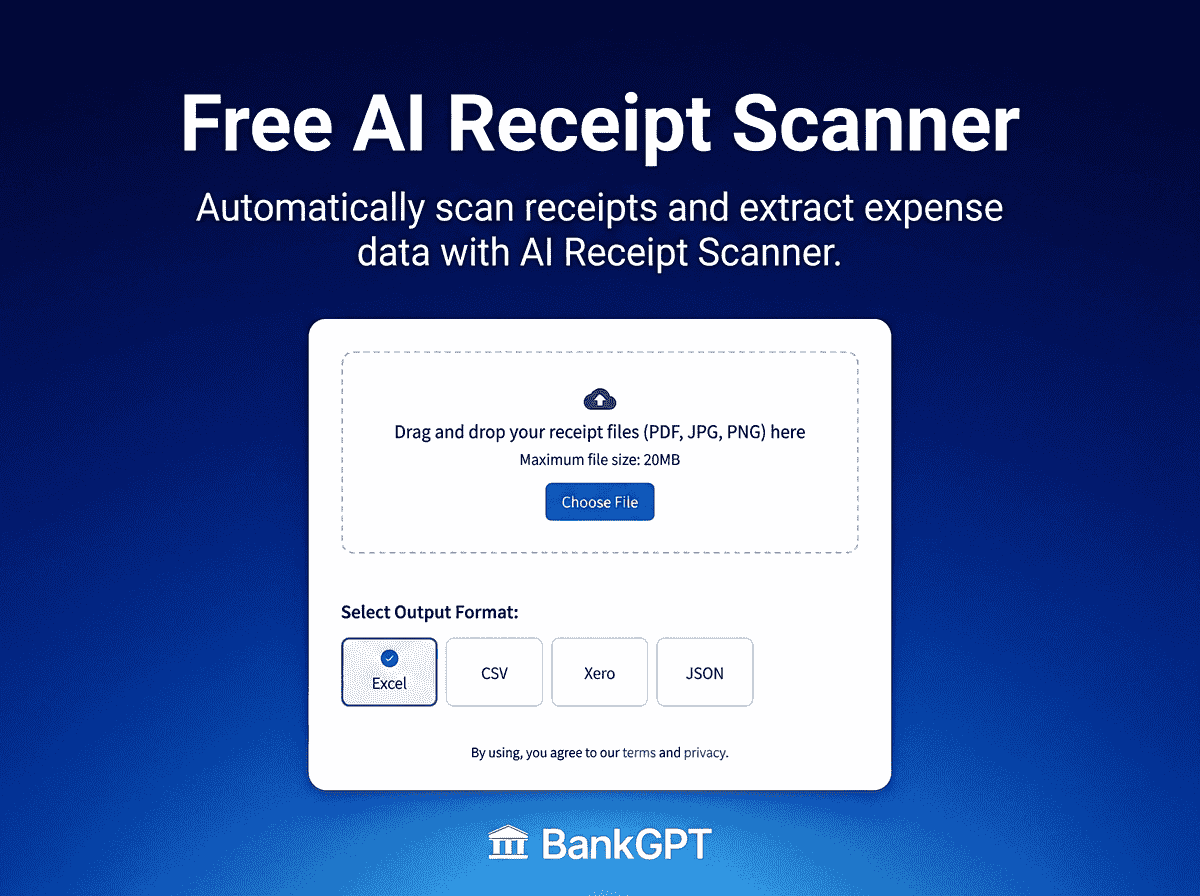
- Capture or Import: Drag and drop your receipt files (PDFs, PNG, or JPG images) into the web interface, or upload direct photos taken via smartphone.
- Automatic Extraction: Allow the intelligent extraction engine to parse the document, instantly pulling purchase date, vendor, tax, and final cost.
- Export and Sync: Choose your target financial format (Excel, CSV, JSON, or specialized software ledger formats) and download your structured file.
To maximize efficiency, set aside 2 minutes at the end of each day—or right after a business meal—to run your daily acquisitions through a web application. Making this micro-habit part of your routine prevents administrative backlogs from forming.
Advanced Strategic Workflows: Handling Complex Bulk Records
While handling individual daily receipts via a browser is effortless, many enterprise accounting workflows involve high-volume historical backlogs. For instance, traveling sales teams often return from multi-week trips with dozens of combined expense statements bundled into multi-page PDF documents. Alternatively, vendor portals frequently issue monthly statements compiling multiple purchase orders into consolidated PDF invoices.
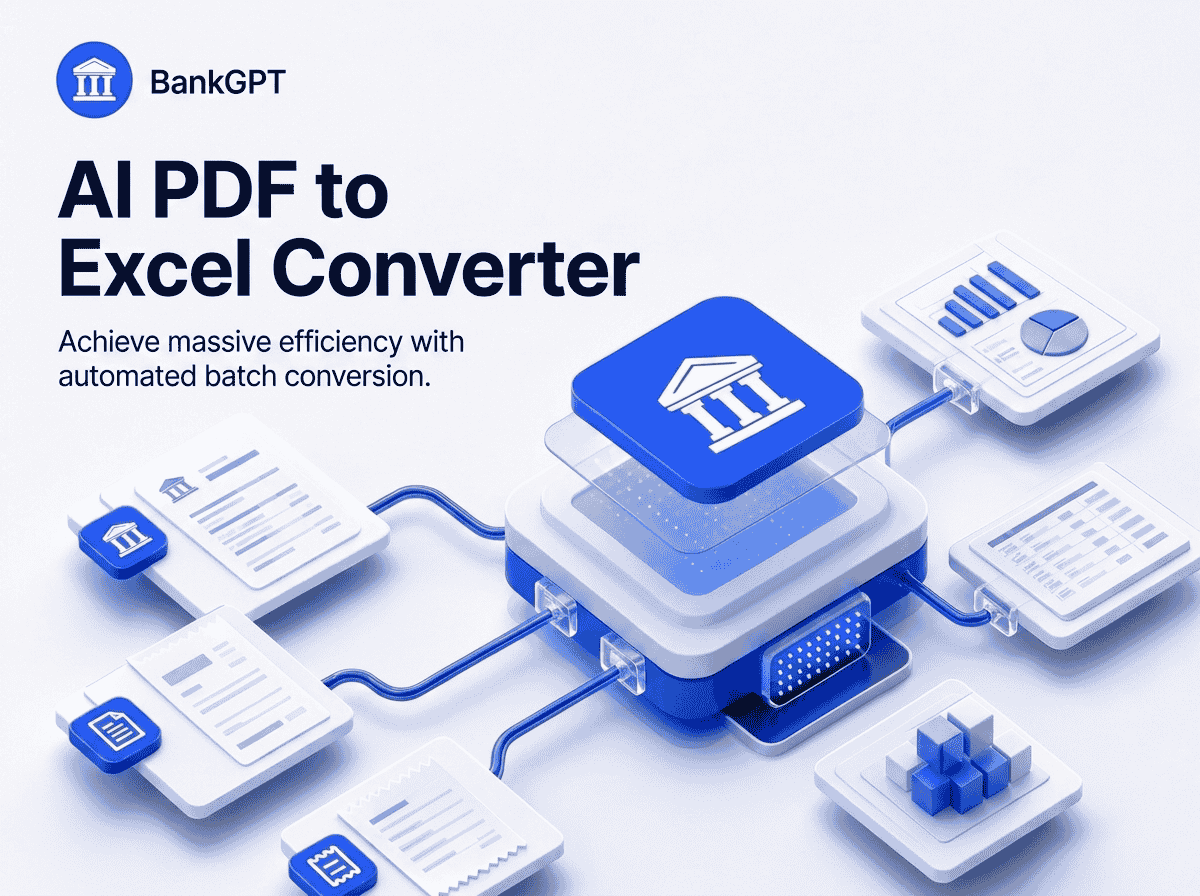
When you need to Scan Receipts Online in large batches or unpack complex multi-page PDF expense packets directly into structured tabular formats, dedicated bulk converters streamline the pipeline even further. If you routinely deal with multi-page statements or archived digital folders containing hundreds of expense files, utilizing a specialized PDF to Excel Converter allows you to convert massive batches of PDF documents directly into cleanly formatted Excel workbooks with zero manual copying and pasting.
Comparing Financial Processing Workflows
| Operational Attribute | Traditional Manual Workflow | Automated Web Processing |
|---|---|---|
| Processing Speed | 1 to 2 minutes per receipt | A few seconds per document |
| Data Accuracy | Vulnerable to human fatigue & typos | High-precision optical extraction |
| Accessibility | Bound to physical file cabinets | Instant digital access anywhere |
| Tax Audit Readiness | High risk of missing/faded paper slips | Permanently archived digital records |
| Monthly Time Commitment | 5 – 10 Hours | Under 30 Minutes |
Best Practices for Maintaining an Efficient Expense System
To extract maximum value from your digitized accounting stack, consider incorporating these operational best practices:
- Standardize File Naming: When downloading exports, utilize uniform naming conventions (e.g.,
YYYY-MM_VendorName_Amount) to ensure consistent digital archiving. - Capture Clear Photos: When taking picture vouchers with mobile phones, ensure adequate lighting and lay the paper flat against a dark background to optimize text extraction quality.
- Maintain Weekly Reconciliations: Compare your parsed export logs against business credit card statements on a weekly basis to catch unauthorized charges or missing receipts immediately.
- Leverage Native Exports: Utilize the output format best suited to your destination software—whether exporting to CSV for custom Python analysis or Excel for standard accounting ledger uploads using an intuitive receipt scanner interface.
Conclusion: Transforming Financial Administration into an Engine for Growth
In modern business, time is your most precious non-renewable asset. Spending hours manually reading receipt totals and typing numbers into spreadsheets is no longer a necessary tax on operational productivity. By adopting an Online Receipt Scanner, you automate one of the most tedious administrative burdens in business management, freeing up mental bandwidth and valuable hours to focus on strategic growth, business expansion, and client satisfaction.
Whether you are a solo freelancer streamlining tax deductions, a growing startup keeping tight control over operational cash flow, or an enterprise accounting department handling bulk vendor invoices, modern intelligent automation tools like BankGPT equip you with the speed, precision, and efficiency required to maintain flawless financial records effortlessly.