The accounting profession is built on a foundation of accuracy, speed, and clean data analysis. Yet, despite living in an era of advanced financial software, thousands of accounting professionals, bookkeepers, and auditors still waste countless billable hours every month manually formatting raw data files. Copying and pasting disjointed figures from raw text documents into Microsoft Excel is not just tedious—it is a massive operational bottleneck that introduces the risk of severe clerical errors.
To remain competitive and efficient, modern finance teams must transition away from manual data entry. This is where adopting a specialized Free AI TXT to Excel Converter becomes an indispensable asset for your firm's daily workflow. This comprehensive guide explores the inherent challenges of legacy data formats, how artificial intelligence is streamlining data extraction, and actionable steps you can take to automate your spreadsheet generation.
The Challenge of Financial Data Entry for Accountants and the Need for a Free AI TXT to Excel Converter
Most legacy banking systems, custom billing databases, and corporate ERP software (such as older versions of SAP or Oracle) do not export financial ledgers natively into clean .xlsx spreadsheets. Instead, they generate raw .txt, .csv, or .log files.
When an accountant opens these text exports, they are usually greeted by a chaotic wall of text. Columns might be separated by irregular spaces, arbitrary pipeline (|) symbols, or nested headers that misalign the actual financial figures.
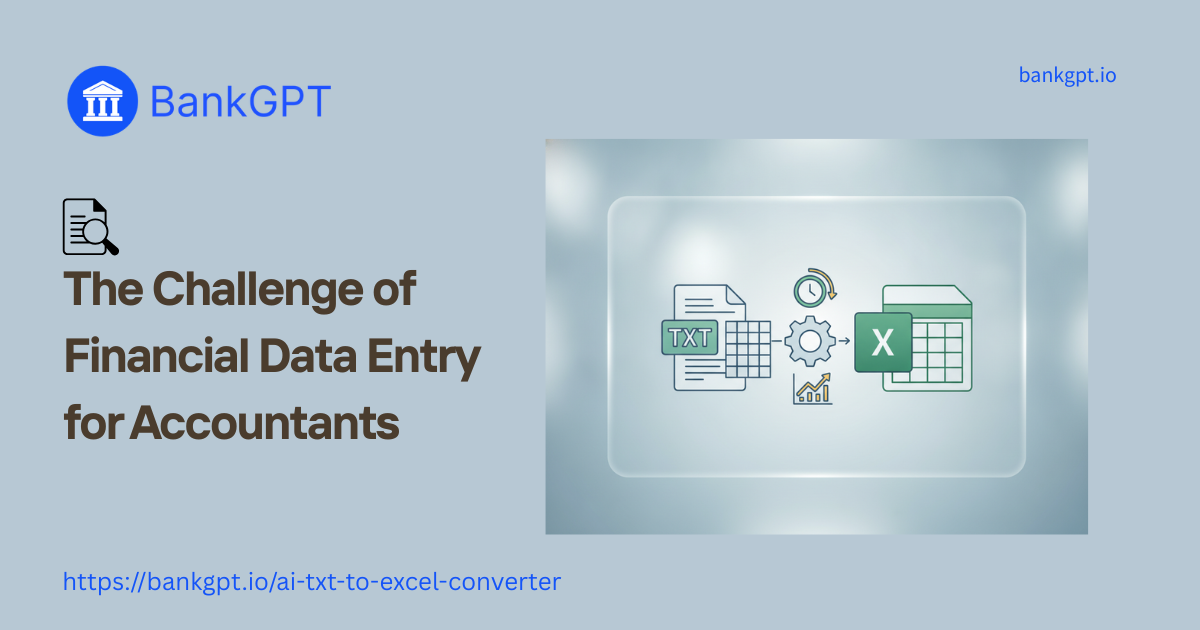
Traditionally, accountants attempt to solve this using Excel’s native "Text to Columns" wizard or by writing complex Power Query formulas. However, these legacy methods rely on static rules. If a bank statement export has inconsistent spacing or missing fields, the static delimiter rules fail, pushing credit amounts into the date column or merging transaction descriptions with account balances. This structural pain point highlights the urgent need for a smart, adaptable Free AI TXT to Excel Converter that can understand the context of the data, saving hours of manual cell realignment.
What Is a Free AI TXT to Excel Converter and How Does It Benefit Accounting?
A Free AI TXT to Excel Converter is a next-generation, cloud-based utility designed specifically to bridge the gap between unstructured text and actionable Excel spreadsheets.
Unlike standard file converters that blindly swap file extensions, an AI-driven converter utilizes smart recognition algorithms to parse the document holistically. It scans the raw text to identify global date formats, numeric groupings, currency symbols, and narrative transaction descriptions. By understanding the actual meaning of the layout, the AI engine can automatically map the data into perfect rows and columns, regardless of whether the original file used tabs, pipes, or messy irregular spaces.
The benefits for an accounting department are transformative. By eliminating the need for custom Python scripts, VBA macros, or manual copy-pasting, financial teams can drastically reduce their monthly closing times. Analysts can spend their energy interpreting cash flow and auditing accounts rather than fighting with formatting errors.
Why Accountants Choose Our Free AI TXT to Excel Converter to Convert Text Document to Excel
When it comes to handling sensitive financial records, not all online tools are created equal. Accounting firms demand tools that are highly accurate, strictly secure, and user-friendly. This is why top-tier finance professionals rely on BankGPT to manage their data transformation.
There are several core reasons why this specific Free AI TXT to Excel Converter stands out in the industry:
- Bank-Grade Data Privacy: Uploading corporate ledgers to random online converters poses a massive security risk. This tool guarantees secure data processing by immediately wiping your uploaded documents from the server memory after the conversion is complete. Zero permanent storage means full compliance with financial privacy standards.
- Real-Time Online Edit & Preview: You don't have to download the file blindly and hope it worked. The platform features an interactive visual editor that generates a live grid preview. You can delete unnecessary metadata rows, adjust column widths, and verify the layout before exporting the final file.
- Zero Installation and Infinite Scalability: Because the tool operates entirely in the cloud, there is no need to navigate strict corporate IT policies to download software. Furthermore, it offers unlimited free usage with no hidden fees, making it perfect for high-volume batch conversions.
Maximizing Workflow: How Accountants Can Use a Free AI TXT to Excel Converter Efficiently
Transitioning your team's workflow to an automated data pipeline is incredibly straightforward. By following a structured approach, you can turn chaotic text dumps into perfect audit-ready spreadsheets in just a few seconds.
Here is the optimal workflow for utilizing a Free AI TXT to Excel Converter:
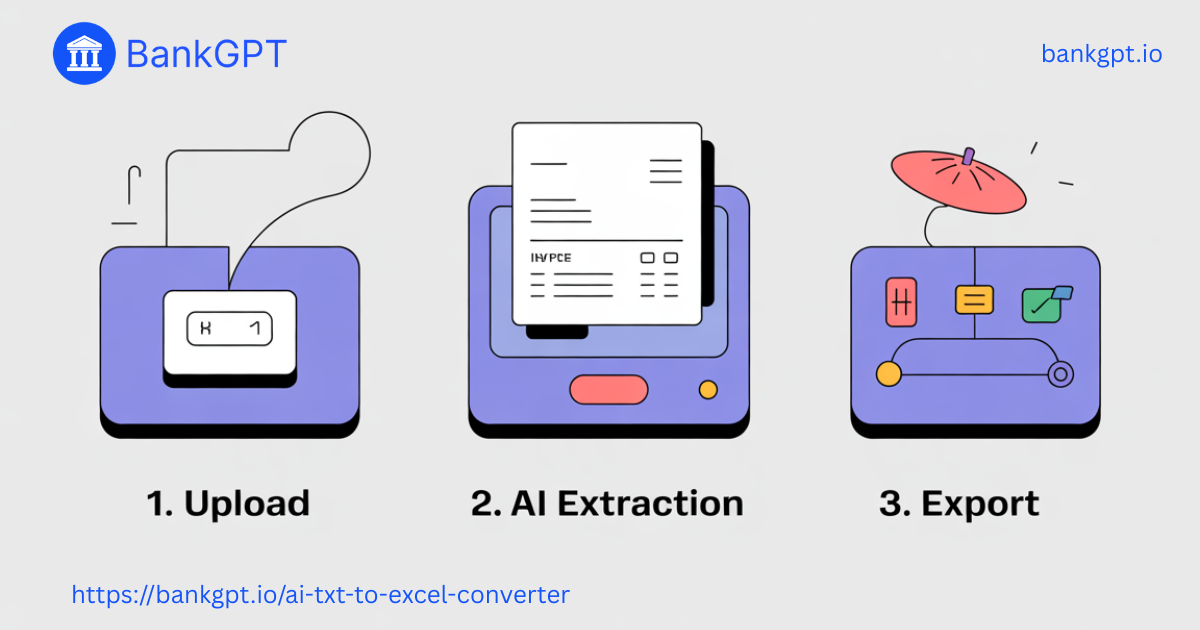
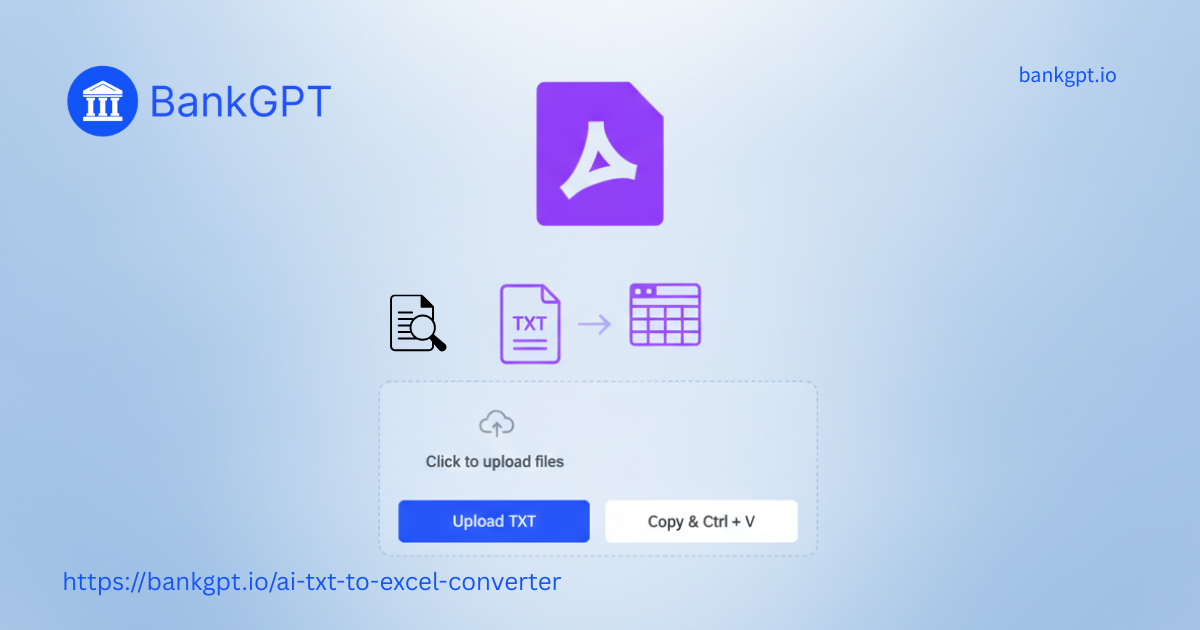
Step 1.Upload or Paste Your Raw Text:
Locate your exported .txt file, bank statement ledger, or email signature data. Drag and drop the file into the secure cloud interface, or simply copy and paste the raw text directly into the input portal.
Step 2.Analyze and Visually Clean the Data:
Allow the AI engine a few seconds to run its layout analysis. Once the real-time grid preview appears, review the columns. Use the browser controls to instantly delete any unwanted header rows, footer disclosures, or blank lines that carry over from the legacy export.
Step 3.Export to Microsoft Excel:
Once you are satisfied with the visual alignment, click the export button. The system will instantly generate a clean, perfectly mapped .xlsx file that you can open in Microsoft Excel, Google Sheets, or import directly into your modern accounting software.
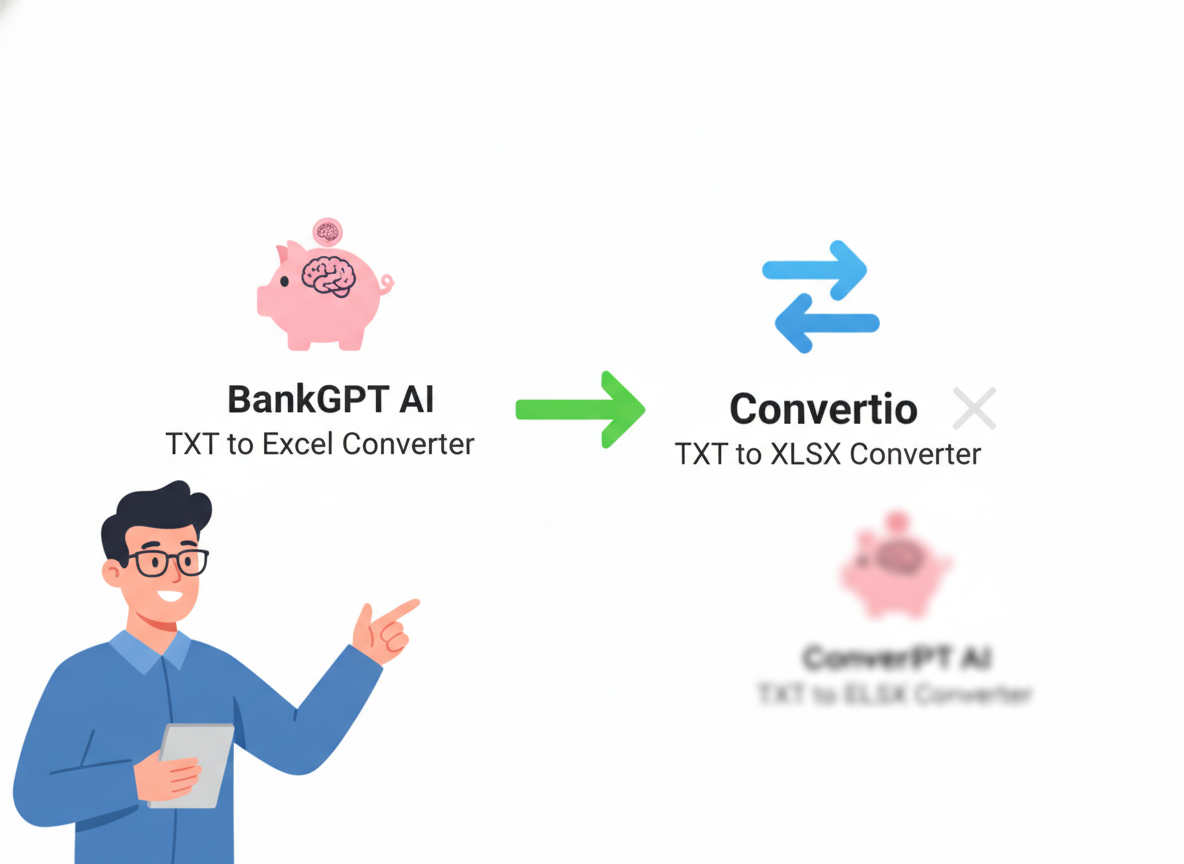
Tool Comparison: BankGPT Free AI TXT to Excel Converter vs. Convertio TXT to XLSX Converter
When searching for document conversion solutions, many users encounter general-purpose tools like Convertio. While Convertio is excellent for changing an MP4 to an MP3 or a PDF to a Word document, it falls fundamentally short when applied to complex financial accounting data.
| Feature / Capability | Standard Tool (e.g., Convertio) | BankGPT AI Converter |
| Parsing Technology | Rigid delimiter-based mapping | Contextual AI pattern recognition |
| Handling Irregular Spacing | Fails; clumps data into single cells | Succeeds; intelligently separates data types |
| Live Editing & Previews | None; requires downloading to check | Real-time interactive grid editor |
| Privacy & Security Policy | Files cached on servers for 24 hours | Instant zero-storage memory wipe |
| Cost Structure | File size limits; paid tiers for bulk | 100% Free; unlimited enterprise usage |
Because traditional converters rely on strict character matching, a single missing space in a bank export can ruin the entire spreadsheet layout. By leveraging contextual intelligence, this Free AI TXT to Excel Converter easily outperforms generic file utilities, making it the superior choice for financial professionals.
Conclusion: Choose the Best Free AI TXT to Excel Converter Boost your workflow Today
Manual text alignment is a relic of the past. As financial reporting requirements become more rigorous and client volumes increase, relying on outdated copy-and-paste methodologies is no longer a viable business strategy.
By integrating a dedicated Free AI TXT to Excel Converter into your daily operations, you empower your accounting team to work smarter, not harder. You eliminate the frustration of broken Excel macros, safeguard your sensitive corporate data through advanced zero-storage architecture, and reclaim hours of valuable time that can be redirected toward high-level financial strategy.
Don't let raw text files slow down your monthly reporting. Visit BankGPT to access the industry's most advanced Free AI TXT to Excel Converter, and experience the speed and accuracy of true financial data automation today.