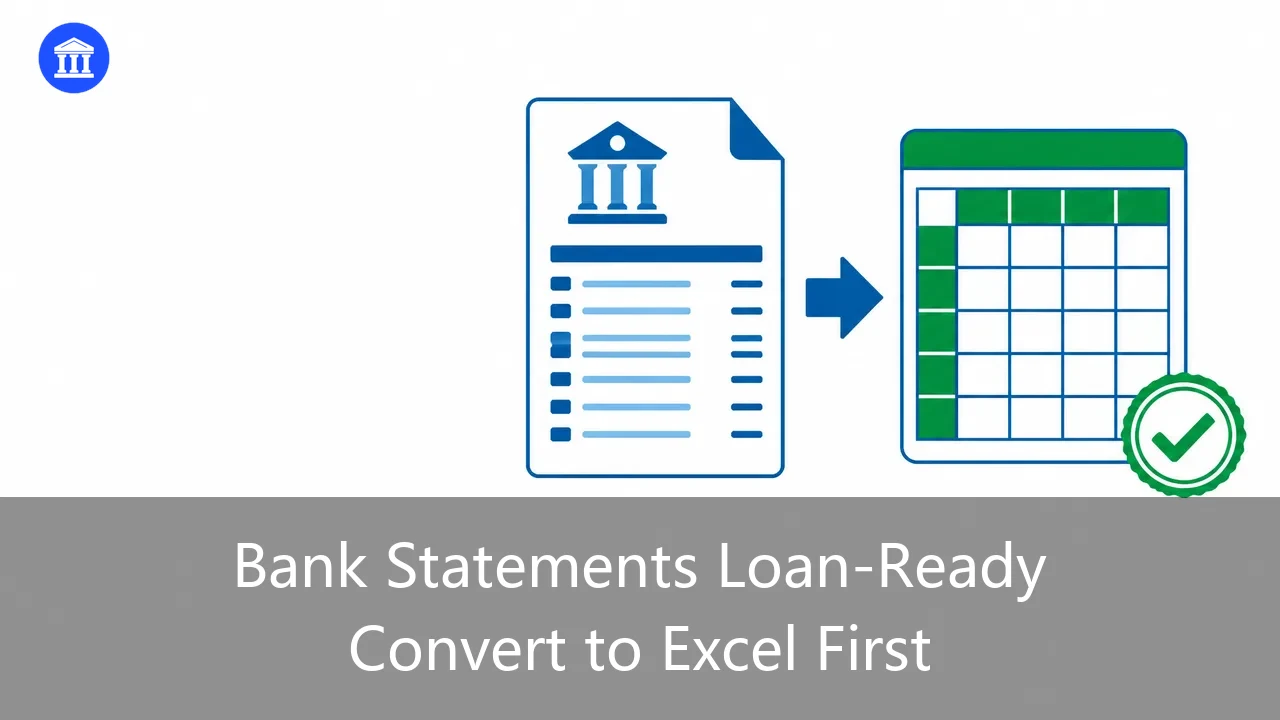
You send a loan application and then wait. Days pass. The lender comes back asking for "cleaner statements" or, worse, rejects the file because they cannot read your PDF. Most small business owners lose time here not because their business is weak, but because the paperwork is hard to follow. Converting your bank statements to Excel first fixes most of that. This guide walks through what lenders actually look at, why a spreadsheet beats a PDF, and a short checklist you can finish before lunch. If you want the heavy lifting done for you, BankGPT's AI Bank Statement Converter turns a PDF into a clean Excel file in minutes.
What lenders actually check in your statements
A loan officer is not reading your story. They are scanning for three things: steady income, no unexplained jumps, and a healthy running balance. Most decisions on small business loans come down to how easy those three answers are to find.
- Income consistency. They want to see money coming in on a regular rhythm. Seasonal spikes are fine if the pattern is visible.
- Unexplained large deposits. A big lump sum with no label triggers a question. You want to be the one who answers it before they ask.
- Overdrafts and negative days. A few dips are normal. A pattern of them suggests cash flow problems, even if your yearly total looks good.
None of this is a secret. The bank wants to say yes. Your job is to make it easy for them to find the good parts of your story.
Why convert to Excel before you apply
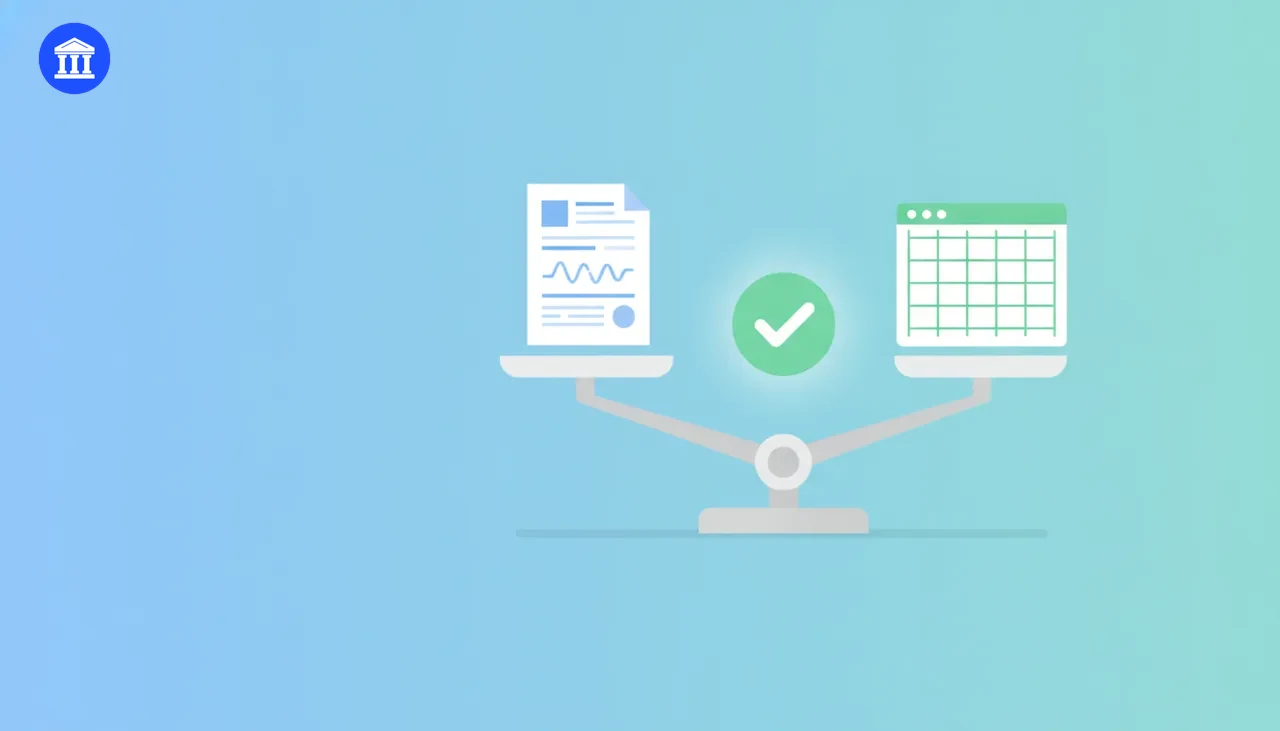
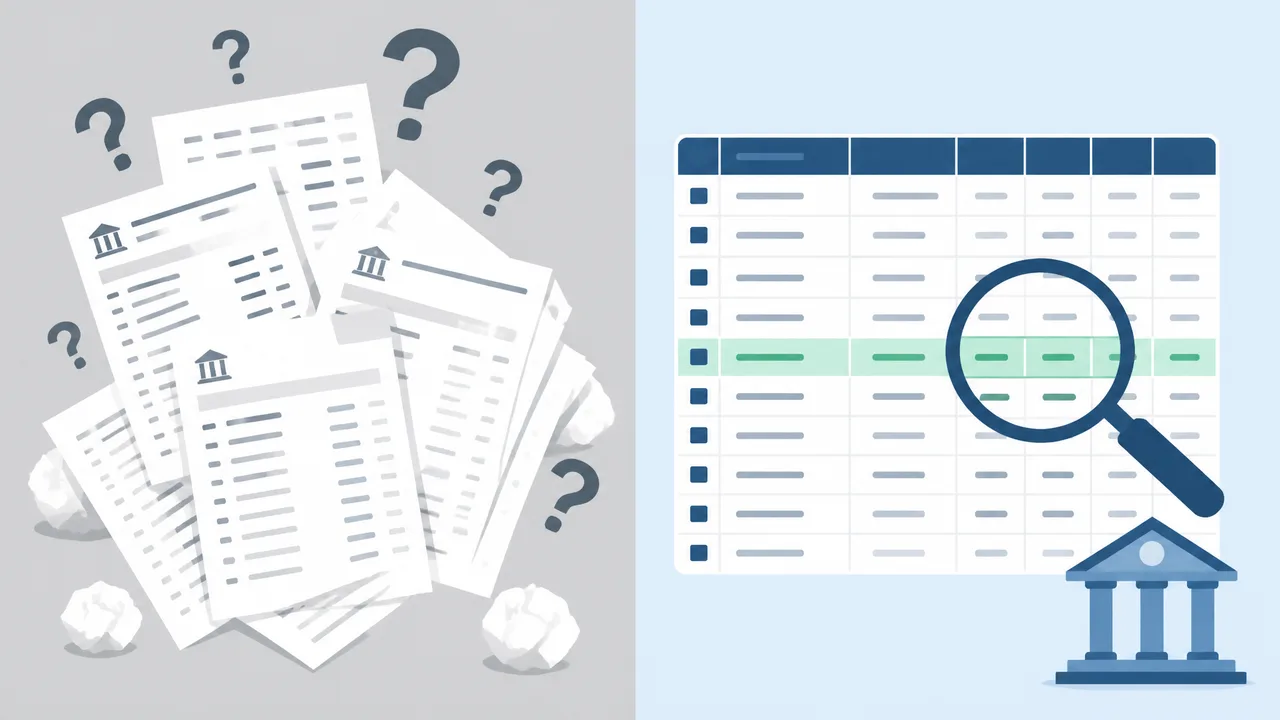
A PDF statement is a picture. You can look at it, but you cannot search it, sort it, or add notes to it. A loan officer who has to flip through twelve pages of PDF to answer one question will slow down your application.
An Excel version changes the game:
- Searchable. They can filter by date, amount, or vendor in seconds.
- Annotatable. You can add a note column explaining that large deposit, the one from the equipment sale.
- Calculable. Monthly averages, totals, and balance trends can be computed on the spot, no manual math.
- Printable. You can build a one-page summary that tells your story without forcing anyone to read everything.
Put simply, a spreadsheet shows you have nothing to hide. That alone speeds up approval because it removes doubt.
A 5-step checklist to get loan-ready
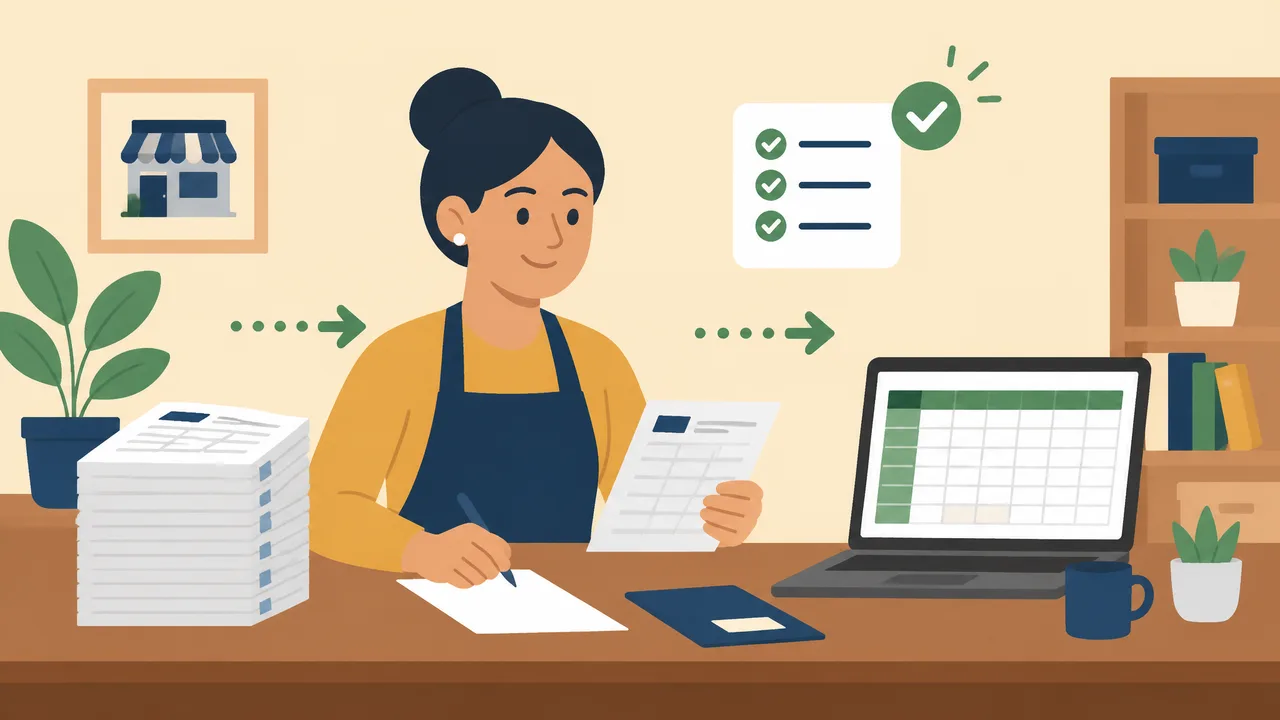
You do not need an accountant for this. Set aside an hour and work through the list.
- Collect every statement the lender asked for. Usually 3 to 6 months for small business loans. Missing months are a common reason for delays, so double-check the date range.
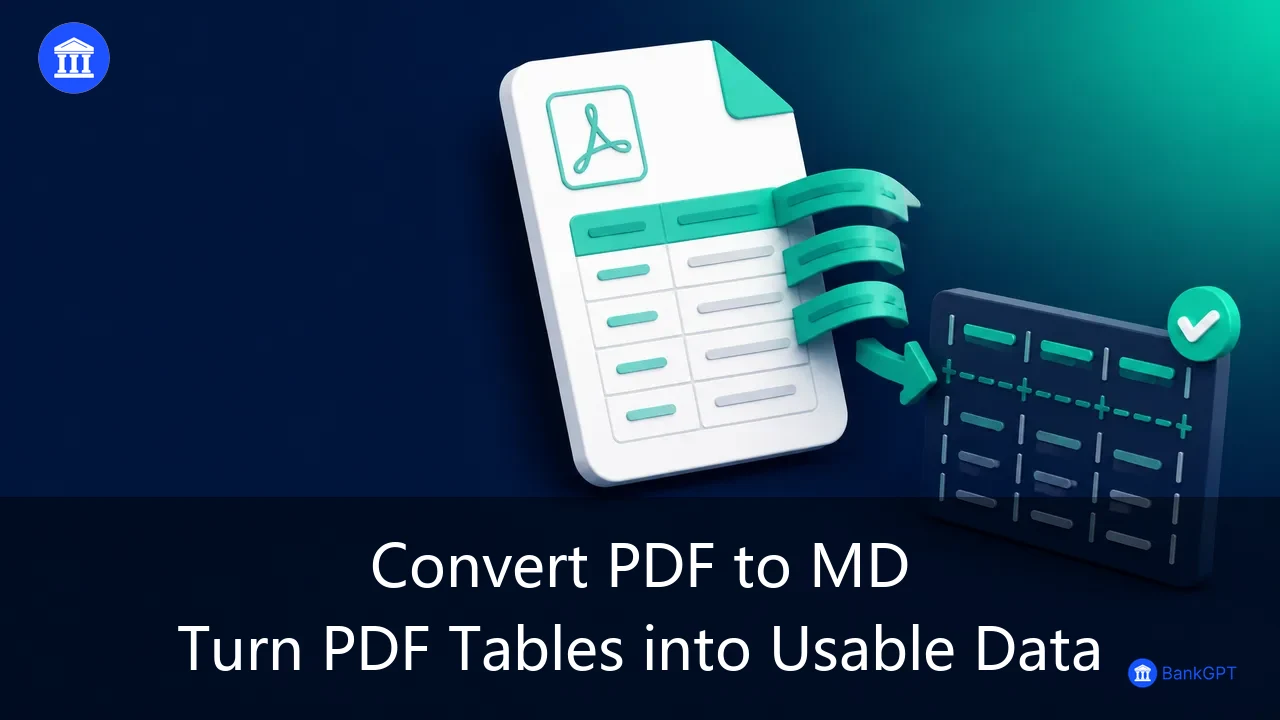
- Convert each PDF to Excel. Upload your statements to a converter that reads the rows correctly. Review the first few rows to make sure dates, descriptions, and amounts landed in the right columns.
- Check every row against the original. Spot-check totals. If the PDF showed 47 transactions and your sheet has 45, find the gap before you submit, not after.
- Add notes to anything unusual. That one big transfer, the refund, the loan repayment from your own account. A short note in a new column answers the question before it is asked.
- Build a one-page summary. Total deposits, total withdrawals, average monthly balance, and a line about any large transactions. This page is what gets your application moved forward.
That is the whole process. If the conversion step feels tedious, the AI Bank Statement Converter handles it, including scanned statements, and exports a clean Excel file you can annotate.
Mistakes that slow down or sink applications
A few habits quietly cause the most rejections.
- Submitting only the first page. Lenders need the full statement history, not a screenshot of the balance.
- Leaving out one account. If you mentioned a second account in the application form, its statements must be attached too. Inconsistency is a red flag.
- Editing the numbers. Never alter transactions. Lenders compare against bank records and will reject the file, and possibly the loan. If a statement has an error, ask the bank for a corrected copy instead.
- Gaps in the date range. A missing month looks like you are hiding something even when you are not. It is the easiest mistake to avoid and the most common cause of follow-up emails.
Frequently Asked Questions
Will the bank think an Excel file is less trustworthy than a PDF?
No. Banks export and analyze statements in spreadsheet form themselves. What matters is that the data is accurate and unchanged. An annotated Excel file with a note column is read as a sign of care, not suspicion.
How many months of statements do I need?
Most lenders ask for 3 to 6 months for small business loans. Some ask for 12 if the business is young. Check the application requirements, and when in doubt, provide more, not fewer, as long as the range is continuous.
Can I prepare these myself or do I need an accountant?
You can do it yourself. Converting, checking, and annotating takes about an hour for a typical small business. An accountant adds polish, but the fundamentals, accurate data and clear notes, are well within reach for any owner.
Final word
A loan decision often comes down to how easy your paperwork makes it to say yes. Converting your bank statements to Excel first, adding notes, and building a one-page summary removes the friction that causes delays and rejections. Try the AI Bank Statement Converter on your next statement, and you can have the spreadsheet version ready in the same afternoon.