Convert PDF to MD: A Smarter Way to Turn PDF Tables into Usable Data
PDF files are excellent for sharing reports, invoices, statements, and records, but they are rarely convenient when you need to reuse the data inside them. A table that looks perfectly organized in a PDF can become a messy block of text after copying and pasting it into Excel or a document editor. Columns shift, rows break, and important values may end up in the wrong place.
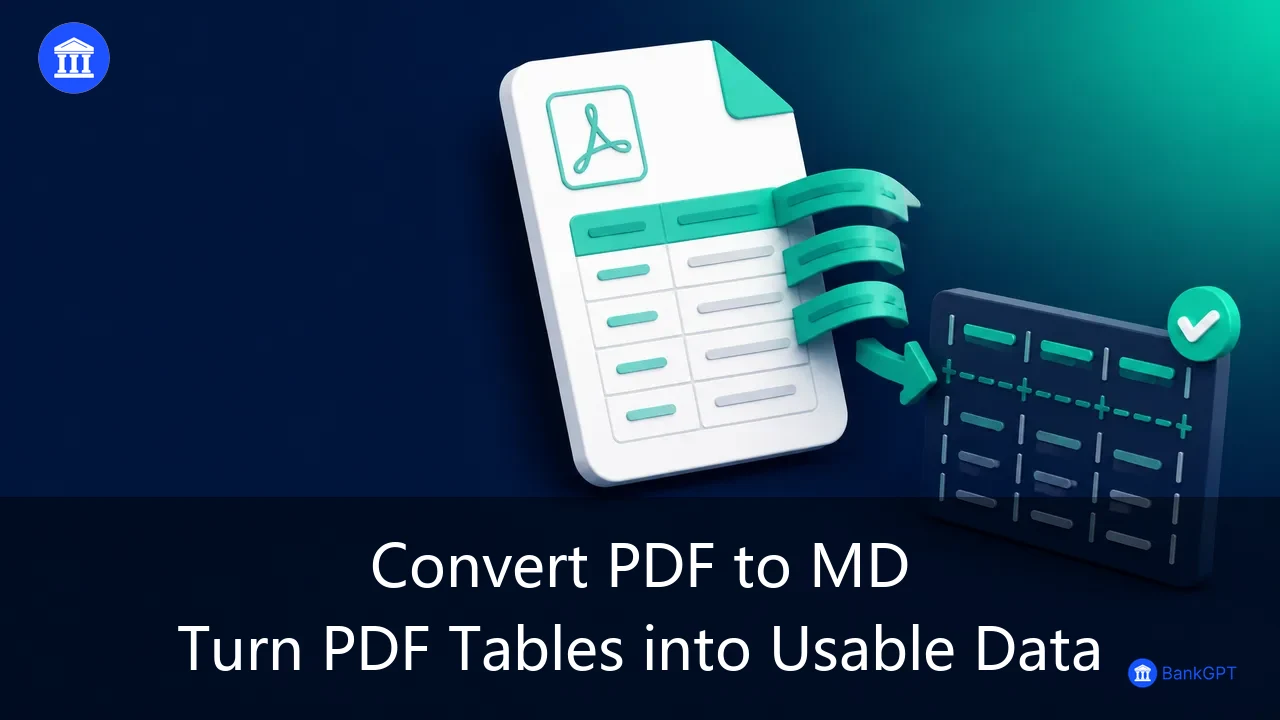
This is why more teams are looking for ways to convert pdf to md instead of relying on traditional manual extraction. Markdown is simple, structured, easy to read, and especially useful for presenting tables online. Once a PDF table is converted into Markdown, users can review it in a browser, search for specific values, edit the content, and export the final data for further work.
For finance teams, operations teams, researchers, and businesses processing large numbers of files, the ability to convert pdf to md can remove one of the most repetitive parts of document handling.
Why PDF Tables Are Difficult to Reuse
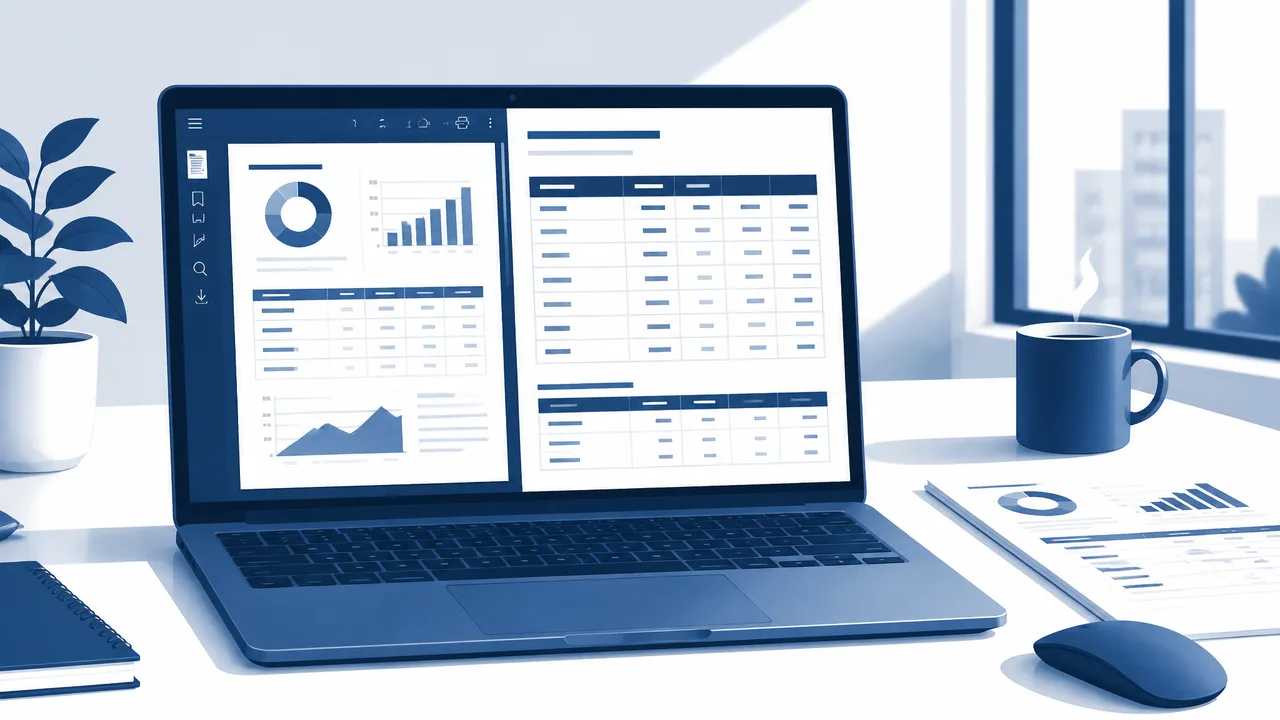
Most PDF documents were designed for viewing rather than editing. A financial report may contain dozens of well-formatted tables, but the information is often locked inside the document layout. When someone manually extracts the data, they must usually copy each table, rebuild headers, correct spacing, align values, and compare the result against the original PDF.
That manual process is slow and introduces unnecessary risk. A misplaced decimal, an incorrect date, or a shifted transaction amount can create problems in reporting, bookkeeping, auditing, or inventory management.
Using a convert pdf to md workflow helps solve this problem by recognizing document content and rebuilding table data in a structured Markdown format. Instead of receiving unorganized text, users receive a clear table preview that is much easier to check and revise.
Which Files Can You Convert to Markdown?
A reliable convert pdf to md process is most valuable when documents contain meaningful table data. These files may include bank statements, invoices, purchase orders, inventory lists, financial reports, product records, survey data, or operational spreadsheets that were exported as PDFs.
In addition to PDF files, users may also upload DOC, DOCX, XLS, XLSX, CSV, TXT, PNG, JPG, JPEG, WEBP, or one ZIP package containing multiple supported documents. The most important requirement is that the files include valid structured information, especially tables with recognizable rows and columns.
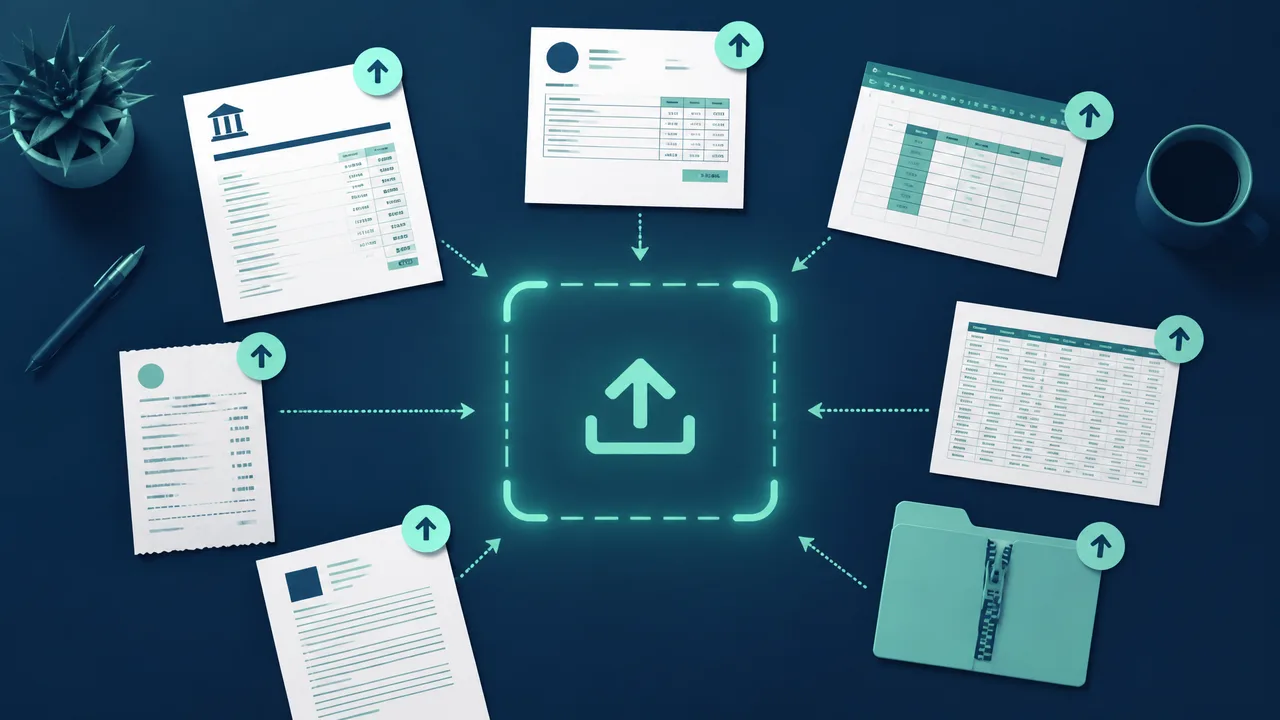
For example, an invoice with item names, quantities, unit prices, and totals can be converted into a Markdown table for review. A monthly bank statement can also be transformed into structured transaction data that is easier to search, compare, and export.
How Convert PDF to MD Saves Time
The biggest benefit of using a convert pdf to md tool is not simply changing a file format. It is removing the repetitive work of rebuilding document tables from scratch.
An intelligent converter can identify the table area inside a document, recognize columns and rows, and organize the content into a readable Markdown structure. The result can be displayed online, allowing users to inspect the converted data before using it in another system.
With convert pdf to md, processed documents can appear in a live Markdown table preview. Users can follow document progress from the file list, review results as they are completed, and make adjustments without switching between multiple tools.
This becomes even more valuable when working with large document collections. Instead of processing files one by one, users can upload multiple files or a ZIP package and submit them together. Depending on file size and document complexity, results may be completed within seconds or a few minutes. Compared with several days of manual extraction and formatting, batch conversion can dramatically improve productivity.
How to Convert PDF to MD: A Step-by-Step Guide
The process to convert pdf to md is designed to be straightforward. Start by uploading one or more supported files containing valid table data. This can be a PDF report, an Excel file, a document image, or a ZIP file with multiple records.
Next, click the Start Conversion button. Each uploaded document will show its processing progress in the left-side file list. At the same time, the right side of the workspace displays the Markdown table output for completed files.
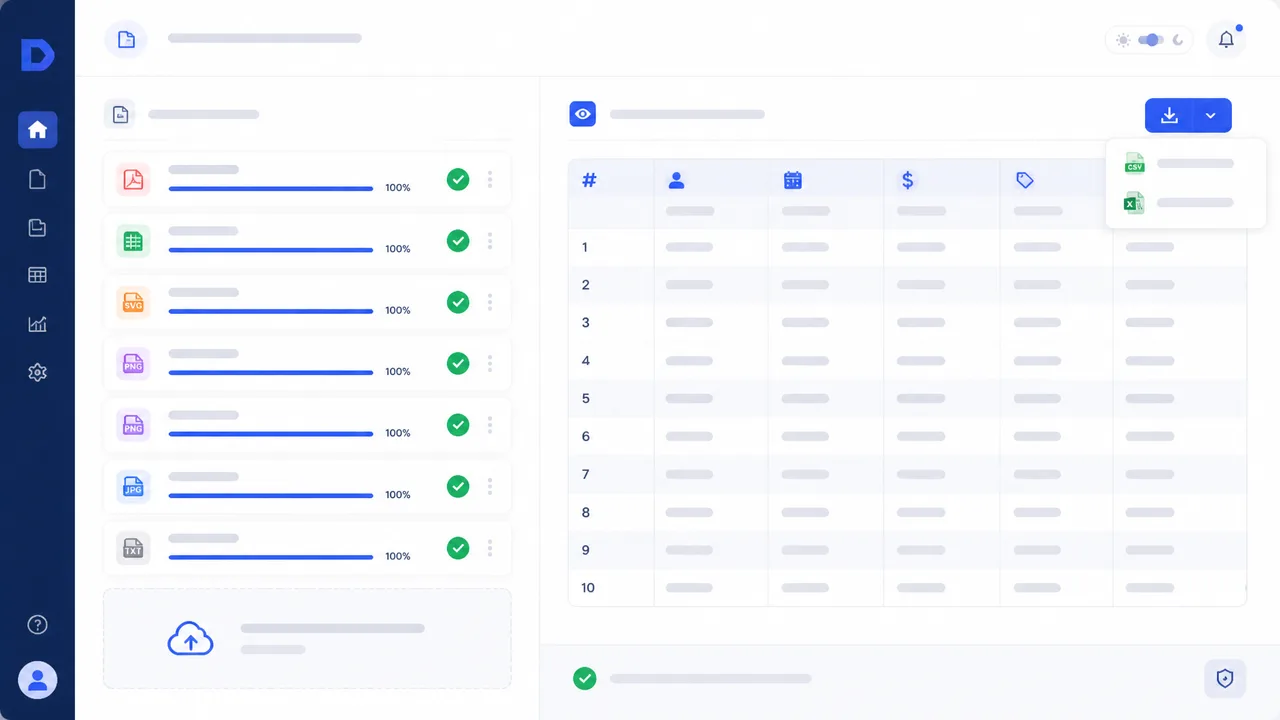
Once the conversion is complete, users can search the data, edit the Markdown table online, and verify whether the extracted rows and columns match the original file. After review, the final data can be downloaded in CSV or XLSX format for use in spreadsheets, accounting systems, reconciliation workflows, or internal reporting.
Three habits make the results noticeably cleaner. First, keep the source files legible, since a sharp scan or a text-based PDF gives the converter far more to work with than a blurry photo. Second, spot-check totals against the original document before exporting, so a shifted column is caught while the file is still open. Third, download the CSV or XLSX copy as soon as the review is finished, so the verified version is the one that reaches your accounting system.
From Static Documents to Editable Information
Imagine a team receiving a folder containing 100 supplier invoices at the end of each month. In a traditional workflow, someone may need to open every PDF, copy line items, rebuild tables in Excel, and check totals manually. The task can take days, especially when invoices use different layouts.
A convert pdf to md workflow changes that process. The team can upload the documents in batches, review the automatically generated Markdown tables, correct any exceptions, and export clean structured data. This approach helps reduce repetitive formatting, makes document data easier to audit, and lets employees spend more time on analysis rather than copying values.
For teams that work with financial statements, invoices, reports, and table-based documents every day, convert pdf to md provides a practical way to move from static PDF files to editable and reusable data.
Frequently Asked Questions
Is converting a PDF to Markdown better than converting it to Excel?
They solve slightly different problems. Excel is the better destination when you plan to run formulas, build pivot tables, or feed a model. Markdown is the better destination when you need a lightweight, readable structure that is easy to review in a browser, search, edit by hand, and paste into documentation or a knowledge base. Many teams review in Markdown first and then export to CSV or XLSX once the data is verified.
Can I convert scanned PDFs and images to Markdown?
Yes, as long as the document contains a recognizable table. Image-based files such as PNG, JPG, JPEG, and WEBP are supported alongside PDF, DOC, DOCX, XLS, XLSX, CSV, and TXT. That said, a text-based PDF will always convert more reliably than a photograph of a crumpled page, because there is real text for the converter to detect rather than pixels that must be interpreted.
Will the Markdown table keep my original columns and number formats?
The converter rebuilds rows and columns so the structure of the original table is preserved, which is the part that normally breaks during copy and paste. Number formats, merged cells, and unusual layouts can still need a quick manual correction, which is exactly why the preview is editable. A short review against the source document before exporting is always worth the minute it takes.
How many files can I convert at once?
You can submit several files at the same time, or package them into a single ZIP file, which is the fastest option for monthly invoice runs or statement batches. Each file shows its own progress in the file list, and completed documents appear in the Markdown preview as they finish. Depending on file size and complexity, results typically arrive within seconds or a few minutes.
Do I need to install anything?
No. The conversion runs in the browser, so there is no desktop software to install, no plugin to update, and no account setup required before you can upload a file. You upload, start the conversion, review the Markdown table, and download the CSV or XLSX export.
Final Thoughts
Static documents are only useful until someone needs the numbers inside them. If your team is still retyping tables from PDFs, a convert pdf to md step is one of the cheapest processes you can add this quarter, because it removes the most error-prone part of the work while leaving you fully in control of the review.
Try it on your next batch of statements or invoices with the AI PDF to Markdown Converter, and if your downstream work lives in spreadsheets, our guide to converting PDF tables to Excel covers that path in detail. Discover more AI-powered tools for document processing, financial workflows, and structured data extraction at BankGPT.
Reviewed by Jordan Lee, small business owner and independent reviewer of banking tools and FinTech applications.