Drowning in Receipts? Why a Receipt Scanner for Taxes Is the Smartest Tool to Add This Year
Every spring, millions of freelancers, small business owners, and gig workers sit down to file their taxes — and immediately regret how they handled their receipts over the previous twelve months. The shoebox is full, the thermal paper has faded, and the spreadsheet never happened. A receipt scanner for taxes solves this problem at its source, and browser-based tools like BankGPT have made the process faster than ever. In this article, we look at why demand for a receipt scanner for taxes keeps climbing, what real users actually need from one, and how to choose a tool that will still serve you well when the filing deadline looms.
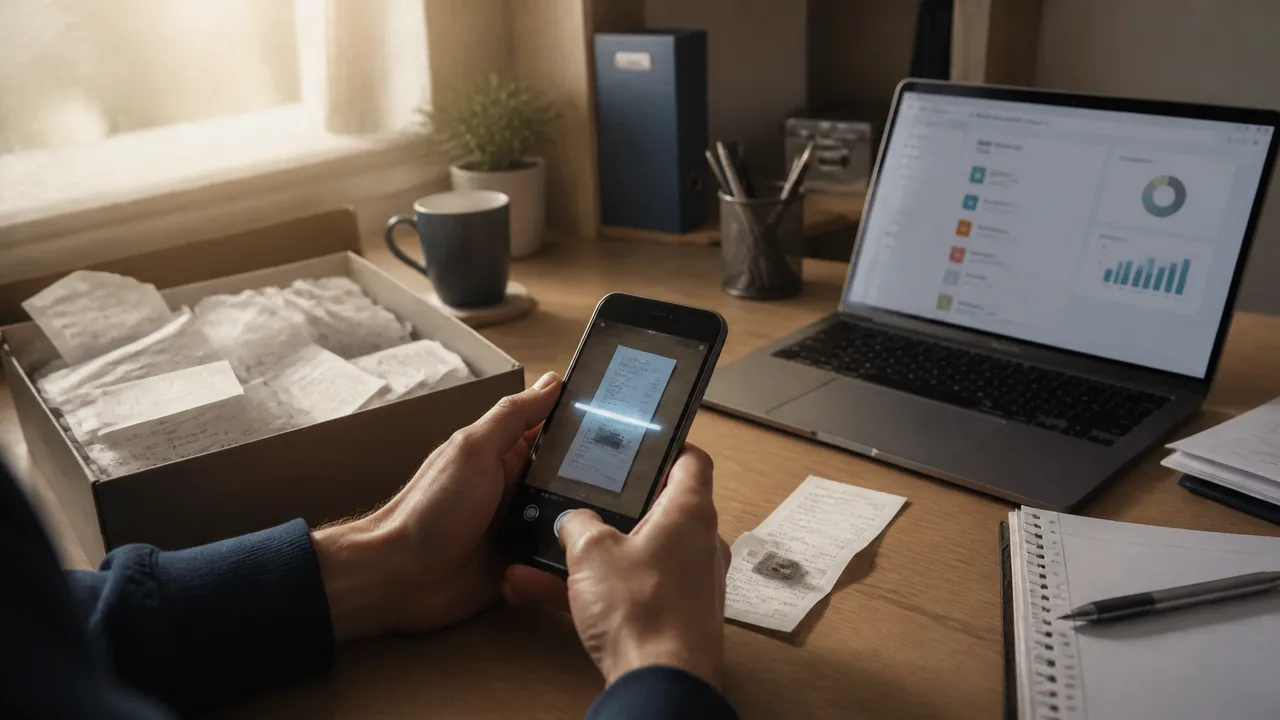
Tax Season Has a Paper Problem
The scale of the problem is easy to underestimate. A single self-employed consultant might generate 300 to 500 deductible expense receipts in a year; a busy café owner can produce that many in a quarter. Multiply that across tens of millions of gig workers, independent contractors, and small business owners, and you get an enormous volume of paper that must be captured, categorized, and stored before anyone files anything.
And paper is a terrible storage medium. Thermal receipts fade to blank within months. Ink smudges in wallets and glove compartments. Receipts get left in shopping bags, jacket pockets, and the bottom of laptop bags. By the time April arrives, the average filer has quietly lost a meaningful share of their deductible documentation — and the result is real money left on the table, because a deduction you cannot document is a deduction you simply don't claim.
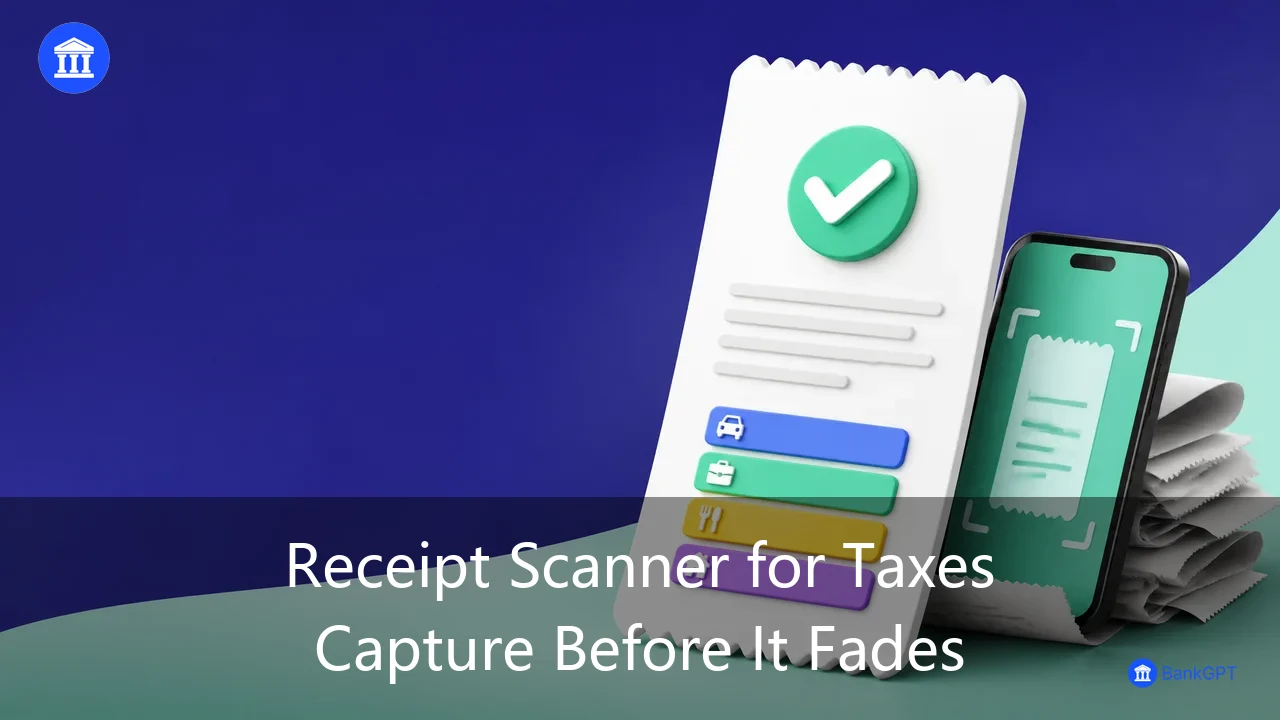
The anxiety compounds the loss. Plenty of honest filers under-claim legitimate expenses simply because they are not confident they could prove them. A faded seventy-dollar supply run here, a missing client dinner there — individually small, collectively hundreds or even thousands of dollars in deductions surrendered every year, purely for lack of a legible record. This is precisely the gap a dedicated receipt scanner for taxes is designed to close: capture at the moment of purchase, and the record can never fade, tear, or go missing again.
Who Actually Needs a Receipt Scanner for Taxes?
The demand is not abstract. It shows up in very specific, very stressful moments.
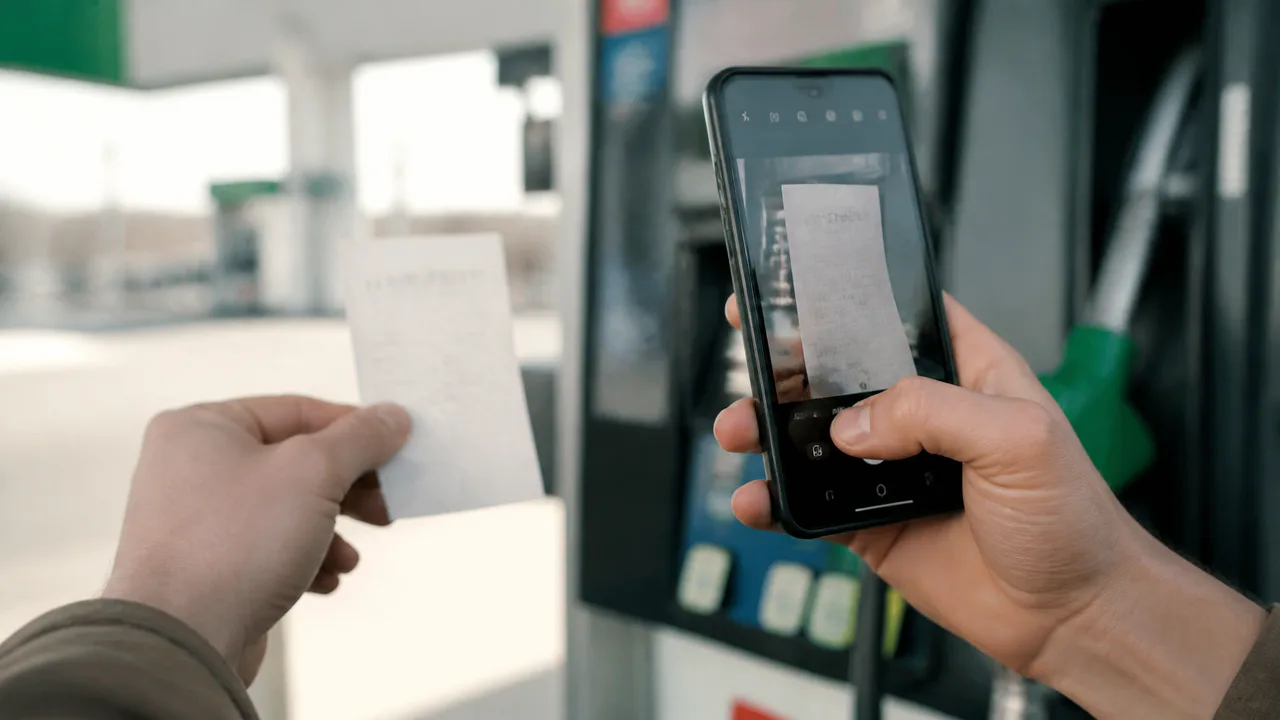
Picture the freelance designer at midnight, quarterly estimated taxes due, trying to reconstruct a year's worth of software subscriptions, client lunches, and home office expenses from memory and bank statements. Or the rideshare driver who generates fuel, toll, and maintenance receipts every single week, and who knows that photographing each one at the pump is the only realistic way to capture it before the paper fades. Small business owners juggle supplier invoices and equipment purchases; landlords accumulate repair bills and mileage logs; accountants inherit their clients' shoeboxes every spring and lose days to manual data entry.
There is also the newly self-employed — the consultant or creator filing a Schedule C for the first time, who has never thought about expense categorization and discovers in March that "keep your receipts" was meant literally. For this group, the learning curve and the paperwork curve arrive at the same moment.
The pattern is identical across all of them: paper fades, paper gets lost, and paper resists categorization. Tax deadlines do not move. For all of these filers, capturing a receipt the moment it changes hands — at the pump, at the supplier, at the checkout — takes seconds, while reconstructing it months later takes hours.
The Invoice Template Connection Nobody Talks About
Here is something most tax-prep guides miss: the people searching for a receipt scanner for taxes very often need to create documents too, not just capture them.
The freelancer reconstructing her expenses also needs a professional invoice template to bill a new client — and her income records have to stay consistent with the deductions she plans to claim. The café owner needs an invoice template for B2B catering orders, plus a fast way to reissue a receipt that a corporate customer misplaced. And when original documentation is genuinely missing, a receipt generator with an editable invoice template helps rebuild clean records while the details are still fresh in memory.
This is why the most useful platforms combine both directions of the paperwork workflow: capturing what vendors hand you, and generating what clients ask of you. BankGPT's receipt scanner for taxes is built around exactly this pairing — scanning in, document generation out — which saves users from stitching together two or three separate apps and hoping the formats match.
What Separates a Good Receipt Scanner for Taxes From a Great One
Before committing to any tool, it helps to know what actually matters in daily use. Accuracy on real-world paper comes first: faded thermal receipts, wrinkled invoices, and low-light photos are the norm, not the exception, and a scanner that only reads pristine documents will fail precisely when you need it most. Tax-aware categorization comes second — expenses should map to deductible categories like meals, travel, and vehicle costs rather than a generic spending list, or you will spend your weekends re-labeling everything by hand.
The capabilities that matter most in practice:
- Accuracy on faded, wrinkled, and low-light receipts, because pristine documents are the exception rather than the rule
- Tax-aware categorization that maps expenses to deductible categories instead of a generic spending list
- Clean CSV, Excel, and PDF exports organized by category, vendor, and date, ready for an accountant without manual cleanup
- Batch upload and mobile capture to absorb the volume of a full year in a single sitting
- Encryption in transit and at rest, with original images preserved next to the extracted data
- Document generation on the same platform, so a missing receipt or a new client invoice does not require a second app
Exports matter more than interfaces. Your accountant wants clean CSV, Excel, or PDF summaries organized by category, vendor, and date, and the tool should produce them without manual cleanup. Batch processing and mobile capture handle the volume problem, because tax prep means dozens or hundreds of receipts in a single sitting. And security is non-negotiable: encryption in transit and at rest, with the original images preserved alongside the extracted data so your records hold up if questions ever come. The good news is that tax authorities such as the IRS accept legible digital copies in place of paper, so a well-scanned archive is not a compromise — it is an upgrade.
One more criterion rarely appears on feature lists: does the tool preserve the original image next to the structured data? Extraction can always be corrected, but only if the source survives. The strongest platforms treat the scan itself as part of the record, not a disposable byproduct.
A quick sanity check before you trust any tool: upload your five ugliest receipts and watch what the AI extracts. You can run exactly that test right now with BankGPT's receipt scanner for taxes.

Where BankGPT Fits In
Plenty of apps can photograph a receipt. BankGPT was designed around the full tax workflow, and that difference shows in the details. Its extraction engine is tuned specifically for financial documents — receipts, invoices, and bills — and pulls field-level data including tax amounts and individual line items with high accuracy. Expenses are sorted into deduction-friendly categories automatically, so your year-end summary effectively builds itself as you scan.
The platform also handles the generation side that competitors often ignore: an editable invoice template library and a fast receipt generator live in the same workspace as the scanner. Batch uploads process in seconds, exports arrive clean enough to hand straight to a CPA, and encrypted storage keeps sensitive financial data protected with original scans preserved for audit support. What this adds up to is a shorter path from shoebox to filing. Instead of scanning in one app, categorizing in a spreadsheet, and rebuilding missing documents in a template tool, the whole loop happens in one place. Because everything runs in the browser, there is nothing to install — you open the receipt scanner for taxes, upload your first receipt, and have structured, categorized data in under a minute.
Build the Habit Before April
Here is the honest truth about tax organization: the technology matters less than the rhythm. Scanning a receipt takes seconds at the point of purchase; reconstructing one takes hours months later. The filers who benefit most from a receipt scanner for taxes are not necessarily the ones with the most expensive tools — they are the ones who turned capture into a weekly habit. Snap the photo, confirm the category, move on with your day.
Do that fifty-two weeks in a row, and tax season stops being a project and becomes an export. Miss a week, and nothing breaks; miss six months, and you are back to the shoebox. Consistency, not intensity, is what makes digital records pay off.
Frequently Asked Questions
Are scanned receipts accepted by the IRS?
Yes. The IRS accepts legible digital copies of receipts in place of paper, as long as your storage system is reliable. The safest approach is to keep the original scan image together with the extracted data, so the record can be verified later.
How long should I keep tax receipts?
A common rule of thumb is three to seven years depending on your situation and the type of expense. Digital storage makes long retention essentially free, which is one of the strongest arguments for scanning early.
What should I do if I lost a receipt for a deductible expense?
Bank and card statements help establish that you paid, but they rarely prove what you bought. A receipt generator with an editable invoice template can recreate documentation for your records while the details are still fresh.
Can I scan a whole year of receipts at once?
Yes. Batch upload is exactly what modern scanning tools are built for, and a full shoebox can usually be digitized and categorized in a single afternoon. The catch is quality: receipts that have already faded may be unreadable, which is why capture at the point of purchase works better.
Do I still need to keep the paper original after scanning?
Once you have a clear, complete digital copy stored reliably, most situations do not require the paper. Keep the physical copy only when a specific rule, warranty, return policy, or client contract asks for it.
Final Thoughts
Deductions you cannot document are deductions you lose, and no amount of April panic will bring a faded receipt back to life. A reliable receipt scanner for taxes pays for itself the first time it surfaces an expense you would have forgotten — and it makes audits boring, which is exactly what you want them to be. If you are ready to replace the shoebox with something smarter, start with BankGPT and walk into next tax season already organized.
Jordan Lee, small business owner and FinTech tools reviewer.