A clear, professional quote can decide whether you win a job or watch it go to someone who replied faster. If you run a small business or do freelance work, you send quotes often enough to know how much time they eat up when you build them by hand. This guide shows how to create a professional client quote in minutes using a free AI template generator, so you can send a branded PDF without opening a spreadsheet or paying for accounting software. By the end you will have a process you can repeat on every new lead.

Why Professional Client Quotes Matter for Small Businesses in 2026
Most clients ask two or three vendors for a quote before they decide. The quote that arrives first, looks clean, and states the price without confusion usually wins, even when the number is close to the others. A sloppy quote signals a sloppy job, and clients read it that way whether you mean it or not.
A consistent format does more than save time. It makes your business look established. When every quote carries your logo, the same line item layout, and clear payment terms, clients stop wondering whether you are a real operation and start comparing value instead.
The other shift in 2026 is speed. More buyers expect a number within a day, not a week. If building a quote takes you an hour of fiddling with a spreadsheet, you will quietly skip quoting on smaller jobs, and those add up. A tool that turns your details into a finished PDF in a few minutes changes which leads you bother chasing.

How to Create a Professional Client Quote: A Step-by-Step Guide
You do not need design skills or software licenses for this. The steps below use the BankGPT quote generator, a free tool that builds the document for you from a simple form.
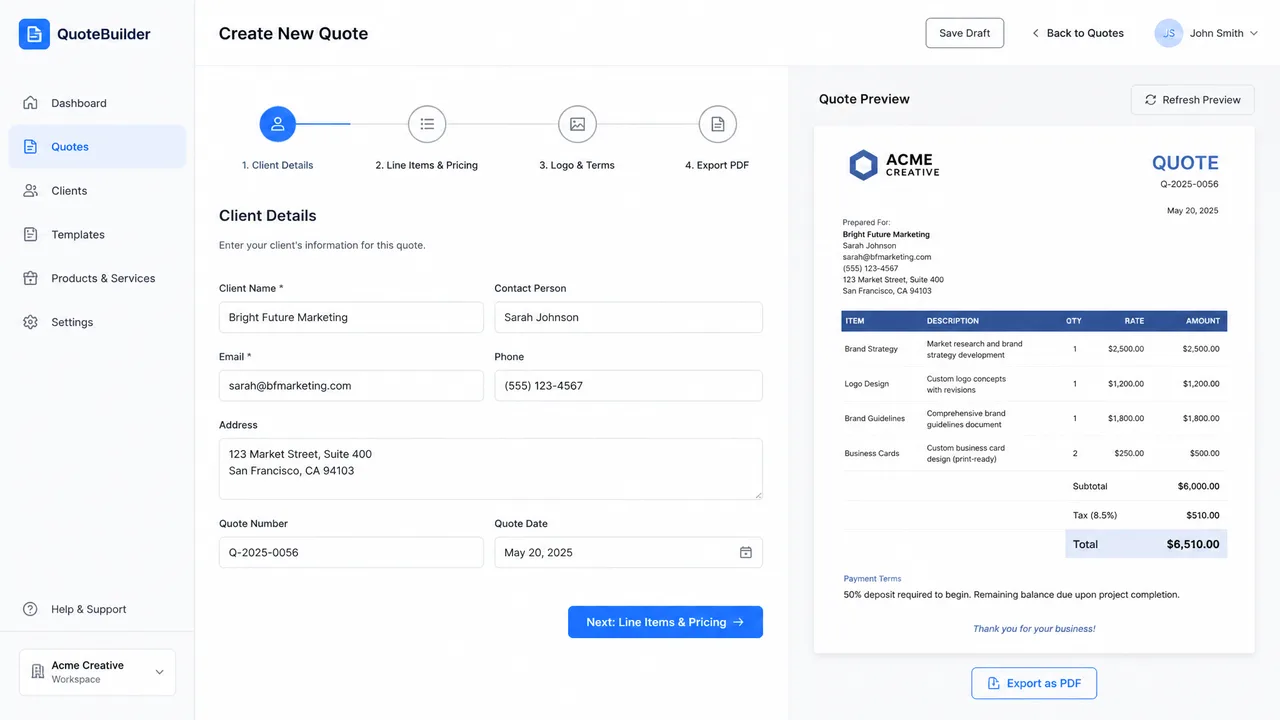
Getting Started with the AI Quote Generator
Open the AI quote template generator. There is no sign-up and nothing to install. You start from a blank, structured template that already has the sections a real quote needs, so you are filling in boxes instead of deciding where everything goes.
Step 1: Enter Your Client and Project Details
Start with the basics. Add the client name, contact email, your business name, and a short project title. Then write a one or two sentence scope summary that says what the client is paying for in plain language. Keep it specific. "Website redesign, five pages, mobile responsive" reads better than "marketing project."
Step 2: Customize Line Items and Pricing
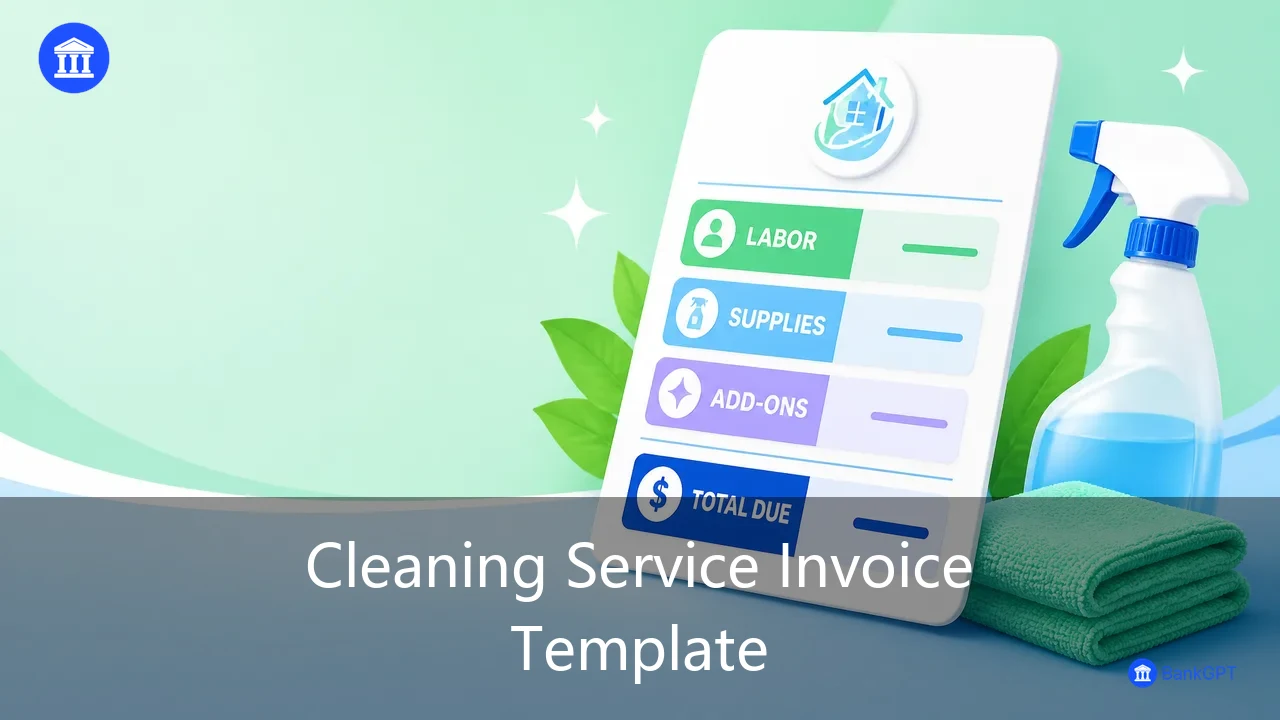
List each deliverable as its own line item. For each one, enter the quantity, the unit price, and any tax rate that applies. Breaking the work into line items does two things: it shows the client exactly what they are buying, and it stops you from accidentally undercharging because you forgot a piece of the job.
If the project has ongoing costs, add them as separate lines rather than burying them in a flat fee. Clients trust a quote they can follow line by line.
Step 3: Add Your Branding and Payment Terms
Upload your logo if you have one. Set a quote validity date, the number of days the price stays good, and your payment terms, such as a deposit up front or net 14 days. Add a short note line for anything the price does not cover, because unstated assumptions are where disputes start.
Step 4: Review, Export, and Send as a PDF
Before you send, read the totals once. Check that tax is applied where it should be and that the scope summary matches the line items. Then export the quote as a PDF and email it to the client. A PDF keeps your formatting intact no matter what device they open it on, which matters more than it sounds.
Best Practices for Accurate Quote Results
A few habits keep your quotes honest and your margins safe:
- Always set a validity date. Prices for materials and subcontractors move, and an open quote from three months ago can cost you money.
- Break the scope into line items so nothing hides inside a round number.
- Add a small contingency buffer on fixed price jobs, because something always shifts.
- State what is not included. "Travel and third party licenses billed separately" prevents the awkward conversation later.
Common Mistakes to Avoid When Quoting Clients
The fastest way to lose money on a job is to quote it carelessly. These are the errors I see most often:
- Quoting too low to win the work. A low number buys the job and loses the profit. Price for the actual scope, not for the competition.
- Leaving the quote open ended. Without a validity date, a client can accept months later after your costs have changed.
- Writing vague scope. "Full service" means something different to everyone in the room.
- Forgetting tax. It is easy to leave it off and then eat it yourself.
- Copying an old quote and forgetting to change the client name or the numbers. It happens more than people admit, and clients notice.

Frequently Asked Questions
What should a professional client quote include?
At minimum: your business details and the client details, a clear scope description, itemized pricing with tax, a validity date, payment terms, and your logo. The goal is that the client can say yes without needing to ask what anything means.
How do I price a quote for a new client?
Start from your real costs, add the time the work takes at your hourly rate, then build in a margin for the unknowns. For a new client with no track record, a deposit or shorter payment terms protects you more than a higher price does.
Can I create a quote without accounting software?
Yes. A dedicated quote generator handles the layout and the math, and you export a PDF when you are done. You only need accounting software if you want the quote to flow straight into your books, which is useful but not required to send a professional document.
How is a quote different from an invoice?
A quote comes before the work and states what you will charge. An invoice comes after and asks for payment for work already done. Some businesses turn an accepted quote into an invoice, but they are different documents with different jobs.
Start Quoting Faster
A professional client quote does not need to take an afternoon. With a free AI template generator, you enter the details, adjust the line items, add your branding, and send a clean PDF the same day you get the lead. That speed is itself a selling point, because clients remember who made it easy to say yes.
Try the BankGPT quote generator on your next lead and keep the template for the ones after that. If you found this guide useful, Jordan Lee writes practical breakdowns of the finance tools small businesses actually use, without the jargon.
Jordan Lee is a small business owner and independent reviewer of banking and FinTech tools. He writes from hands-on experience running his own venture.