
Contractor Estimate to Invoice: A Practical Guide to Faster Payments
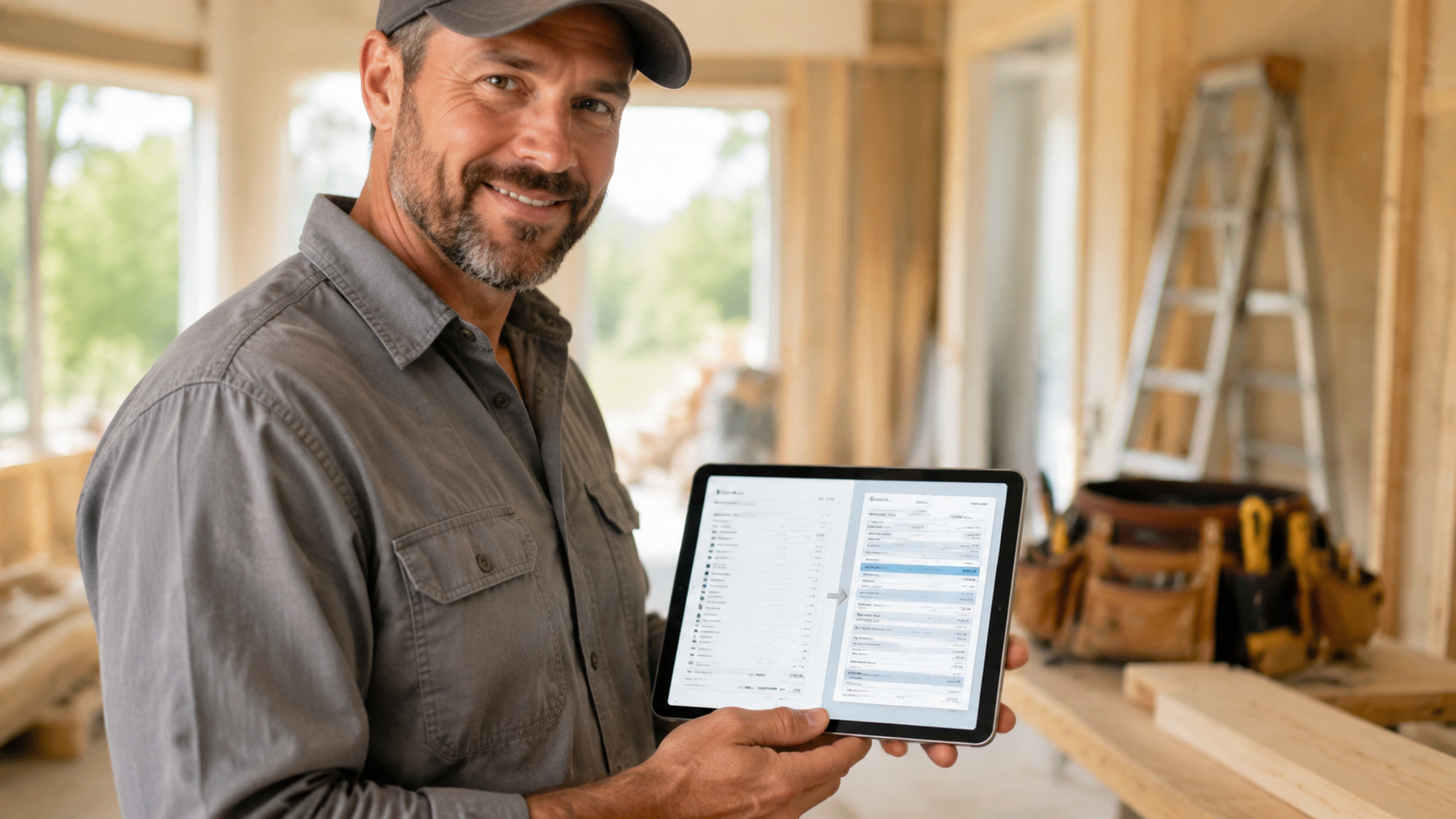
BankGPT helps independent contractors turn a finished job into a clear, professional payment request without rebuilding the paperwork from scratch. For a plumber, electrician, painter, remodeler, landscaper, or HVAC technician, the most useful document is rarely a generic bill. It is a contractor estimate and invoice workflow that preserves the approved scope, materials, labor, taxes, deposit, and remaining balance.
A strong contractor estimate and invoice reduces disputes because the customer can see exactly what changed between the original quote and the final charge. It also saves time at the end of a long day: reuse the customer details, job address, service lines, and pricing already captured during the estimate.
Why contractors need a connected workflow
A paper estimate can work for a small, cash-paid repair. Problems begin when the work involves additional materials, multiple visits, a deposit, subcontractors, or a customer who wants to pay later. Re-entering the same information into a separate invoice creates avoidable mistakes and makes it harder to explain the final balance.
Use a contractor estimate and invoice process to keep the full job record together:
- Create an estimate before work begins
- Record the customer approval and agreed payment terms
- Add approved change orders, labor, and materials as the job progresses
- Convert the estimate into a final invoice
- Send a printable copy, email, or payment link
- Track deposits, partial payments, and overdue balances
With an AI Invoice Generator, you can start with a structured document instead of editing a blank spreadsheet. The goal is not to replace field work with administration. It is to capture the job once and reuse the data through quote, invoice, receipt, and accounting export.
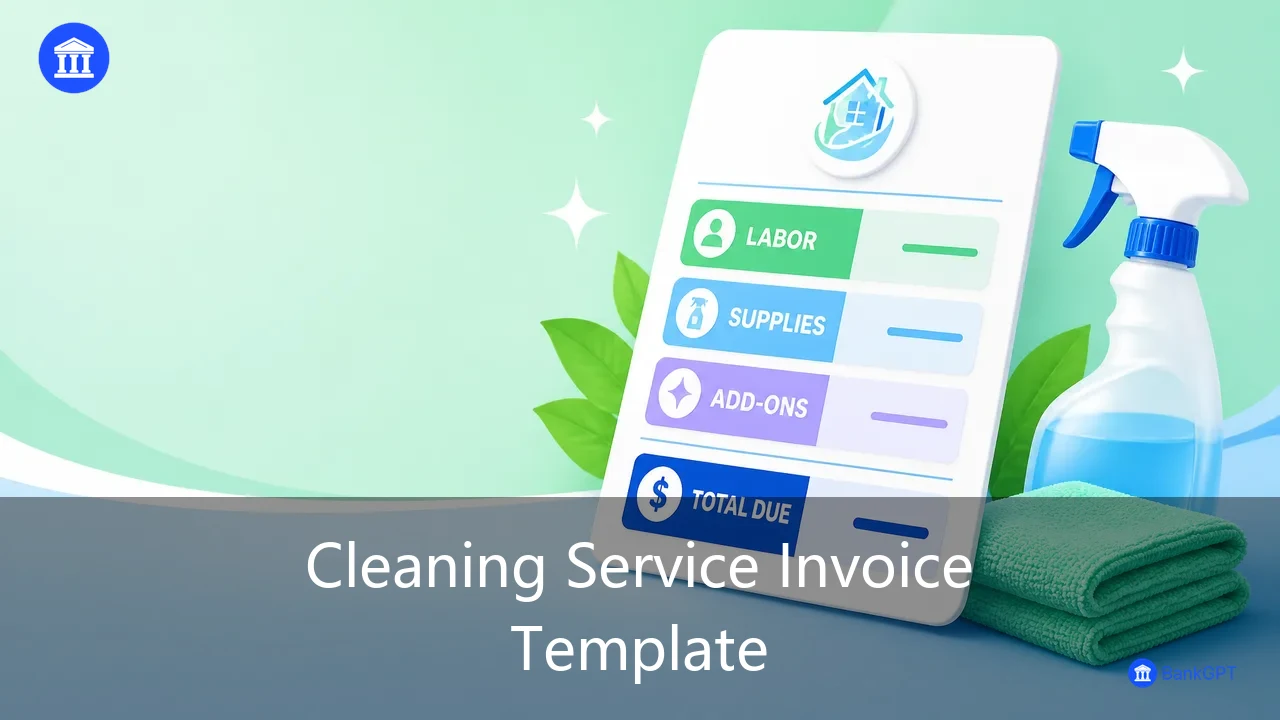
What to include in a contractor invoice
Every contractor estimate and invoice should make the work and payment obligation easy to understand. Include the following information before sending it:
| Field | Why it matters |
|---|---|
| Business name and contact details | Lets the customer identify and contact the contractor |
| Customer name and job-site address | Connects the charge to the right property and decision-maker |
| Estimate and invoice numbers | Creates a traceable link between the quote and final bill |
| Service date and invoice date | Documents when work was performed and when payment is due |
| Itemized labor and materials | Reduces questions about labor hours, parts, and markups |
| Deposit and prior payments | Shows what has already been paid and avoids double charging |
| Taxes, discounts, and total due | Makes the amount due transparent |
| Payment terms and payment methods | Sets a clear deadline and removes friction at checkout |
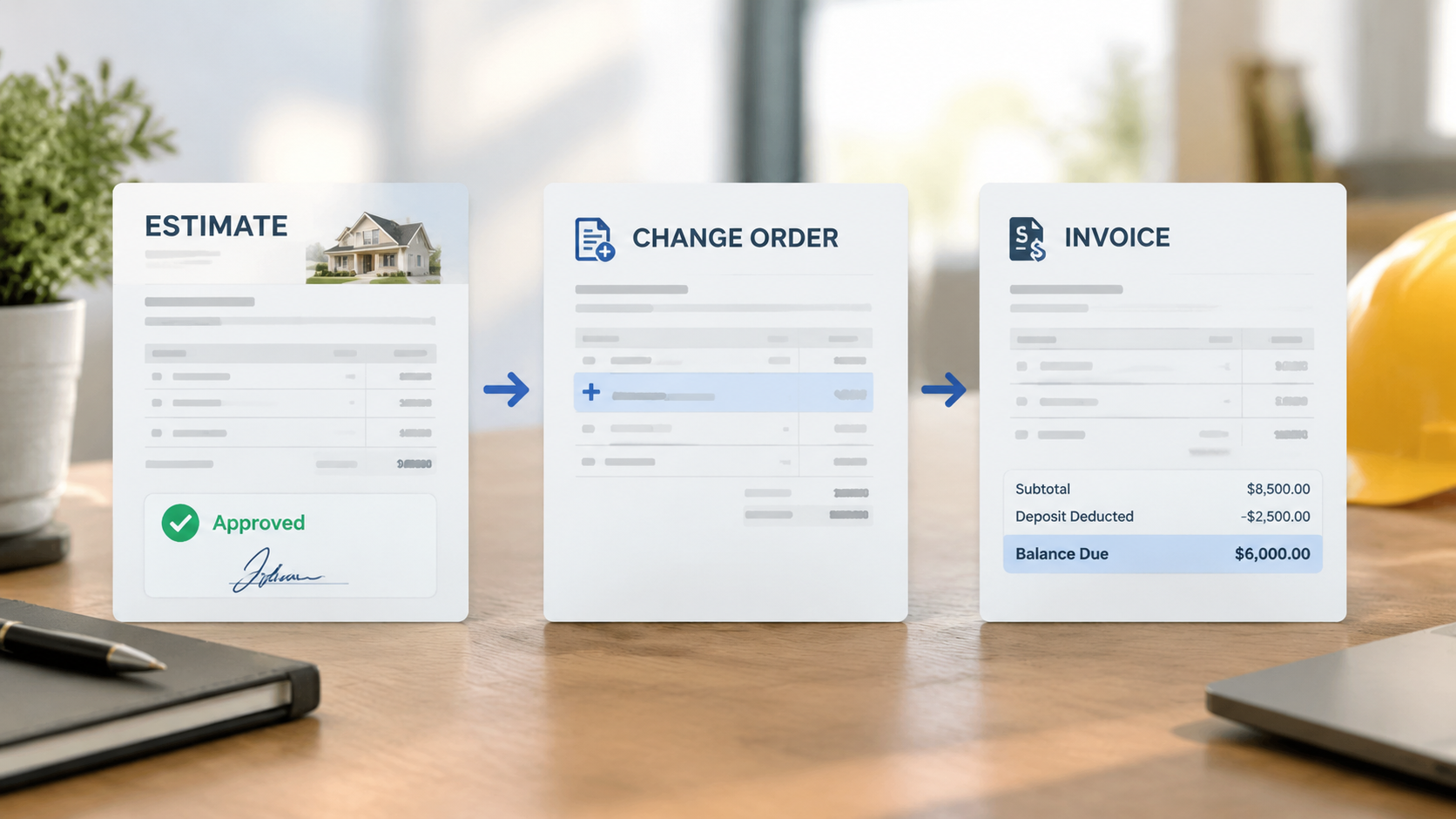
For example, an electrician might list a service call, diagnostic labor, cable, breakers, fixture installation, permit-related charges, sales tax where applicable, and the deposit received. If the customer approved extra work after the initial visit, add it as a separate change-order line rather than silently changing the original scope.
Use estimates for approvals, invoices for collection
An estimate communicates expected cost before the job. An invoice requests payment for completed or approved work. Keeping the two documents linked is especially valuable for renovation, repair, and installation projects.
A simple contractor estimate and invoice sequence looks like this:
- Send an estimate with scope, exclusions, validity date, and deposit requirement.
- Receive written or electronic approval before ordering materials or scheduling the job.
- Record changes separately when the customer authorizes additional work.
- Convert approved lines into an invoice when a milestone is complete or the job is finished.
- Deduct the deposit and show the remaining amount due.
- Send an automated reminder if the balance remains unpaid after the due date.
An AI Invoice Generator is useful when you need a clean invoice immediately after an on-site visit. You can create a customer-ready PDF for printing while also sending a digital copy that is easier to find, pay, and reconcile later.
Make on-site invoicing practical
Digital invoicing does not mean abandoning printed paperwork. Many contractors need both. A homeowner may want a paper copy at the door, while the business needs a searchable record and a simple way to follow up on payment.

Build your contractor estimate and invoice workflow around one entry of the job data, then choose the delivery method that fits the customer:
- Print an A4 or thermal copy on site
- Email a PDF to the property owner or office manager
- Send a text message with a secure payment link
- Attach photos, serial numbers, signed approval, or warranty notes
- Store the final document under the customer and property record
For larger jobs, issue milestone invoices such as 30% deposit, 40% after rough-in, and 30% at final completion. This protects cash flow and makes the payment schedule visible from the start.
Avoid common contractor billing mistakes
The biggest billing problems are usually simple: vague descriptions, missing payment terms, unrecorded deposits, and invoices sent days after the job is done. A contractor estimate and invoice should be specific enough that the customer can approve and pay without a follow-up call.
Before sending, check that:
- The job-site address and customer email are correct
- Every material and labor item is understandable
- Changes are labeled and traceable to customer approval
- Taxes and discounts are calculated correctly
- The deposit is deducted once, not omitted or duplicated
- The due date and payment instructions are visible
- The document number is unique and matches the estimate record
These small controls make a contractor estimate and invoice more than a template. They turn it into evidence of the agreed work, a clearer customer experience, and a reliable record for bookkeeping.
Start with a repeatable template
The best contractor invoice is one that works in the field, looks credible to the customer, and does not create an accounting chore later. Save common labor rates, material descriptions, payment terms, and branding so every new contractor estimate and invoice starts from a reliable structure.
Use BankGPT to create a repeatable estimate-to-invoice process, produce printable documents when customers need them, and keep a digital record for payment tracking and follow-up. When the paperwork follows the job instead of interrupting it, contractors can spend less time retyping details and more time completing paid work.
Frequently Asked Questions
Can I convert an estimate into an invoice automatically?
Yes. A connected contractor estimate and invoice workflow lets you convert approved estimate lines directly into an invoice instead of retyping them. The customer details, job address, labor, materials, deposit, and payment terms carry over, so the final bill matches the approved quote and any authorized changes.
How much deposit should I collect before starting work?
Many contractors collect 25–50% upfront for materials and scheduling, especially for larger jobs. The deposit protects cash flow, confirms the customer's commitment, and should always be itemized on both the estimate and the final invoice so it is deducted exactly once.
What is the difference between an estimate and an invoice?
An estimate communicates the expected cost before work begins and is used to get customer approval. An invoice requests payment for completed or approved work. Keeping the two linked — with matching numbers and a clear change-order trail — is what makes the final balance easy to explain.
Can I invoice a customer on site with my phone?
Yes. On-site invoicing tools let you generate a customer-ready PDF for printing and send a digital copy or secure payment link at the same time. One entry of the job data can be delivered as a paper copy at the door, an email to the office, or a text message with a payment link.
How do milestone invoices protect cash flow?
Milestone invoices split a large job into staged payments — for example, 30% deposit, 40% after rough-in, and 30% at final completion. Each invoice is tied to a completed stage, so you get paid as the job progresses instead of waiting for one large payment at the end.
Conclusion
The gap between a finished job and a paid invoice is where contractors lose the most time and money. A connected estimate-to-invoice workflow closes that gap: customers approve the scope before work begins, invoices reflect exactly what was agreed, deposits are deducted exactly once, and nothing gets retyped along the way. Whether you print a copy at the door, email a PDF, or send a payment link, the same job record feeds every document — so the paperwork follows the job instead of interrupting it.
Ready to build the workflow? Use BankGPT to create a repeatable estimate-to-invoice process, produce printable documents when customers need them, and keep a digital record for payment tracking and follow-up. Contractors who stop retyping details spend less time on administration and more time completing paid work.
Jordan Lee is a small business owner and independent reviewer of banking and FinTech tools. He writes practical, no-jargon guides to help founders spend less time on paperwork and more time growing their ventures.