
AI Chat Document - Analyze Documents, Data & Financial Workflows Online
Use BankGPT AI Chat to upload documents, analyze invoices and data, ask follow-up questions, and turn financial information into clear, actionable insights.
What Is AI Chat Document?
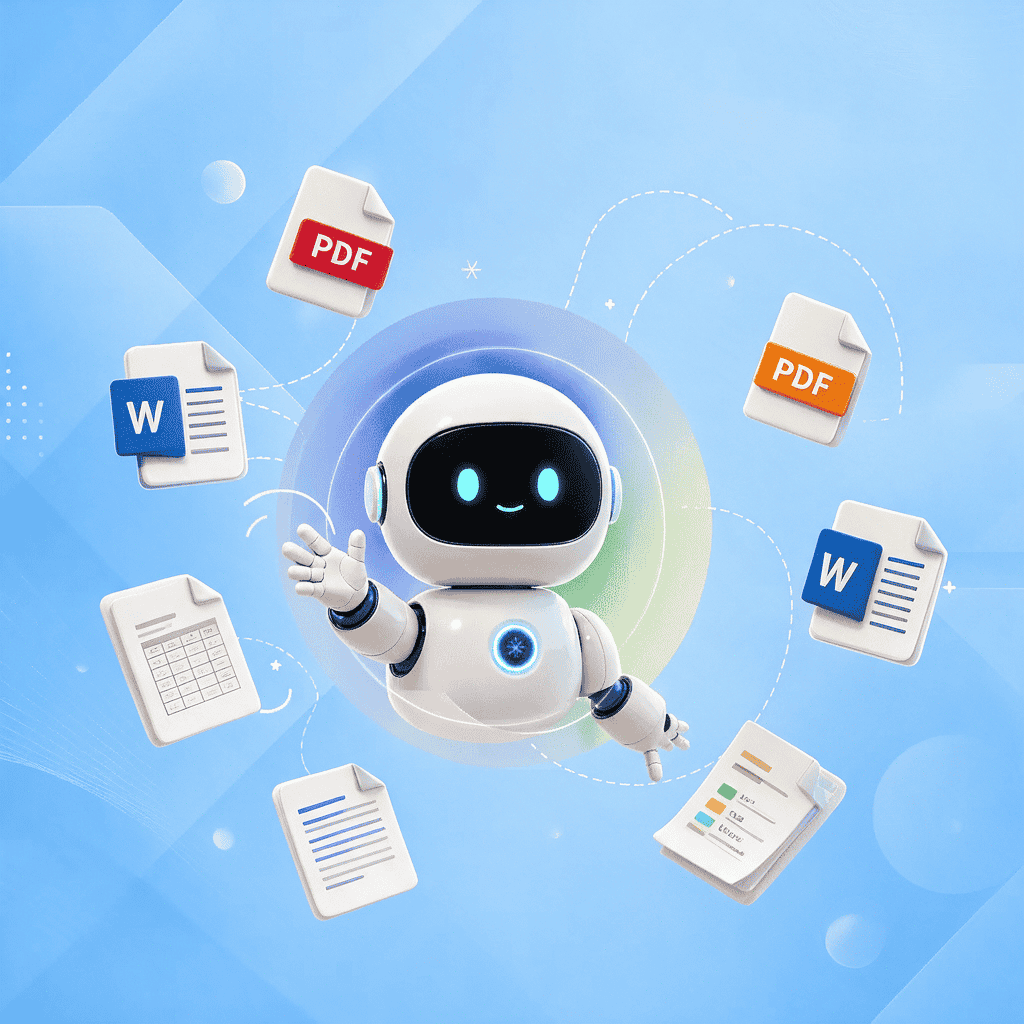
AI Chat Document is BankGPT's document-focused AI workspace. It lets you upload a document, choose an available model, describe your task, and receive an organized response based on the content you provide. With AI Chat Document, a PDF, invoice, spreadsheet, report, or statement becomes a conversation. Ask for a summary, request key fields, compare values, identify missing information, or turn a long document into a clear review checklist.

Why Use AI Chat Document?
Document review takes time when source files are long, inconsistent, or difficult to search. A supplier invoice may contain tax details, payment terms, line items, reference numbers, and multiple dates. A spreadsheet may contain thousands of rows but no immediate explanation of what requires attention. AI Chat Document helps create a faster first-pass workflow. Upload the source file, explain the outcome you need, and use the response to organize your next review step. Where available, BankGPT can also connect the AI Chat Document workflow with My Assets context to explore how your uploaded financial information relates to the broader information in your workspace.

Solve Document Review Bottlenecks
Financial teams, small businesses, and analysts regularly handle documents that are not ready for quick analysis. Information may be locked in PDFs, entered inconsistently in spreadsheets, or spread across different files. Manual review can lead to repeated searching, unclear handoffs, and missed follow-up questions. AI Chat Document gives you a natural-language interface for this work. Rather than relying only on filters, formulas, or manual note-taking, you can ask the document what you need to know. AI output should support, not replace, professional judgment. Always confirm important figures, compliance requirements, tax treatment, payment decisions, and accounting entries against original records and your applicable internal review process.
AI Chat Document Features
Upload and discuss documents
Upload a file and ask questions in everyday language. You do not need to start with a rigid report template. Begin with a simple request, then make your questions more specific as you review the results.
Summarize long financial files
Ask AI Chat Document to create an executive summary of an invoice pack, financial report, bank statement, or internal document. Request the main findings, relevant dates, obligations, amounts, and open questions in a concise format.
Extract invoice information
Use AI Chat Document to identify invoice numbers, supplier details, billing dates, due dates, subtotals, tax values, totals, line items, and payment terms from the file you upload. Confirm extracted fields before using them in operational systems.
Analyze data and spreadsheets
AI Chat Document can support questions about uploaded data files. Ask for category totals, trend explanations, missing fields, unusual values, period comparisons, or a simpler table for review.
Use prebuilt prompts
Start faster with a ready-made prompt for common document tasks. A prebuilt prompt can help you tell AI Chat Document whether you need a summary, field extraction, data check, comparison, or action list.
Keep asking follow-up questions
The first answer is only the starting point. AI Chat Document supports an iterative workflow: ask for a summary first, then request a table, then ask which issues deserve immediate attention.
How AI Chat Document Works
Upload your document
Add the invoice, PDF, report, spreadsheet, or other supported file you want to review in AI Chat Document. Before uploading, confirm that you are authorized to use the file and that it is appropriate for your organization's data-handling rules.
Tell AI Chat Document what you need
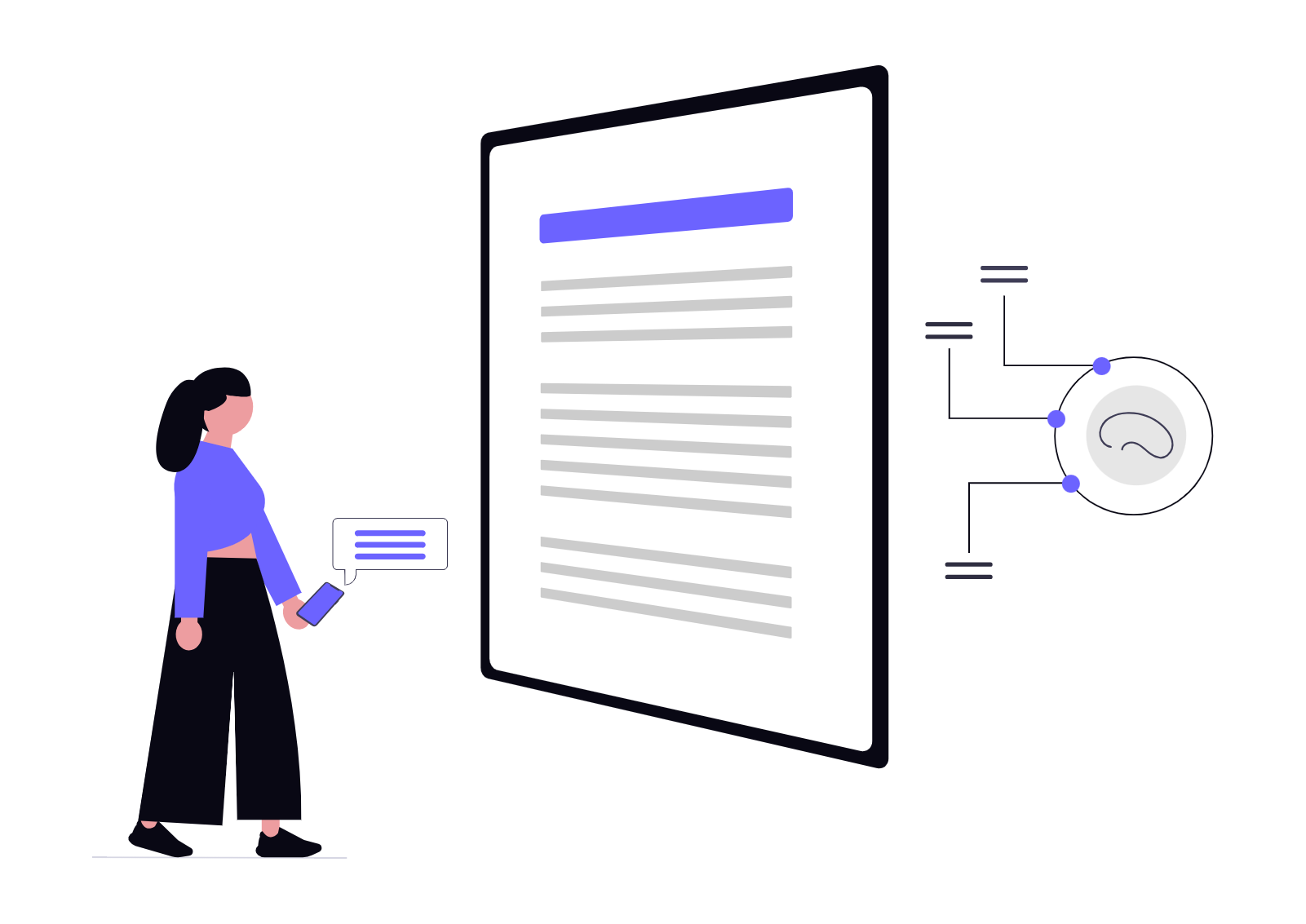
Write a clear instruction or choose a suggested prompt. For example: "Extract all invoice totals and payment due dates into a table," or "Summarize this report for a finance manager in five bullets."

Review and refine the result
Read the response, validate important details against the original file, and ask follow-up questions. Use AI Chat Document to create a more complete picture before you move to approval, reporting, reconciliation, or another workflow step.
AI Chat Document Use Cases
AI Chat Document for invoice review
Use AI Chat Document to prepare invoices for review. Ask it to summarize vendor and payment information, extract key fields, compare invoice totals, or create a list of items that need human verification before approval.
AI Chat Document for accounting workflows
Accounting and finance teams can use AI Chat Document to organize source information from reports, spreadsheets, statements, and supporting files. It can help prepare review notes, identify questions, and convert complex text into a more usable structure.
AI Chat Document for business analysis
Business operators and analysts can use AI Chat Document to explore uploaded data. Ask questions about performance patterns, expenses, transaction categories, missing fields, or changes between reporting periods.
Start Using AI Chat Document
Turn static files into an active workspace. Upload your document, ask the question that matters, and let AI Chat Document help you move from raw financial information to a clearer review process.
Try AI Chat Document FreeAI Chat Document Reviews

"Before using AI Chat Document, I opened every supplier invoice and manually copied details into notes. Now I use AI Chat Document to build a first-pass review table, then verify important figures against the original file."

"AI Chat Document gives our team a faster starting point for data review. We upload a spreadsheet, ask for a pattern or exception list, and then use the result to guide our deeper analysis."

"I like that AI Chat Document does not stop at one answer. I can ask for a summary, ask it to explain a number, and then request a cleaner format for the same document."

"AI Chat Document helps me prepare better notes before sending an invoice package for review. The output is easier to scan, and it helps me identify questions that should be checked by a person."

"The templates make AI Chat Document easy to use for recurring document work. I start with a finance prompt, adapt it to the current file, and get a more consistent review structure."

"AI Chat Document helps break a long report into manageable questions. It does not replace our controls, but it helps us understand what deserves attention first."
AI Chat Document FAQs
Answers to common questions about AI Chat Document.