Financial Reporting Analyst: How AI Is Transforming Financial Reporting and Analysis

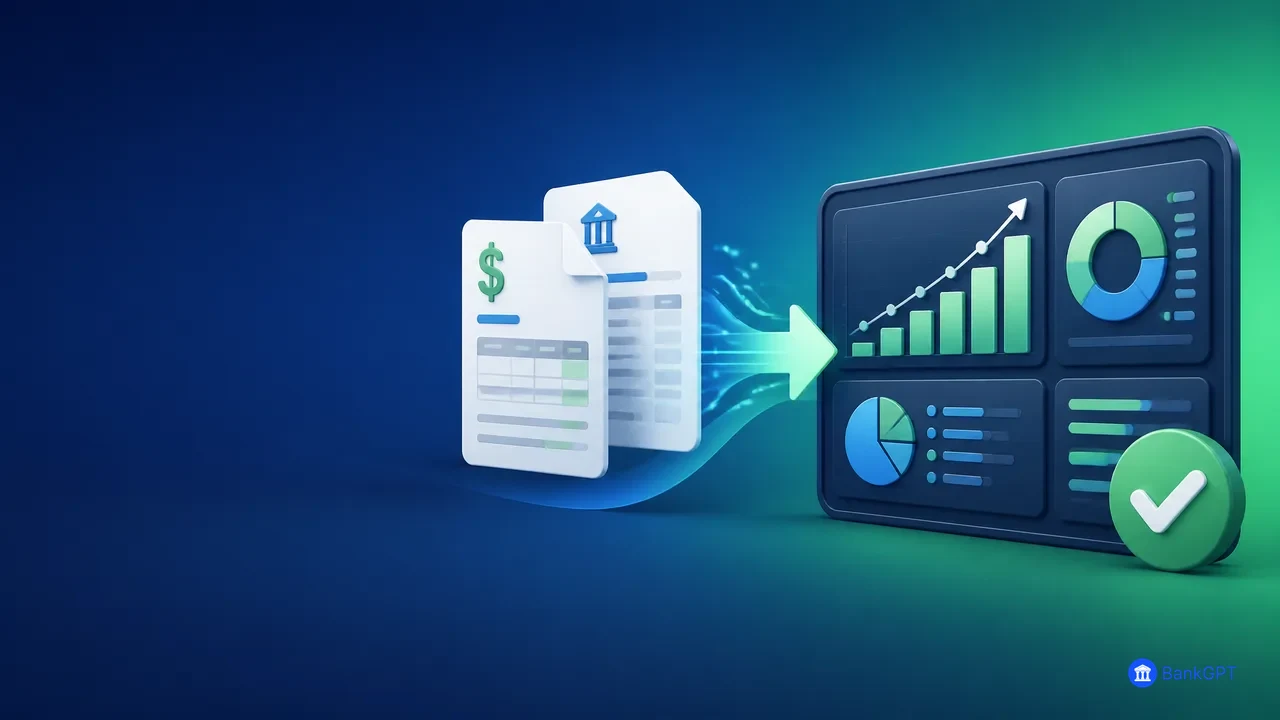
A financial reporting analyst today does far more than prepare spreadsheets and close monthly accounts. The role now spans accounting, FP&A, executive reporting, audit support, and financial data management. As businesses manage growing volumes of invoices, receipts, and bank statements, analysts need faster ways to turn unstructured documents into reliable reporting data. Tools such as BankGPT automate financial document processing, reduce manual data entry, and give finance teams more time for analysis and decision-making.
What Does a Financial Reporting Analyst Do?
A financial reporting analyst prepares, reviews, analyzes, and explains financial information for management, auditors, and external reporting. Typical responsibilities include monthly, quarterly, and annual reporting, reconciling financial data, analyzing budget-versus-actual performance, supporting audits, and preparing management reporting packages.
A strong analyst does more than report numbers. They explain what caused the numbers to change. For example, a decline in gross margin may reflect higher material costs, product-mix changes, pricing discounts, currency movements, or inventory write-downs. The analyst must identify the drivers, validate the numbers, and present findings that business leaders can act on.
In practice, though, much of the role is consumed by repetitive preparation work:
- Copying invoice details from PDFs into Excel.
- Reviewing scanned receipts and expense documents.
- Extracting bank transactions from statements.
- Cleaning inconsistent supplier names and payment descriptions.
- Preparing source data for reconciliations.
- Responding to audit requests for supporting documentation.
This is where automation makes a real difference. By reducing manual document processing, a financial reporting analyst can spend more time on trends, risks, variance explanations, and decisions that support the business.
Common Financial Reporting Analyst Scenarios
Month-End Close and Management Reporting
Month-end close is often the busiest period for a reporting team. Consider a company that receives hundreds of supplier invoices every month in mixed formats: native PDFs, scans, photos, and email attachments, each with different layouts, currencies, tax structures, and line items. The analyst must capture supplier names, invoice numbers and dates, currency, net, tax, and total amounts, line items, and purchase order or cost-center references.
Done manually, this delays reporting by hours or even days. With an AI Invoice Excel Converter, invoice data becomes structured Excel files, so the analyst can start reviewing, reconciling, and analyzing sooner, focusing on anomalies and material movements instead of data entry.
Budget vs. Actual Analysis
Management does not only want to know that marketing expenses are 15% above plan. They want to know which department or supplier created the variance, whether it is recurring or one-time, whether it reflects timing differences or real overspending, and whether the forecast for the rest of the year needs revising.
Effective variance analysis requires source data that is complete, searchable, structured, and traceable. If invoice details are trapped inside PDF files, the analyst loses time opening attachments and retyping details. Converting invoice content into editable, filterable data with an AI Invoice Excel Converter makes it faster to build expense summaries by supplier, period, cost center, category, entity, or project.

Bank Statement Reconciliation and Cash Reporting
Bank statements can include hundreds or thousands of transactions, multiple pages and currencies, inconsistent descriptions, and opening and closing balances. Manual extraction risks incorrect transaction dates, missed entries, debit and credit mix-ups, amount transpositions, and delayed reconciliation work.
BankGPT converts relevant financial information into a more structured format, supporting preparation of reconciliation files, cash reports, transaction reviews, and management reporting. Instead of retyping bank transactions, the analyst can focus on unusual payments, reconciling differences, monitoring cash movements, and assessing liquidity risks.
Audit Support and Compliance Preparation
During an audit, the finance team must produce supporting invoices, supplier transaction histories, evidence of payments, reconciliations, and explanations for material movements. When documents are scattered across inboxes, shared folders, accounting platforms, and local files, responding to requests becomes slow and stressful.
A workflow that converts documents into consistent, reviewable, traceable data, supported by tools such as BankGPT, makes schedules, transaction tracing, and audit documentation easier to prepare. Automation does not replace internal controls or professional judgment, but it reduces the administrative burden that slows audit preparation.
Why Financial Reporting Analysts Need AI Tools
AI should not replace the judgment of a financial reporting analyst. Financial reporting still requires accounting knowledge, business understanding, professional skepticism, and clear communication. AI helps by automating repetitive tasks that consume time without requiring high-level judgment.
| Financial Reporting Challenge | How AI Can Help |
|---|---|
| Invoices arrive in different formats | Extract key fields into a standardized structure |
| Manual data entry takes too long | Process multiple documents more efficiently |
| Month-end deadlines are tight | Prepare data faster for review and reconciliation |
| PDF documents are difficult to analyze | Convert document content into Excel-ready data |
| Errors are discovered late | Enable earlier validation and exception checking |
| Audit support requires repetitive document review | Organize source data for faster retrieval |
For example, receiving 80 supplier invoices during close and entering each one manually can take hours and invites omissions and input errors. With AI Invoice Excel Converter, invoice information becomes structured Excel data that the analyst can review, validate, classify, and summarize, then use pivot tables, formulas, lookups, and reporting models for higher-value work. The goal is not only speed, but better quality, consistency, traceability, and usefulness of reporting data.
How BankGPT Supports Financial Reporting Analysts
BankGPT is an AI-powered financial document processing tool for invoices, receipts, and bank statements. For a financial reporting analyst, it offers several practical advantages.
Convert documents into structured data. Extract information from PDFs, scans, images, and email attachments into data ready for analysis, reconciliation, and reporting. This supports supplier expense analysis, invoice registers, cost-center reporting, bank transaction review, cash flow analysis, audit schedules, and accounts payable validation.
Process high volumes of documents. During month-end close, quarterly reporting, annual audits, historical data migration, or large-scale supplier reviews, teams may need to process dozens or hundreds of documents in a short period. BankGPT scales document processing without adding manual effort at the same rate, which is valuable for corporate finance teams, accounting firms, shared service centers, multi-entity organizations, and accounts payable teams.
Improve Excel-based workflows. Even organizations that use ERP and BI systems still rely on Excel for ad hoc analysis, reconciliations, reporting schedules, and financial models. The Financial Analysis AI feature helps organize analysis tasks, structure variance commentary, and speed up financial data review.
Reduce manual entry errors. Many reporting issues start with basic data-entry problems: a missing digit, a wrong invoice date, a duplicated invoice number, or a misclassified supplier. Extracting information from source documents gives the analyst a cleaner starting point. Best practice is still to review outputs, checking totals against line items, reporting periods, tax amounts, currency, vendor mapping, duplicates, and unusually large transactions.
Create a more scalable reporting process. As a business grows, its finance function handles more suppliers, entities, bank accounts, currencies, and reporting requirements. Automation lets analysts focus on explaining performance, identifying risks, improving forecast accuracy, and supporting strategic decisions.

A Practical Financial Reporting Analyst Workflow
- Collect financial documents. Centralize invoices, receipts, and bank statements with clear file-naming conventions and reporting-period ownership.
- Extract and structure data. Use AI Invoice Excel Converter to convert invoice information into Excel-ready data, and BankGPT document processing to organize bank statement transactions.
- Validate key fields. Check invoice totals and tax calculations, supplier names, invoice numbers and duplicates, transaction dates and periods, currency, and account or cost-center mapping.
- Perform analysis. Ask which expense categories increased most, which suppliers drove cost increases, which departments exceeded budget, whether variances are temporary or structural, and whether payment patterns affect working capital. Financial Analysis AI can help structure these questions and reporting commentary.
- Deliver decision-ready reports. Include key indicators, actual-versus-budget comparison, period-over-period movement, major drivers, cash flow observations, significant risks, and recommended actions. This is how a financial reporting analyst becomes a strategic business partner rather than only a report preparer.
Frequently Asked Questions
What does a financial reporting analyst do?
A financial reporting analyst prepares, reviews, and explains financial information for management, auditors, and external stakeholders. Typical work includes month-end reporting, reconciliations, budget-versus-actual analysis, audit support, and management reporting packages.
Can AI replace a financial reporting analyst?
No. AI cannot replace accounting knowledge, professional skepticism, or judgment. It automates repetitive document processing and data preparation so the analyst can focus on validation, analysis, and communication.
How does AI help with month-end close?
AI converts invoices, receipts, and bank statements into structured Excel data quickly, so the analyst spends the close period reviewing exceptions and explaining variances instead of retyping document content.
Is AI-extracted financial data reliable enough for reporting?
It is a strong starting point, but outputs should be reviewed. Check totals against line items, dates, tax values, currency, vendor mapping, and duplicate detection before loading data into reporting models.
Which documents can BankGPT process?
BankGPT processes invoices, receipts, and bank statements in formats including native PDFs, scanned PDFs, images, and email attachments, converting key information into structured, Excel-ready data.
Conclusion
The financial reporting analyst role is evolving rapidly. Businesses need faster reporting cycles, more accurate data, stronger audit readiness, better cost visibility, and clearer insight. AI does not replace that expertise. It enhances it by reducing repetitive work and creating time for analysis, validation, and strategic communication.
With BankGPT, finance teams can streamline the processing of invoices, receipts, and bank statements, improve Excel-based workflows, reduce manual entry effort, and build a more scalable financial reporting process. For any financial reporting analyst seeking to improve month-end close, variance analysis, cash reporting, audit support, and document-to-data efficiency, BankGPT offers a practical way to turn financial documents into actionable reporting insights.
Jordan Lee is a small business owner and independent reviewer of banking and FinTech tools. He writes practical, no-jargon guides to help founders spend less time on paperwork and more time growing their ventures.