
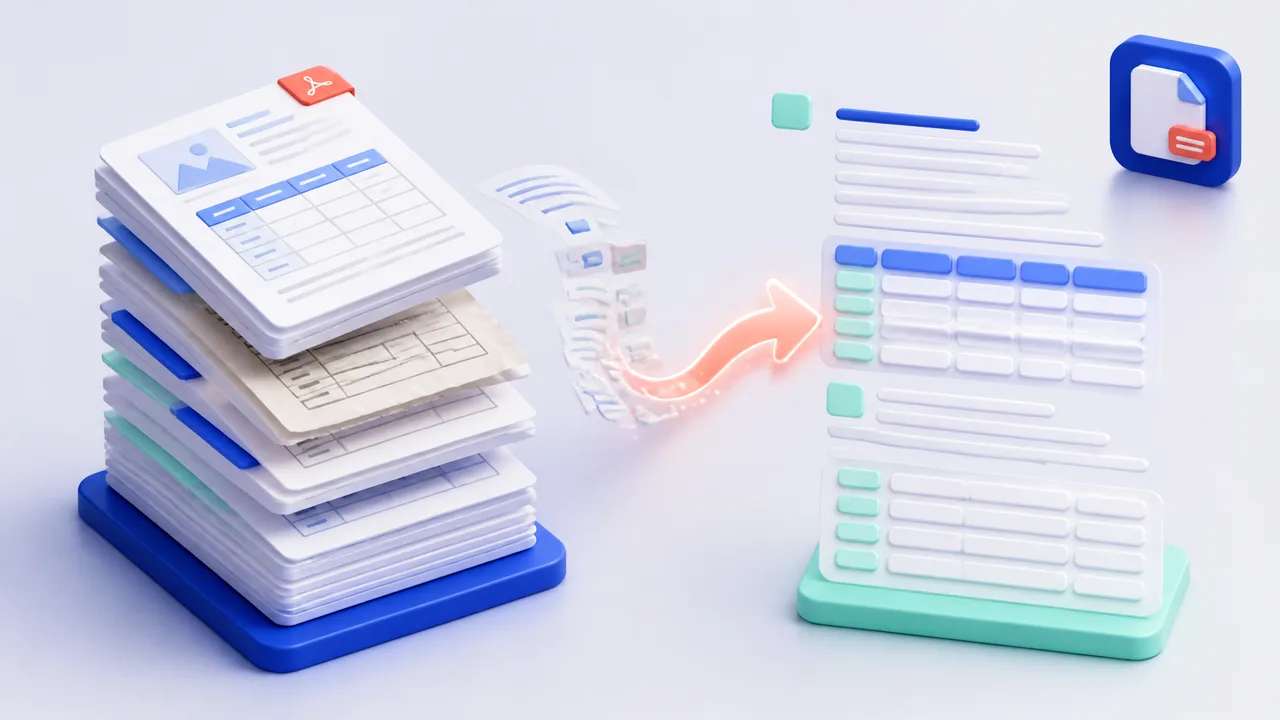
Copying text out of a PDF feels harmless until the fifth table. Columns merge, page numbers drift into the middle of sentences, and a figure that took two hours to reconcile arrives in the destination document with a stray digit. Teams that convert pdf to markdown every week stop treating this as a typing problem and start treating it as a pipeline problem. This guide explains where manual conversion breaks, what a good converter actually preserves, and how to run the job in batches with BankGPT AI Tools so the output is clean the first time.
Why Converting PDF to Markdown Matters in 2026 and Beyond
A PDF is a picture of a page. It was designed so a document would look identical on any printer, monitor, or phone, and that design goal is exactly why its contents resist reuse. Text is stored as positioned glyphs, not as paragraphs. A table is a set of lines drawn near numbers, not a grid with rows and columns. Nothing in the file says this line is a heading, this block is a list, or these four cells belong together.
Markdown inverts that trade-off. It stores meaning instead of appearance, which is why finance teams, documentation writers, and developers keep converting pdf to markdown as the first step of every downstream job.
Consider the kinds of files that arrive as PDFs in an ordinary small business week:
- A vendor statement of twelve pages with a running balance column.
- A signed lease, contract, or service agreement that must live in a knowledge base with a clean revision history.
- A compliance report exported from an accounting system, where the numbers matter more than the font.
- A product spec or technical datasheet that will feed a retrieval pipeline or a support assistant.
Each one needs the same three things: headings that survive, tables that stay aligned, and text that stays searchable. Copy and paste delivers none of them reliably, and fixing the damage usually takes longer than the original extraction. When a team can convert pdf to markdown quickly and correctly, the document stops being a dead end and becomes data that other systems can read.
Where Manual Conversion Breaks Down
Most teams start with copy and paste, then move to an online converter, then give up and retype. The pattern repeats because each step solves one problem and exposes another.
- Multi-column layouts. Text flows across columns in a way that paste flattens into a single run, so reading order in the output no longer matches the page.
- Line breaks baked into sentences. Every wrapped line becomes a hard break, and every paragraph becomes a block of broken fragments that must be rejoined by hand.
- Tables that collapse. Column alignment is the first thing to disappear, which is fatal for a statement, a price list, or a schedule of payments.
- Scanned pages. If the PDF is a scan rather than a digital export, there is no text to copy at all, and optical recognition becomes a requirement rather than an option.
- Headers and footers bleeding into content. Page numbers, document titles, and confidentiality stamps repeat on every page and flood the output with noise that later has to be stripped.
One invoice is a nuisance. Four hundred invoices across a month is a staffing problem, and that is where a proper converter earns its place. The same friction appears upstream of the conversion job as well, for example when the source document is generated inconsistently in the first place, which is a familiar issue with any invoice template that different departments edit in different ways.
What Accurate PDF to Markdown Conversion Actually Preserves
A converter can be judged by a short list of properties, and every one of them matters if the output feeds reporting, compliance, or an AI system.
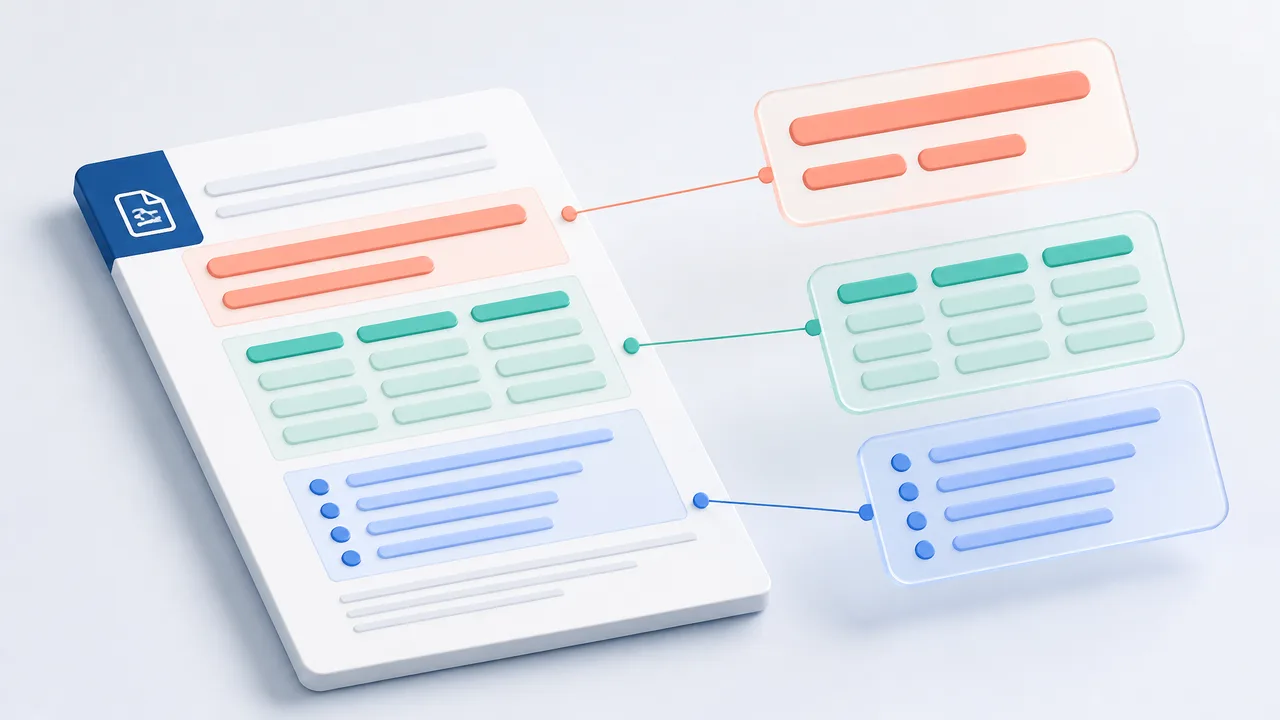
- Heading hierarchy. A document that loses its heading levels looks flat in Markdown and useless in a table of contents. Structure is what makes long documents navigable.
- Faithful tables. Rows, columns, and totals must land in a structure that a spreadsheet or a parser can read without realignment.
- Reading order. For two-column reports and slide exports, the text must leave the page in the order a human would read it, not the order in which objects were painted.
- Character accuracy. Amounts, dates, contract references, and identifiers carry the meaning, and a single swapped digit can invalidate a reconciliation.
- Repeatable output. Running the same source twice should produce the same Markdown, which matters for version control and for anything that diffs revisions.
Free converters usually handle the easy case well and fall apart on the hard ones. The gap is not about the file format. It is about whether the tool models the page or merely guesses at it.
How to Use BankGPT to Convert PDF to Markdown: A Step-by-Step Guide
The practical workflow below works for a single document and for a month of transactions. Start with one file, check the output against the source, and only then widen the batch.
Getting Started with BankGPT PDF Conversion
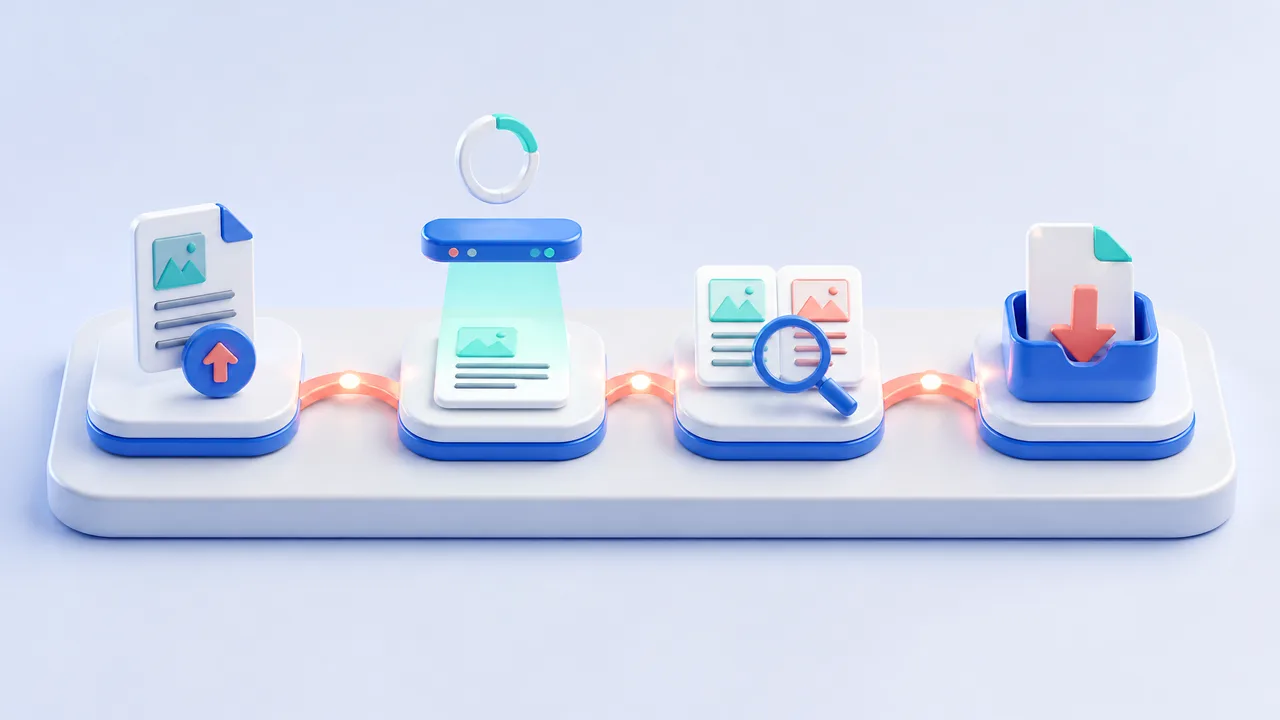
- Open the converter. Go to the PDF to Markdown converter and start a new conversion. No desktop install is needed.
- Drop documents or a single ZIP archive. The uploader accepts up to twenty files at twenty megabytes each, or one ZIP archive of up to fifty megabytes. Supported inputs cover pdf, doc, docx, xls, xlsx, csv, txt, png, jpg, jpeg, and webp, so a mixed folder can be submitted in one pass.
- Let the batch run. Wait for processing to finish, then open the result view. Every file keeps its own output, which makes it easy to spot a damaged page before the batch moves on.
- Inspect the original and the result side by side. The preview and query view shows the source page next to the generated Markdown, so a figure can be checked in place instead of across two applications.
- Export in the format the next step needs. Download Markdown for a documentation repository or AI pipeline, or pick another format when the destination is a spreadsheet or a review process.
- Keep the output in asset management. Processed assets stay available for future merging, re-review, and re-download, which means a weekly report does not need to be rebuilt from scratch every Friday.
Best Practices for Accurate PDF to Markdown Results
- Give files meaningful names before upload. A date, a vendor, and a document type in the filename turn a folder of outputs into a searchable archive later.
- Batch by month or by vendor, not by accident. Consistent batches are easier to merge, compare, and archive than a mixture of unrelated files.
- Spot-check the risky pages first. Tables with merged headers, scans at low resolution, and pages with stamps are where errors concentrate, so review them before trusting a long batch.
- Keep one source of truth. Store the original PDF and its Markdown output together so a reviewer can always return to the source page.
- Rebuild from the source, not from the Markdown. If a source document changes, convert it again rather than editing the old output, which keeps the two versions from diverging quietly.
Batch Conversion, Merging, and Format Flexibility
Real document work rarely stops at one file. Monthly statement packets, supplier invoice sets, and multi-chapter reports all arrive as groups, and a converter that only handles one file at a time quietly adds hours back into the week. BankGPT is built around that reality:
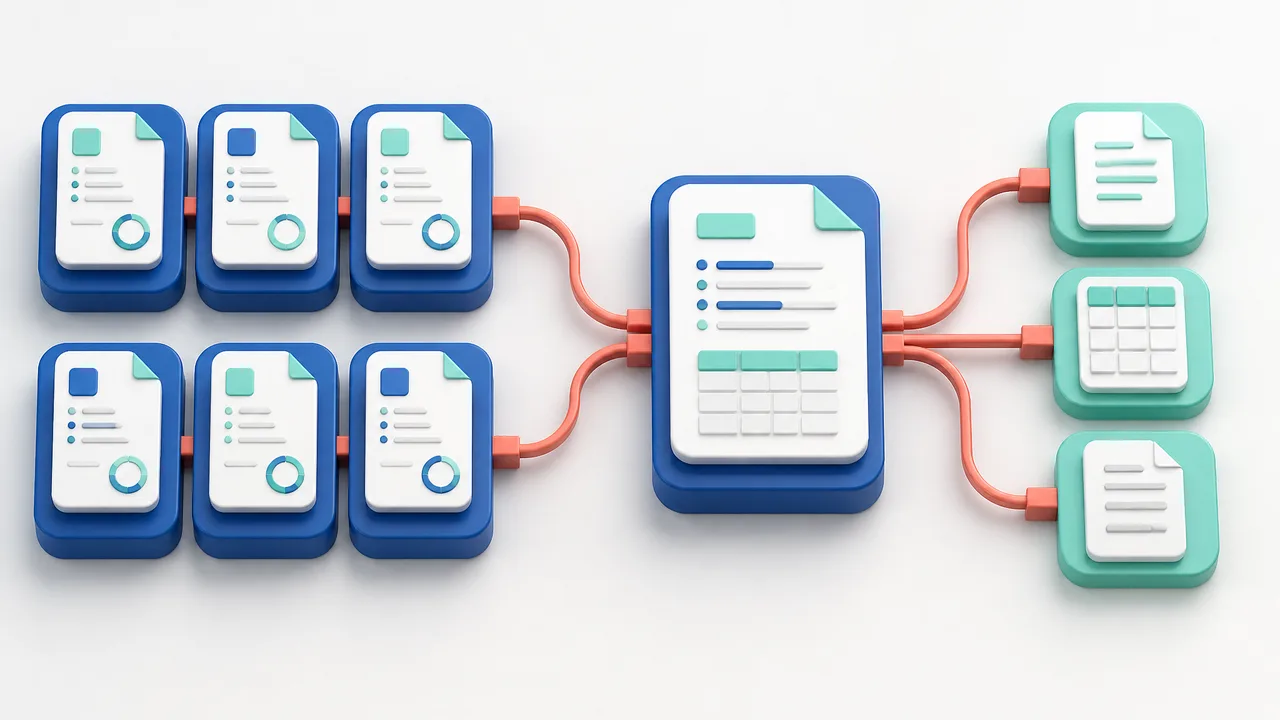
- Batch and continuous merging. Convert a group of documents in one run, or keep adding new batches as files arrive, then merge the results online so the final Markdown reads as one document.
- Online Excel view. Structured rows can be inspected in a spreadsheet-style view before they leave the tool, which is the fastest way to confirm that a table survived conversion.
- Multi-format input and output. Because the engine handles documents and images together and offers multi-format downloads, the same batch can feed a repository, a reporting process, and an AI pipeline without a second upload.
- Reported accuracy of 99.99 percent. For statements, invoices, and structured reports, that level of accuracy is the difference between reviewing a batch and retyping it.
- Full asset management. Every processed asset can be managed, merged, and downloaded again later, which is what turns conversion into a reusable workflow rather than a series of one-off jobs.
This flexibility composes well with the rest of the toolkit. Markdown from contracts and reports often sits alongside numbers pulled from statements with the AI bank statement converter, and the two sources can then be reviewed in the same workspace instead of two disconnected tools.
Frequently Asked Questions
What does it mean to convert pdf to markdown?
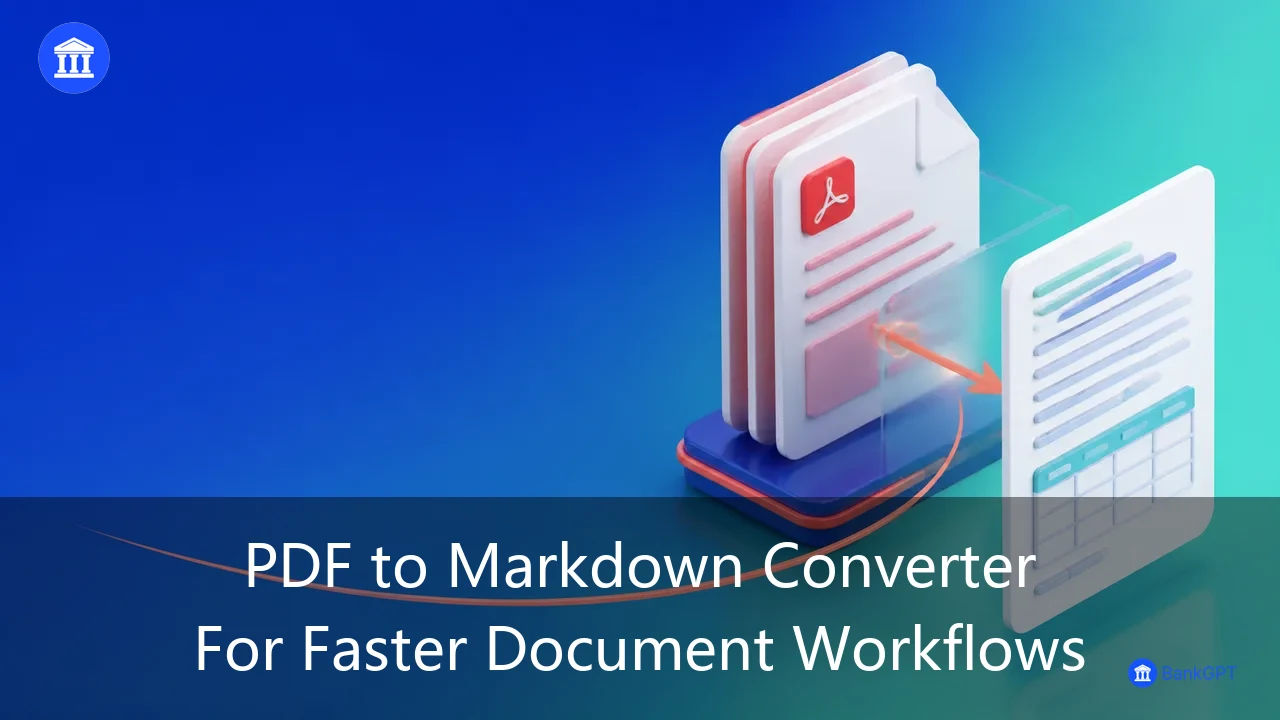
Converting pdf to markdown means turning a fixed-layout page into plain text with lightweight structure markers, so headings, lists, and tables are represented as meaning rather than as positions on a page. The result is small, portable, readable in any editor, and easy for scripts and AI systems to process.
Why convert pdf to markdown instead of Word or plain text?
Markdown keeps structure without carrying formatting baggage. Plain text loses headings and tables, while Word files are heavier, harder to diff, and awkward to feed into pipelines. Markdown sits in the middle: structured enough for documents and simple enough for version control.
Does BankGPT convert pdf to markdown for scanned documents too?
Yes. The uploader accepts images such as png, jpg, jpeg, and webp alongside PDFs, so scanned pages and photographed documents can be processed in the same batch. Using a clean scan at reading resolution gives noticeably better results than a skewed phone photo.
How large a batch can I convert at once?
A single run accepts up to twenty files of twenty megabytes each, or one ZIP archive of up to fifty megabytes. Continuous batch merging lets additional rounds be added to an existing set, which suits recurring monthly or weekly packets.
Can I check the output before downloading it?
Yes. Real-time result viewing plus the online preview and query view for both the original document and the generated output make it possible to verify figures and structure in place. Tables can also be inspected in the online Excel view before export.
Start Converting Smarter Today
Every hour spent repairing a pasted table is an hour not spent on the analysis that table was supposed to support. Teams that convert pdf to markdown routinely come to the same conclusion: the work is worth automating, and the automation is only worth it when the structure is preserved.
Open the PDF to Markdown converter, drop one real document, and compare the output against the source page. Then scale up to a batch, merge the results, and let the archive accumulate. Explore the rest of the document and finance tools in BankGPT AI Tools when the next workflow needs the same treatment.
With a repeatable workflow in place, an entire archive can convert pdf to markdown faster than a single document used to take.