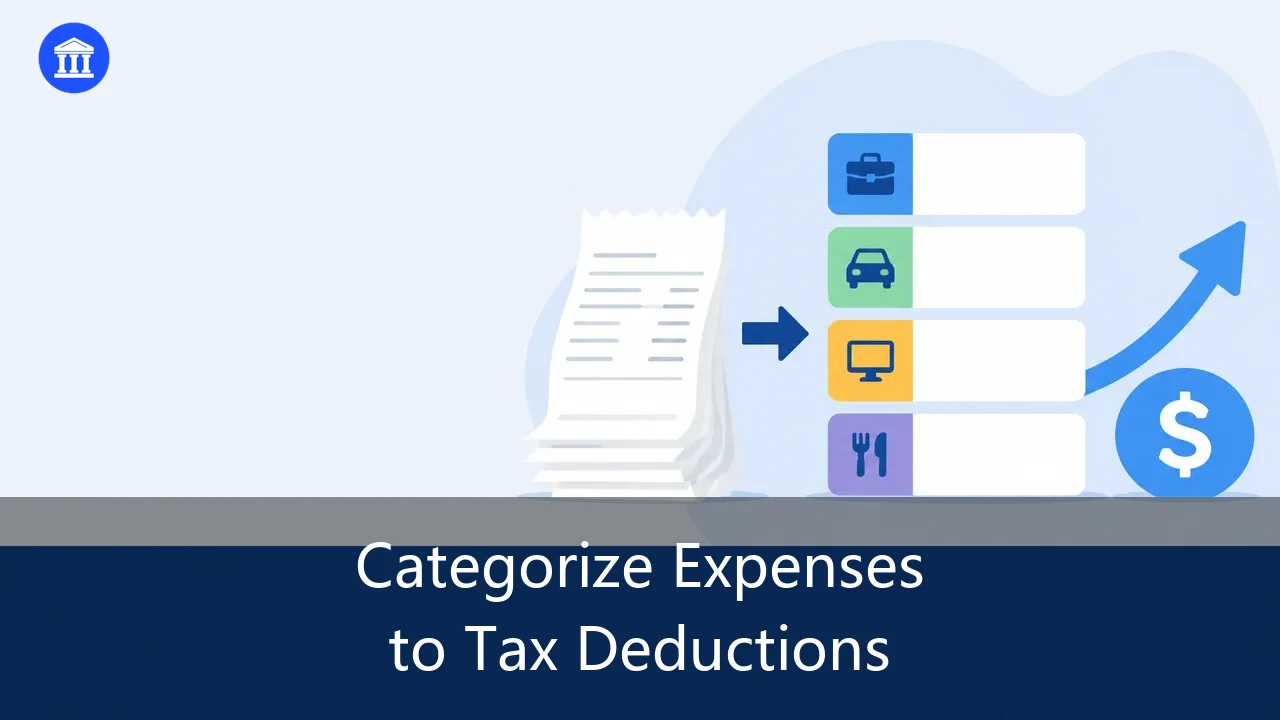
Every spring, thousands of small business owners and freelancers sit down to file taxes and discover the same unwelcome surprise: a shoebox of crumpled receipts, a folder of half-forgotten PDFs, and no clear idea of which purchases actually count as deductions. The cost isn't just the time spent digging. It's the deductions left on the table because expenses were never sorted into the right buckets. Learning how to categorize business expenses for tax deductions is the single highest-leverage habit you can build for a smaller tax bill and a calmer audit season.
This guide walks through why categorization drives deductions, the IRS categories worth knowing, the manual-vs-AI tradeoff, and a step-by-step workflow that turns raw receipts into a clean, tax-ready spreadsheet in minutes.

Why Correct Categorization Unlocks More Tax Deductions
Categorization is not busywork. It is the mechanism that converts a stack of purchases into money the IRS lets you subtract from your taxable income. Three reasons it matters:
- Deductions depend on the right label. A $400 software subscription is fully deductible as a business expense only if it lands in the correct category (software/subscriptions), not buried under "miscellaneous." Mislabeled or unlabeled spending is spending you can't prove.
- Audit safety comes from consistency. Auditors look for patterns. When your categories are stable and defensible (meals at 50%, travel separated from entertainment, home office tracked), your return looks professional rather than improvised.
- Year-round calm beats year-end panic. Categorizing as you go means April is a quick export, not a forensic archaeology project through twelve months of bank alerts.
When you categorize business expenses for tax deductions consistently, you stop guessing and start documenting. That shift alone recovers deductions most businesses lose.
The 12 Most Common Business Expense Categories the IRS Allows
If you want the practical business expense categories list IRS examiners expect, start here. These are the categories small businesses use most, with the deduction rules that trip people up:
- Office supplies & materials — pens, paper, printer ink, shipping. Fully deductible.
- Software & subscriptions — SaaS tools, domain names, cloud storage. Fully deductible as ordinary business use.
- Rent & utilities — workspace rent, electricity, internet for the business. Fully deductible.
- Home office — a portion of rent/mortgage, utilities, and insurance if you use a space exclusively and regularly for business. Calculated by square footage or actual expense method.
- Travel — flights, hotels, local transit for business trips. Fully deductible; meals on the trip follow the meals rule.
- Meals & entertainment — generally 50% deductible for business meals; entertainment is largely non-deductible post-2018, so keep these separate.
- Vehicle & mileage — actual expenses or the standard mileage rate for business miles. Log mileage; commuting does not count.
- Marketing & advertising — website, ads, business cards, sponsorships. Fully deductible.
- Professional fees — accountants, lawyers, bookkeepers, consultants. Fully deductible.
- Insurance — liability, professional, business property. Fully deductible.
- Training & education — courses and certifications that maintain or improve your trade. Fully deductible.
- Bank & payment fees — processing fees, account fees tied to the business. Fully deductible.
A clean category list is the backbone of every deduction claim. The next step is getting your actual receipts sorted into these buckets without losing a weekend.
Manual Sorting vs AI Auto-Categorization
The old way is a spreadsheet, a highlighter, and an afternoon. The AI way is an upload. Here is the honest comparison:

| Factor | Manual sorting | AI auto-categorization |
|---|---|---|
| Time per 100 receipts | 2–4 hours | Minutes |
| Accuracy | Human error, transposed digits | High, trained on financial documents |
| Batch size | Painful past a few dozen | Thousands at once |
| Deduction capture | Easy to miss small items | Surfaces every line item |
| Audit trail | Scattered files | Searchable, exported records |
The gap widens as volume grows. A freelancer with 30 receipts a month feels manual pain; a firm processing thousands feels it as a payroll line item. AI categorization is not about replacing judgment — it is about removing the typing so your judgment goes to the exceptions.
How to Categorize Business Expenses for Tax Deductions (Step-by-Step)
Here is the workflow we recommend, built around BankGPT's Receipt Scanner.
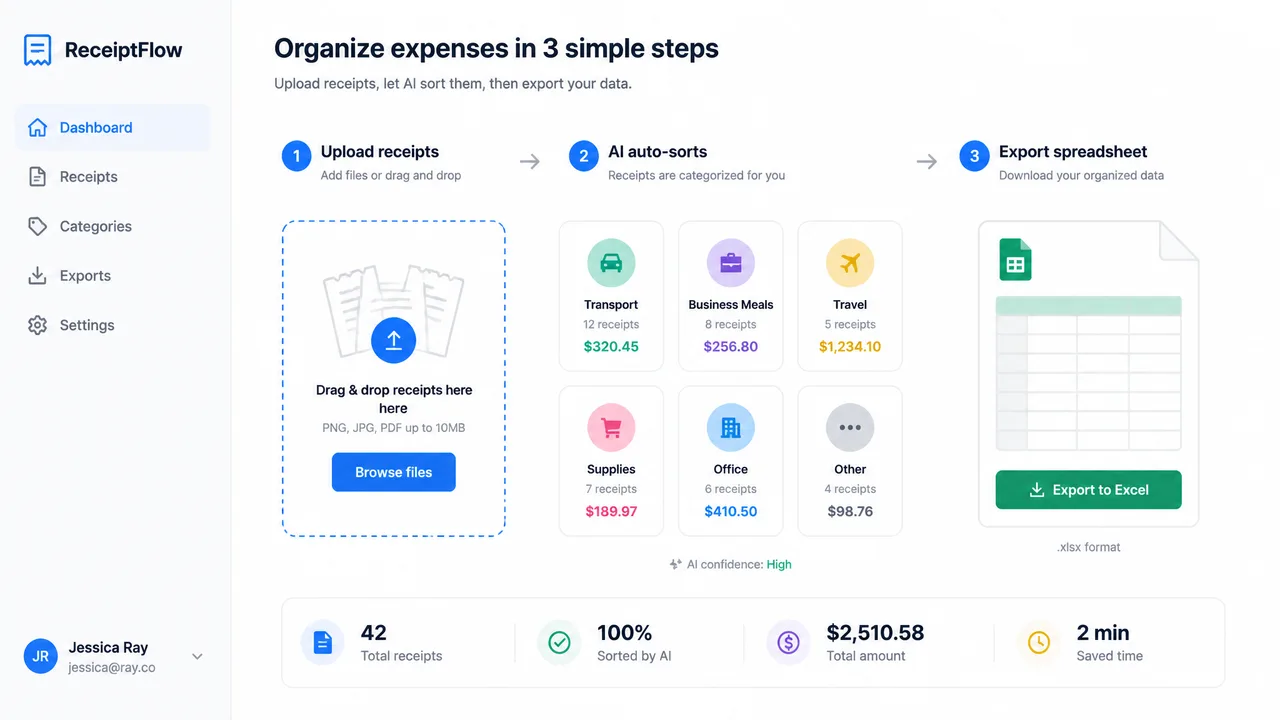
Step 1 — Gather every receipt (organize receipts for taxes)
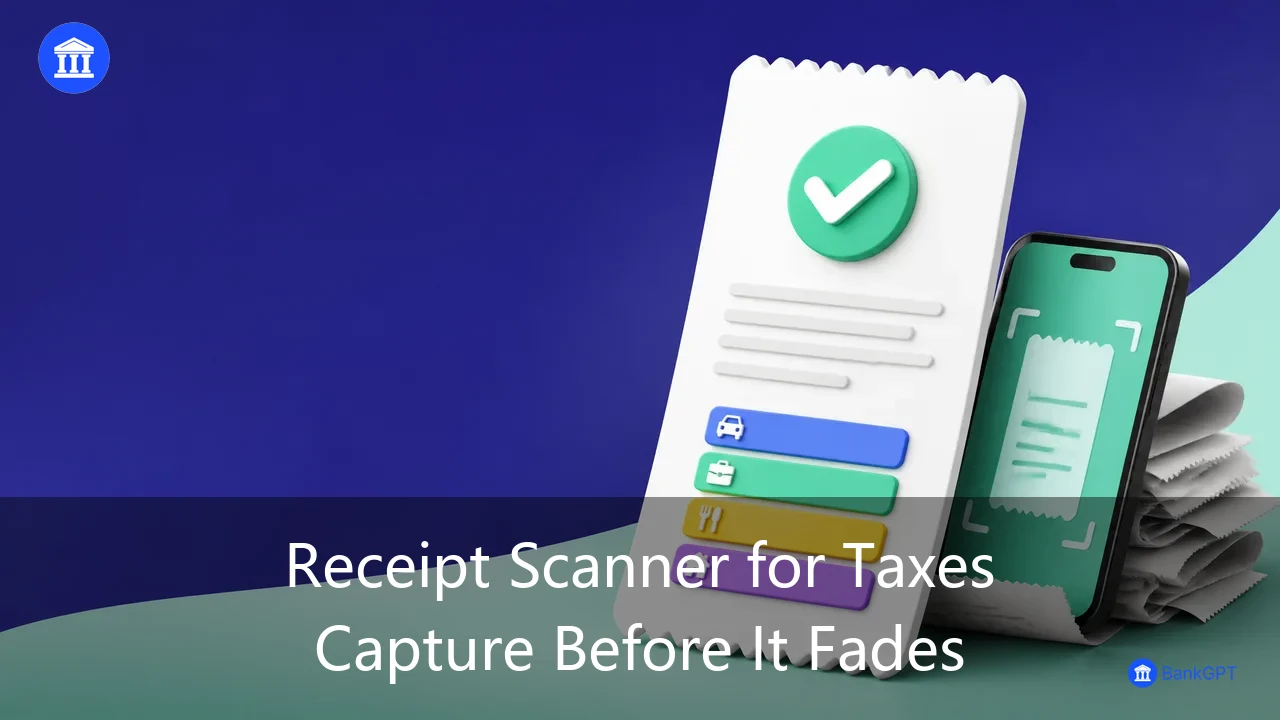
Collect from all sources: paper receipts, email PDFs, bank and card statements, and mobile wallet records. The goal is one inbox, not a perfect one. Digital capture now beats physical hoarding, because faded thermal paper becomes unreadable in weeks.
Step 2 — Upload to BankGPT Receipt Scanner
Open the Receipt Scanner and drop in your files. The tool automatically extracts the merchant, date, amount, and payment method from each receipt, then assigns a category using IRS-aligned logic. This is where you categorize receipts for tax deduction work in bulk instead of by hand. If you also handle invoices, pair it with the invoice data extraction flow so payables and expenses live in one system.
Step 3 — Review the AI-assigned categories
AI gets the obvious ones right and flags the ambiguous ones. Scan the suggestions, fix anything mislabeled (a client lunch under travel, a software charge under supplies), and move on. Your review minutes replace someone else's data-entry hours.
Step 4 — Export a categorized spreadsheet (business expense spreadsheet by category)
Download the results as a business expense spreadsheet by category — CSV or Excel, pre-grouped by category with totals. This is the artifact your accountant wants: every deduction in its bucket, ready to drop into tax software. For bank-side activity, the bank statement to Excel converter fills the same role for transactions.
Step 5 — Hand off to your accountant or tax software
Import the spreadsheet into QuickBooks, Xero, or your preparer's system. Because categories already match common tax lines, mapping is a confirmation, not a reconstruction.
Small Business Expense Categories: Tips to Maximize Deductions
The small business expense categories that quietly save owners the most money are the ones people forget to track — and they matter most when you categorize business expenses for tax deductions accurately:
- Home office. Even a corner counts if it is exclusive and regular. Use the simplified method (a flat rate per square foot) or the actual method if it pays more.
- Vehicle. Track business miles the day you drive them. The standard mileage rate beats guessing later.
- Meals at 50%. Business meals are deductible at half — keep them labeled as meals, never "entertainment," or you lose the 50%.
- Startup costs. Up to a set amount of pre-opening expenses can be deducted in year one, with the rest amortized. New businesses leave this on the table constantly.
- Subscriptions. That $12/month tool is $144 a year of deductible software — but only if it is categorized, not lost in a personal card.
The pattern is consistent: the deductions you capture are the ones you categorized when they happened.
Mistakes That Cost You Deductions or Trigger Audits
- Mixing personal and business. A business card used for groceries creates a gray area auditors love. Separate accounts make categorization honest and easy.
- Wrong category, not missing receipt. A real expense in the wrong bucket can be disallowed even when documented. Categories matter as much as proof.
- Dropping small amounts. Twenty $9 charges sum to real money. AI catches them; manual triage does not.
- No backup. Deductions need underlying records. A categorized, exported spreadsheet is your backup — keep it.
- Guessing mileage and meals. Estimate both and you invite adjustment. Log both and you invite confidence.
Who Benefits Most

- Freelancers and sole proprietors who wear the bookkeeper hat part-time and cannot afford to miss deductions.
- Small business owners juggling dozens of monthly expenses without a finance team.
- Accounting firms categorizing receipts across many clients — the batch feature turns days into minutes.
If any of these describe you, a repeatable categorization habit is worth more than any single tax tip.
FAQ
Can I deduct an expense if I lost the receipt? The IRS requires records. A categorized bank or card statement can substantiate some items, but the cleanest path is capturing the receipt digitally the moment you get it.
Do categories have to match IRS exactly? They should map to recognizable tax lines. You don't need IRS's exact wording, but consistent, defensible buckets that a preparer can map in seconds.
Is categorizing expenses worth it for very small businesses? Yes — small businesses lose the highest share of deductions to poor tracking because they skip the system entirely. A few minutes a week outperforms a panic at year-end.
Can categorized data go straight to my accounting software? Yes. Export CSV/Excel and import into QuickBooks, Xero, or hand it to your preparer. The categories align with standard tax lines.
Conclusion
Knowing how to categorize business expenses for tax deductions is the difference between hoping you captured everything and knowing you did. Gather your receipts, let the Receipt Scanner sort them into IRS-aligned categories, export a clean spreadsheet, and walk into tax season with every deduction accounted for. Pair it with the bank statement to Excel converter to cover transactions too, and your books become audit-proof by default.
Start categorizing today — your future April self will thank you.