Receipt OCR Software: Turn Receipts into Searchable Financial Data
Paper receipts, emailed receipts, and mobile screenshots are still a major source of friction for finance teams. They fade, get lost, arrive in inconsistent formats, and often require employees or accountants to manually enter merchant names, dates, totals, taxes, and expense categories.
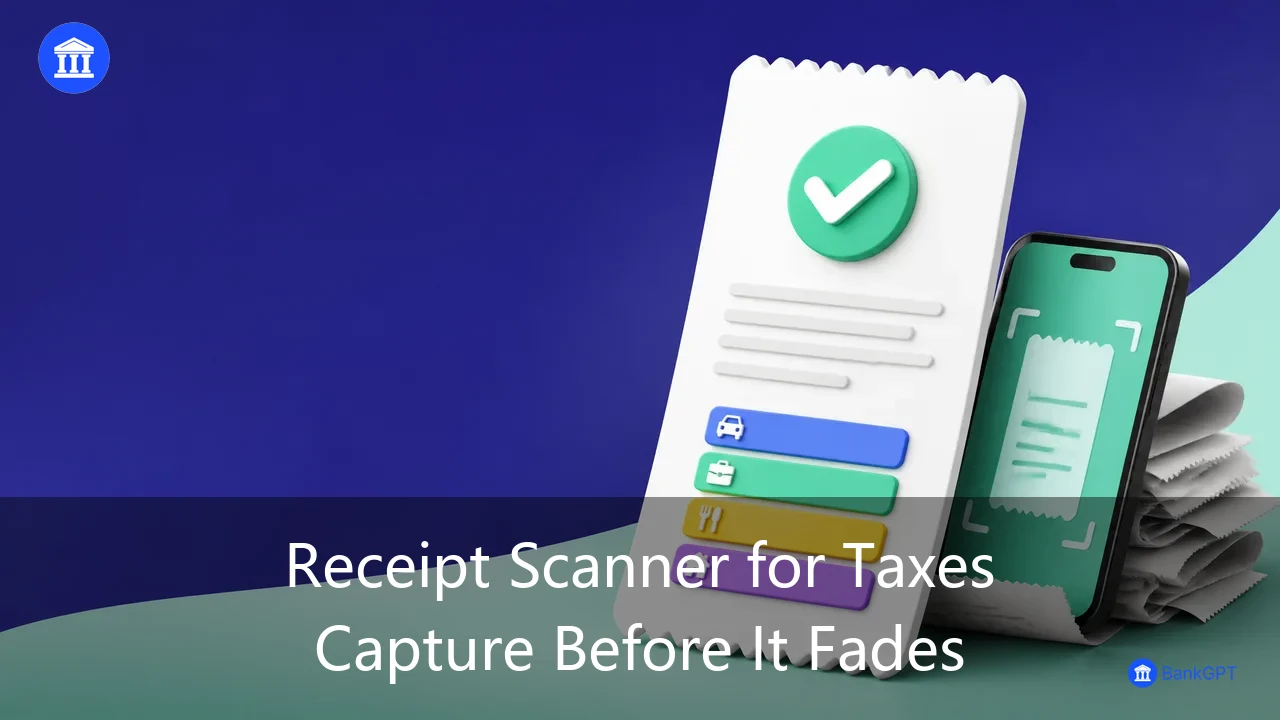
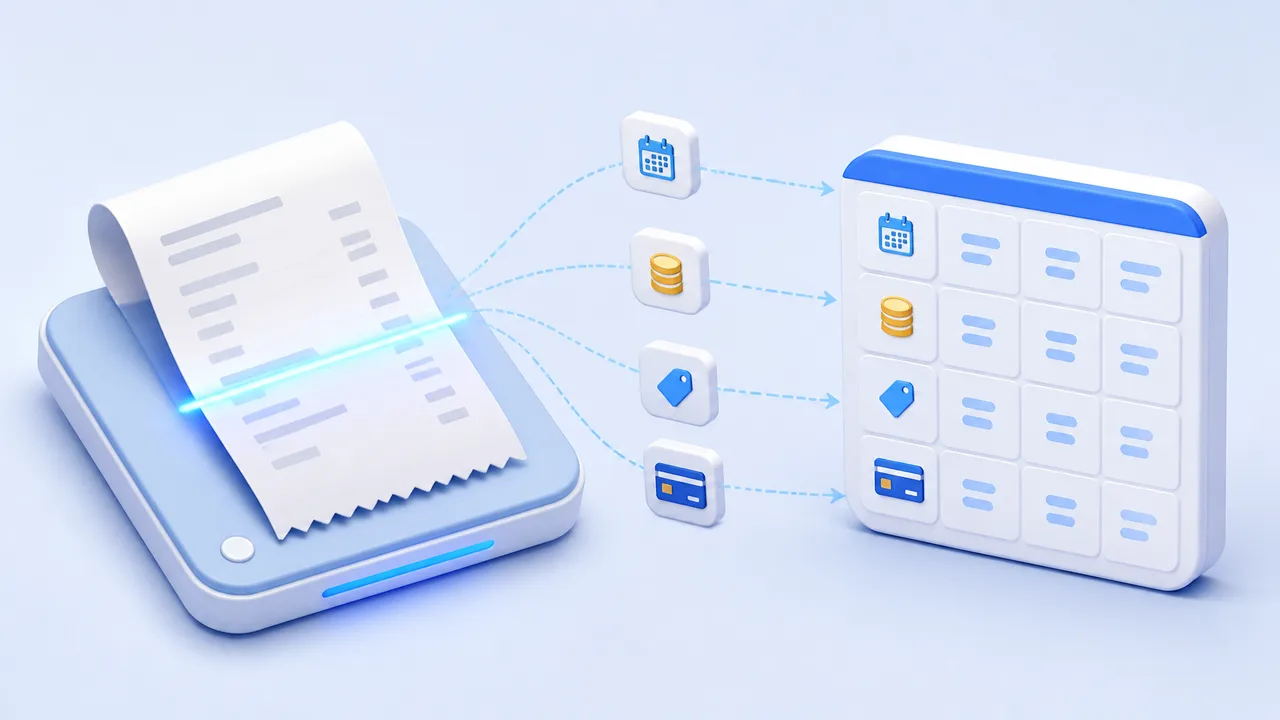
That is where receipt OCR software becomes valuable. Receipt OCR software uses optical character recognition, image enhancement, AI-based document understanding, and data extraction to convert receipt images into searchable, structured financial records. Instead of repeatedly typing information from restaurant bills, taxi receipts, hotel invoices, and purchase slips, teams can capture the data and move it into expense, accounting, reconciliation, or reporting workflows.
If you need a practical way to digitize receipt information, AI Receipt Scanner can help transform receipt images into organized data for downstream financial processes.
What Is Receipt OCR Software?
Receipt OCR software is a tool that reads receipt images, scanned documents, and PDF files, then extracts relevant transaction information into usable fields. A user typically uploads or scans a receipt, and the system detects the text and organizes it into a structured record.
A capable receipt OCR software solution may extract:
- Merchant or supplier name
- Purchase date and time
- Total amount and subtotal
- Tax amount, VAT, GST, or sales tax
- Currency and payment method
- Receipt number, order number, or transaction reference
- Itemized products, quantities, and prices
- Discounts, tips, service charges, and refunds
- Expense category, such as meals, travel, accommodation, or office supplies
Basic OCR technology can recognize characters on an image. However, modern receipt OCR software goes beyond text recognition. It needs to understand the layout and meaning of the receipt.
For example, a restaurant receipt may contain several numbers: subtotal, tax, tip, discount, and final total. Effective receipt OCR software should identify which amount represents the final payment amount and which one represents tax or a discount. This distinction is critical for expense reporting, bookkeeping, reconciliation, and tax documentation.
Common Receipt Data Processing Scenarios
Digitizing receipts is not simply about saving photos in a folder. The real value of receipt OCR software is its ability to turn unstructured proof of purchase into data that can be searched, reviewed, categorized, and analyzed.
Employee Expense Reimbursement
Business travelers and field employees often generate a large number of small expenses: meals, taxis, parking, hotels, office supplies, client entertainment, and transportation. When employees manually prepare expense reports, they may need to enter the date, amount, merchant, currency, and business purpose for every receipt.
Receipt OCR software reduces this repetitive work by extracting key data automatically. Employees can upload a receipt image, review the prefilled details, and submit it as part of an expense claim. Finance teams can then focus on policy compliance and exceptions rather than basic data entry.
For example, a sales representative may submit 30 receipts after a business trip. Without receipt OCR software, both the employee and the finance team may spend significant time typing and verifying every transaction. With automated extraction, the system can create draft expense records from the receipt images, allowing the employee to confirm categories and project codes before submitting the claim.
Purchase Tracking and Supplier Reconciliation
Small businesses, agencies, ecommerce sellers, and professional service firms often make frequent purchases from different vendors. Advertising spend, shipping costs, subscriptions, office supplies, inventory purchases, and local procurement can all create receipt records.
Receipt OCR software can capture supplier information, purchase amounts, tax values, and transaction dates, making it easier to compare receipt data with bank transactions, purchase orders, and accounting records.
This helps businesses identify issues such as:
- A payment that has no supporting receipt
- A receipt amount that does not match the payment amount
- Duplicate receipt submissions
- Missing tax information
- Incorrect supplier names or expense categories
- Unusual spending patterns by department or project
By creating a reliable receipt data layer, receipt OCR software helps businesses move from scattered proof-of-purchase files to a more controlled expense and procurement process.
Bookkeeping and Month-End Close
Month-end close is often stressful because receipts accumulate throughout the month but are not recorded until the last minute. Missing or disorganized receipts can delay bookkeeping, create unclear expense allocations, and make it harder to prepare financial statements.
Receipt OCR software allows businesses to capture and organize receipt data as transactions occur. Instead of searching through email attachments, chat messages, mobile photo albums, and shared folders, finance teams can retrieve records by merchant, date, amount, category, currency, or department.
This approach also reduces the workload spike at month-end. Rather than processing hundreds of documents at once, receipt OCR software supports a continuous workflow in which receipts are digitized and indexed as they arrive.
For businesses that want to start with automated receipt capture, AI Receipt Scanner provides a focused starting point for converting receipt images into structured information that can support bookkeeping and expense-management workflows.
Tax Records and Audit Readiness
Receipts are often essential supporting documents for VAT, GST, sales tax, business expense deductions, and audit reviews. If a company cannot locate or verify the original receipt for a claimed expense, it may face compliance issues or lose valuable time during an audit.
Receipt OCR software helps preserve both the original receipt image and its extracted data in one organized workflow. This makes it easier to search historical records and respond to requests for supporting documentation.
For internationally operating businesses, receipt OCR software can also reduce the complexity of handling receipts across countries, languages, currencies, and tax formats. A European receipt may display VAT details, a U.S. receipt may show sales tax, and receipts from other markets may use entirely different formats. Centralizing those documents as structured records improves consistency and supports more reliable reporting.
Why Businesses Need AI Receipt OCR Software
Traditional receipt storage only preserves the image. It does not make the information inside the image immediately usable. AI-powered receipt OCR software helps turn receipt content into data that can support financial operations.
Reduce Manual Entry and Errors
Manual receipt entry is repetitive and error-prone. Common mistakes include entering the wrong total, missing the tax amount, selecting an incorrect date, using inconsistent supplier names, or assigning the wrong expense category.
Receipt OCR software can automate the first stage of extraction, leaving users to review key fields and handle exceptions. This reduces administrative work while helping finance teams focus on budget control, approval decisions, compliance, and financial analysis.
Make Receipt Data Searchable
A folder full of receipt images is difficult to use. If a company needs to find all purchases from a particular supplier, all transport costs from a specific month, or every receipt related to one project, manual searching can take hours.
Receipt OCR software makes receipts easier to search and filter using structured fields such as:
- Merchant name
- Purchase date
- Total amount
- Expense type
- Currency
- Department
- Project or client
- Tax amount
This searchable data improves visibility and makes receipt records more useful for audits, budgeting, and supplier analysis.
Support Categorization and Policy Checks
Every business has its own expense rules. Some companies require a project code for client meals. Others set limits for travel, entertainment, or local transportation. Certain purchases may require an invoice, contract, or manager approval in addition to a receipt.
Receipt OCR software can support automatic categorization and exception detection. For example, it can help flag unusually large expenses, incomplete receipts, duplicate claims, missing dates, or transactions that fall outside common expense categories.
The system should not replace human approval, but it can help reviewers focus on the receipts that deserve closer attention.
Improve Financial Data Flow
The strongest receipt OCR software is not just an image-reading tool. It becomes part of a broader financial data workflow. After the receipt is scanned and key fields are extracted, the information can be reviewed, categorized, exported, or moved into accounting and expense-management processes.
For businesses that process a high volume of small transactions, this reduces duplicate data entry across multiple tools. A receipt can become the starting point for an expense record, bookkeeping entry, reconciliation task, or reporting dataset.
What to Look for in Receipt OCR Software

Not all OCR tools are built for financial documents. When evaluating receipt OCR software, it is important to consider more than text recognition accuracy.
| Evaluation Area | Why It Matters |
|---|---|
| Receipt recognition accuracy | Affects whether transaction dates, totals, merchants, and tax values can be trusted |
| Field extraction | The tool should identify totals, tax, currency, payment method, and receipt references |
| Image quality handling | Real receipts may be blurred, tilted, creased, shadowed, or poorly lit |
| Multi-language support | Important for international teams, travel expenses, and cross-border purchases |
| Multi-currency support | Useful when employees or suppliers transact in different currencies |
| Item-level extraction | Valuable when businesses need product, quantity, or line-item details |
| Categorization options | Helps organize receipts into meals, travel, lodging, office supplies, and other expense types |
| Export and integration | Determines whether receipt data can move into accounting, ERP, reimbursement, or reporting workflows |
| Review and correction tools | OCR output should be easy to verify and edit before final approval |
| Data security and permissions | Receipts may contain payment details, supplier data, and employee information |
A practical evaluation method is to test receipt OCR software with a realistic batch of receipts. Include restaurant receipts, hotel bills, transportation receipts, international purchases, faded paper slips, tilted photos, and multi-line receipts. This gives a more accurate view of how the tool will perform in actual operating conditions.
How AI Receipt Scanner Supports Receipt Automation
For individuals and teams that want to begin digitizing receipts, AI Receipt Scanner offers a streamlined way to convert receipt images into usable information.
Instead of leaving receipts in a phone gallery, email inbox, or paper folder, users can bring them into a digital workflow where the information can be reviewed and organized.
Key practical benefits of using an AI receipt scanning workflow include:
- Turning receipt images into structured transaction records
- Reducing repetitive entry of dates, merchants, totals, and taxes
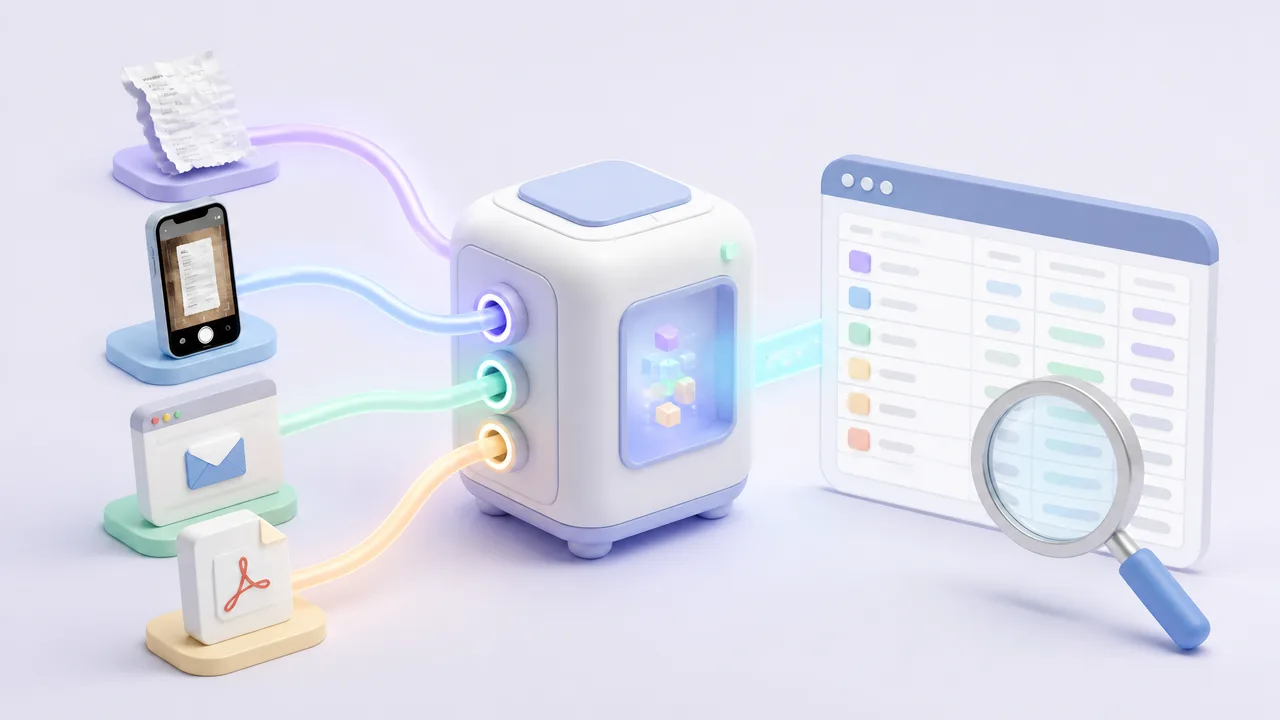
- Organizing receipts from different sources and formats
- Supporting expense categorization and reimbursement preparation
- Improving bookkeeping readiness and document retention
- Reducing the month-end backlog caused by unprocessed receipts
- Creating a better foundation for reconciliation and expense analysis
For freelancers, business owners, remote teams, ecommerce operators, consultants, and frequent travelers, receipt OCR software solves a simple but costly problem: receipts should not remain buried in photo libraries or scattered across communication tools. They should become searchable financial data.
BankGPT Advantages for Receipt Data Workflows
As financial operations become more automated, BankGPT provides a practical AI-oriented direction for working with transaction-related information and receipt data.
BankGPT's value for users working with receipt OCR software can be understood through several advantages:
- AI-assisted data processing: AI can help transform scattered transaction documents into more organized and usable information.
- Built for receipt and transaction workflows: The platform is relevant for users who need to handle receipts, spending records, and financial documents in a more efficient way.
- Lower administrative burden: Non-finance professionals often need to manage receipts, business purchases, and expense records. AI-based tools can reduce the amount of manual organization required.
- Scalable workflow foundation: Businesses can begin with receipt capture and expand toward expense tracking, document retention, reconciliation, and financial analysis.
- Practical accessibility: Financial automation should not be limited to large enterprises. Independent professionals, startups, and growing teams can also benefit from better receipt data management.
Frequently Asked Questions
What is receipt OCR software?
Receipt OCR software is a tool that uses optical character recognition and AI document understanding to read receipt images, PDFs, and scans, then extract fields such as merchant, date, total, tax, currency, and expense category into structured, searchable records.
How accurate is receipt OCR software?
Accuracy depends on image quality, receipt layout, and the underlying AI model. Modern receipt OCR software handles blurred, tilted, and creased receipts reasonably well, but a review step is still recommended before the extracted data enters accounting or reimbursement workflows.
Can receipt OCR software process receipts in multiple languages and currencies?
Yes, many receipt OCR software solutions support multi-language text recognition and multi-currency amounts, which is useful for international teams, cross-border purchases, and travel expenses that mix VAT, GST, and sales tax formats.
Does receipt OCR software replace accounting software?
No. Receipt OCR software captures and structures receipt data, while accounting and expense systems consume that data for bookkeeping, reconciliation, and reporting. The two work best together as part of one financial data workflow.
Final Thoughts
Receipt OCR software is no longer just a convenience tool for scanning paper slips. It is an important part of modern expense management, bookkeeping, financial reconciliation, tax documentation, and audit readiness.
By converting receipt images into structured, searchable records, receipt OCR software can reduce manual entry, minimize errors, improve expense visibility, and create a smoother flow of financial data across a business.
If you are ready to turn scattered receipts into organized financial records, try AI Receipt Scanner. To explore AI-powered tools for transaction and financial data workflows, visit BankGPT.